NewIntroducing Memo AI — Turn voice notes into structured insights→
10 Best ClickUp Alternatives for iOS to Consider in 2025
Discover the best ClickUp alternatives for iOS in 2025. Explore top tools for easier project management and note-taking. Try a new ClickUp alternative now!

Do you ever feel like you need a project management tool just to manage your project management tool?
If ClickUp’s endless features overwhelm you, you’re not alone.
Imagine trying to juggle tasks, meetings and deadlines while navigating a tool that’s more complex than your actual work. It’s frustrating, right?
Many users find themselves hunting for a ClickUp alternative that’s easier to use, especially for smaller teams or when you need seamless note-taking.
Small business owners, startups and even freelancers often face this dilemma. You need something simpler, but still powerful — without the hefty learning curve.
In this article, you’ll discover:
- The best ClickUp alternatives for 2025, compared by features and pricing.
- How people use tools like NotePlan and Trello in real-life scenarios.
- Tips to manage complex projects and help you find the perfect project management software for your workflow.
The best ClickUp alternatives at a glance
| App name | Key features | Best for | Pricing | Ratings |
|---|---|---|---|---|
NotePlan | Daily & weekly notes, time-blocking, AI-powered note-taking, customizable workspace | Small teams or individuals who need task management, note-taking, scheduling | $8.33/month (annual), Free 7-day trial | Capterra: 4.1/5 (1 review) Apple App Store: 4.8 out of 5 |
Trello | Boards, lists, custom views, automation, 100+ integrations | Small-medium teams that need simple, customizable project management | Free, Standard: $5/month, Premium: $10/month | G2: 4.4/5 (13614 reviews) Capterra: 4.5/5 (23240 reviews) |
Hive | Project templates, AI automation, Gantt charts, collaborative notes | Teams seeking customizable project management solutions with collaboration | Free, Teams: $12/month | G2: 4.6/5 (545 reviews) Capterra: 4.4/5 (205 reviews) |
Asana | Custom fields, multiple project views, AI automation, goals alignment | Large teams that need cross-department collaboration and task management | Free, Starter: $10.99/month, Advanced: $24.99/month | G2: 4.4/5 (10495 reviews) Capterra: 4.5/5 (13042 reviews) |
Notion | Custom workflows, project management, AI-powered tools, collaborative docs | Small teams that need flexible project management and document collaboration | Free, Plus: $10/month, Business: $15/month | G2: 4.7/5 (5794 reviews) Capterra: 4.7/5 (2317 reviews) |
Workzone | Gantt charts, custom workflows, advanced reporting, file sharing | Large teams in critical industries that need powerful project management | Team: $24/month, Professional: $34/month | G2: 4.2/5 (53 reviews) Capterra: 4.8/5 (213 reviews) |
Wrike | AI automation, custom dashboards, resource and project planning, proofing tools | Cross-functional teams in marketing, creative and project management | Free, Team: $10/month, Business: $24.80/month | G2: 4.2/5 (3726 reviews) Capterra: 4.3/5 (2705 reviews) |
Linear | Issue tracking, sprint cycles, visual roadmaps, collaborative tools | Software development teams that need fast, efficient issue-tracking | Free, Basic: $8/month, Business: $12/month | G2: 4.5/5 (37 reviews) |
Toggl | One-click time tracking, 100+ integrations, detailed reporting, mobile apps | Freelancers, small teams and large organizations that need time tracking | Free, Starter: $9/month, Premium: $18/month | G2: 4.6/5 (1571 reviews) Capterra: 4.7/5 (2376 reviews) |
Todoist | Smart quick add, recurring tasks, multiple views, collaboration features | Individuals and teams that need flexible task management across work and life | Free, Pro: $4/month, Business: $6/month | G2: 4.4/5 (799 reviews) Capterra: 4.6/5 (2480 reviews) |
NotePlan
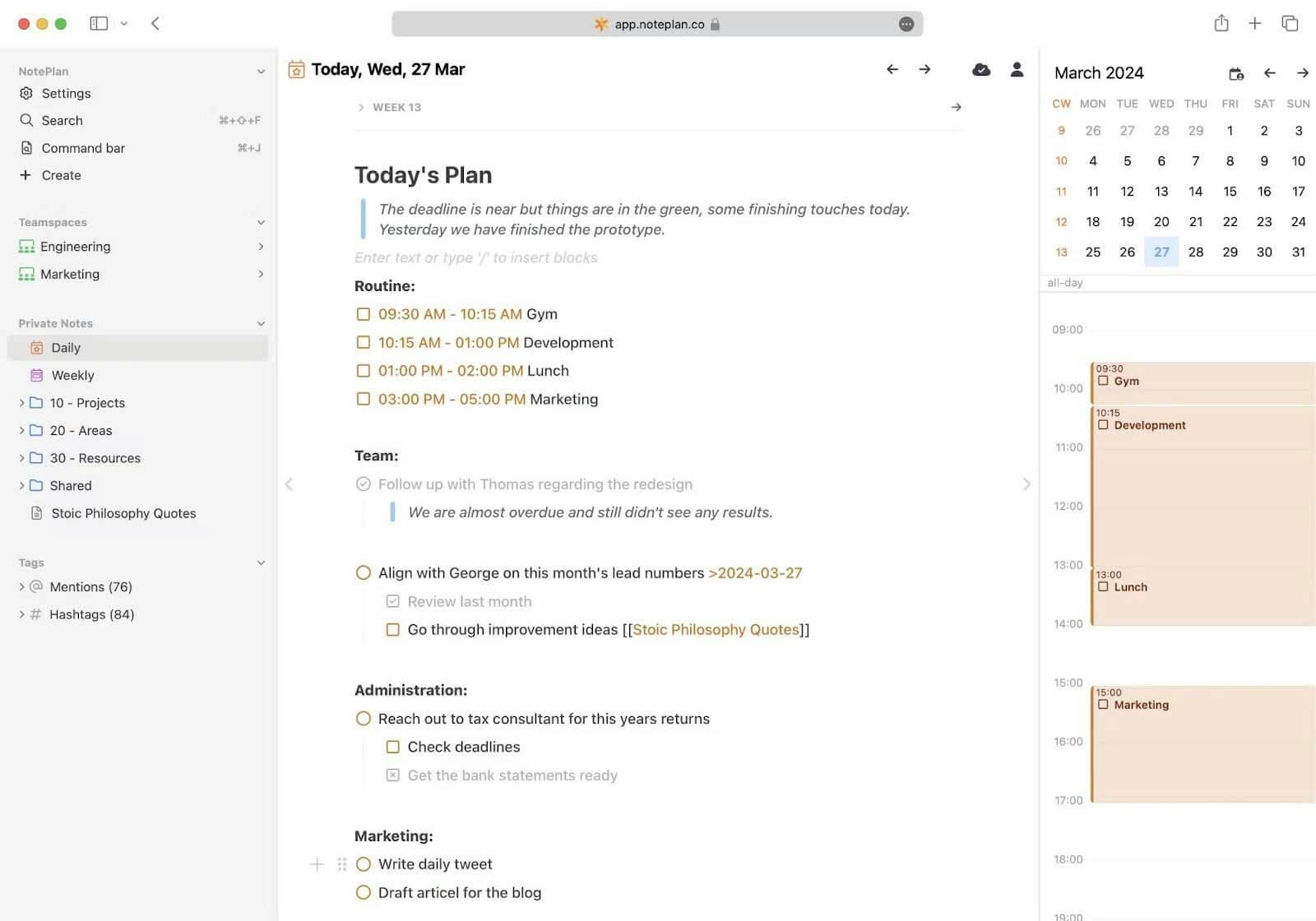
If you’re searching for a project management tool that’s lightweight yet packed with features, NotePlan might just be your answer. It seamlessly combines tasks, notes and calendar functions into one intuitive app.
With NotePlan, you can ditch the clutter of multiple tools and keep your work organized, accessible and in sync across all devices. Whether you’re a solo entrepreneur, part of a small team, or a creative professional, NotePlan’s minimal learning curve makes it easy to dive in and stay on top of everything.
Additionally, if you're into analog methods like journaling but need digital convenience, NotePlan doubles as a powerful bullet journal app. It allows you to track your tasks, thoughts and ideas all in one place without the usual tech overload. This balance makes it ideal for people who love structured, creative workflows.
NotePlan features
NotePlan stands out with its ability to turn ideas into actionable tasks within a single workspace. Here’s a glimpse of its top features:
- Daily & weekly notes: Stay organized by using daily notes to plan your day and weekly notes to reflect on project progress and set priorities.
- Timeblocking: Schedule tasks directly into your timeline or daily notes, giving you a clear focus on what needs to be done and when.
- Project notes: Organize long-term goals, tasks and deadlines within your project notes, making it easy to track progress over time.
- AI-powered note-taking: Dictate, draw and transcribe with AI assistance, transforming how you capture and organize ideas on the go.
- Backlinking & tags: Create deeper connections between ideas using tags, mentions and backlinks, ensuring nothing gets lost.
- Customizable workspace: Personalize fonts, colors and even automate tasks through plugins, making the app truly your own.
Best for
NotePlan is ideal for:
- Small teams or individuals who need a streamlined app for task management, note-taking and scheduling.
- Creative professionals, such as writers or designers, looking for flexible ways to organize projects and brainstorm ideas.
- People with disabilities or those who prefer multiple input methods (voice, sketching, etc.) to manage their workload.
If you’re wondering about planner apps that work well across devices, like iPads, learn how to pick the best planner app for iPad
Pricing
NotePlan offers flexible pricing options you can cancel anytime:
- Monthly: $12 per month
- Annual: $8.33 per month ($99.99 billed annually)
Try NotePlan free for 7 days before committing!
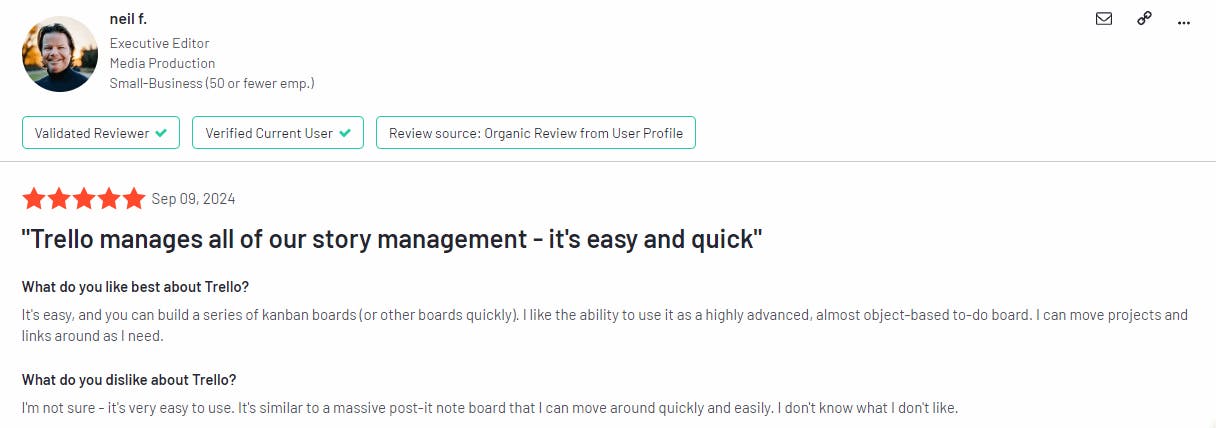
Trello
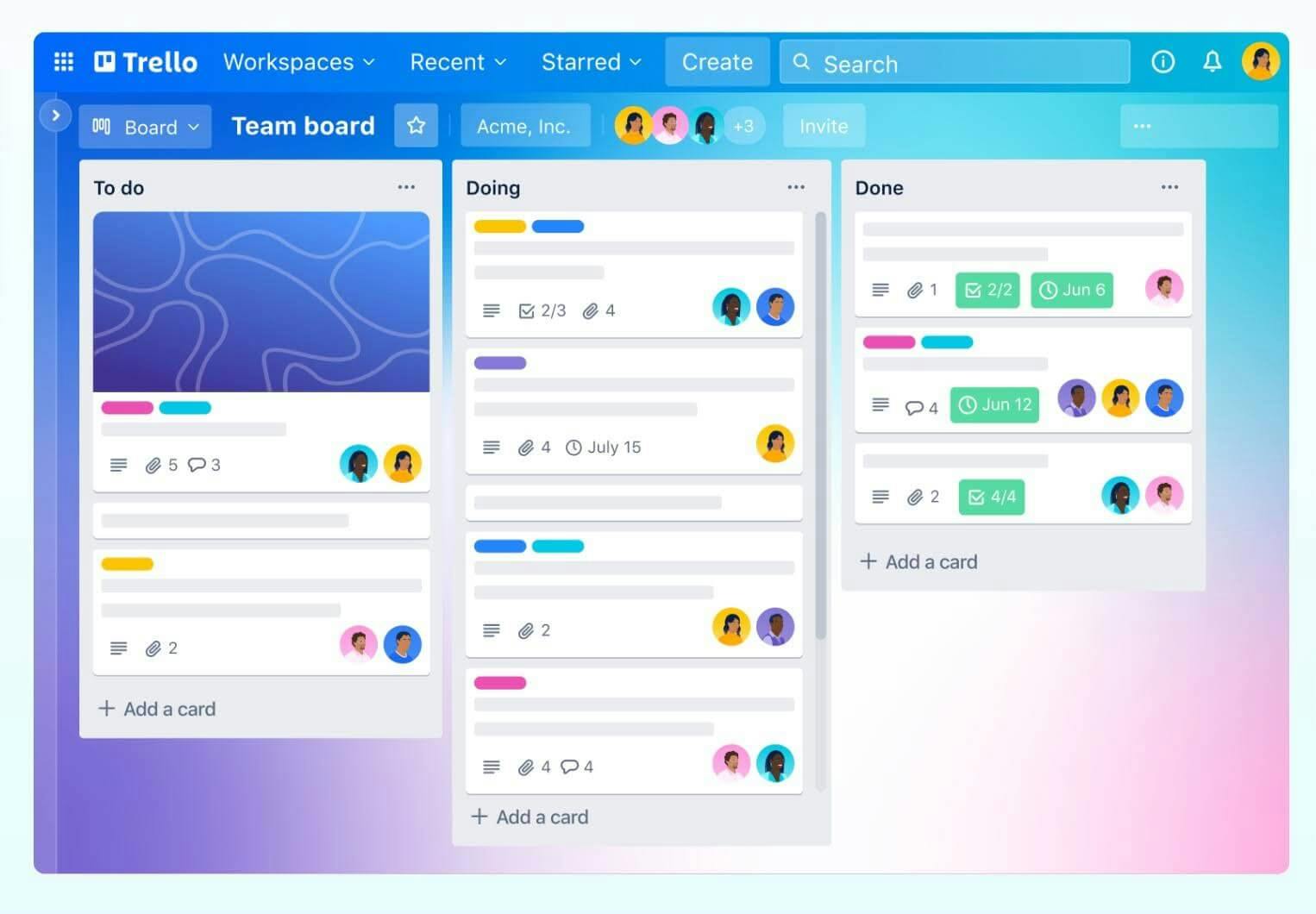
Image Source: g2.com
Trello has earned its reputation as a go-to project management tool for its simplicity and flexibility.
Using a system of boards, lists and cards, it allows users to organize tasks with ease. Trello caters to both personal projects and team collaborations, offering a clear visual representation of workflows. Its user-friendly design ensures that, no matter the project size, you can stay organized and on track without any complexity.
Trello features
Trello’s standout features include:
- Boards, lists and cards: Create boards for projects, lists for task stages and cards for individual tasks.
- Custom views: Switch between calendar, timeline and map views to see projects from every angle.
- No-code automation: Create rules and triggers easily to automate recurring tasks.
- Integrations: Connect apps like Slack, Google Drive and Jira for enhanced workflow.
Best for
- Small to medium-sized teams seeking a simple, customizable project management tool.
- Individuals managing personal projects or freelance work.
Pricing
- Free Forever Plan: $0 per user/month
- Standard: $5 per user/month
- Premium: $10 per user/month
- Enterprise: $17.50 per user/month
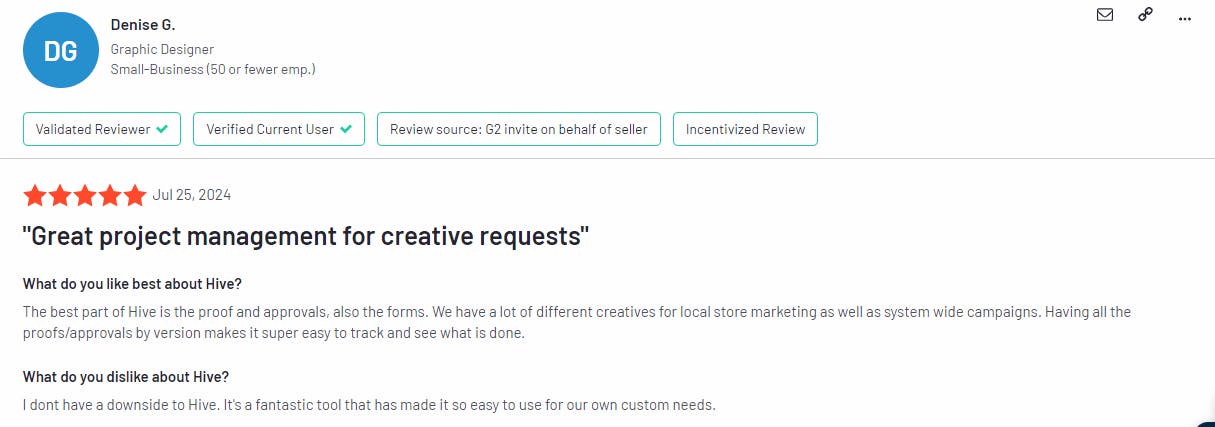
Hive
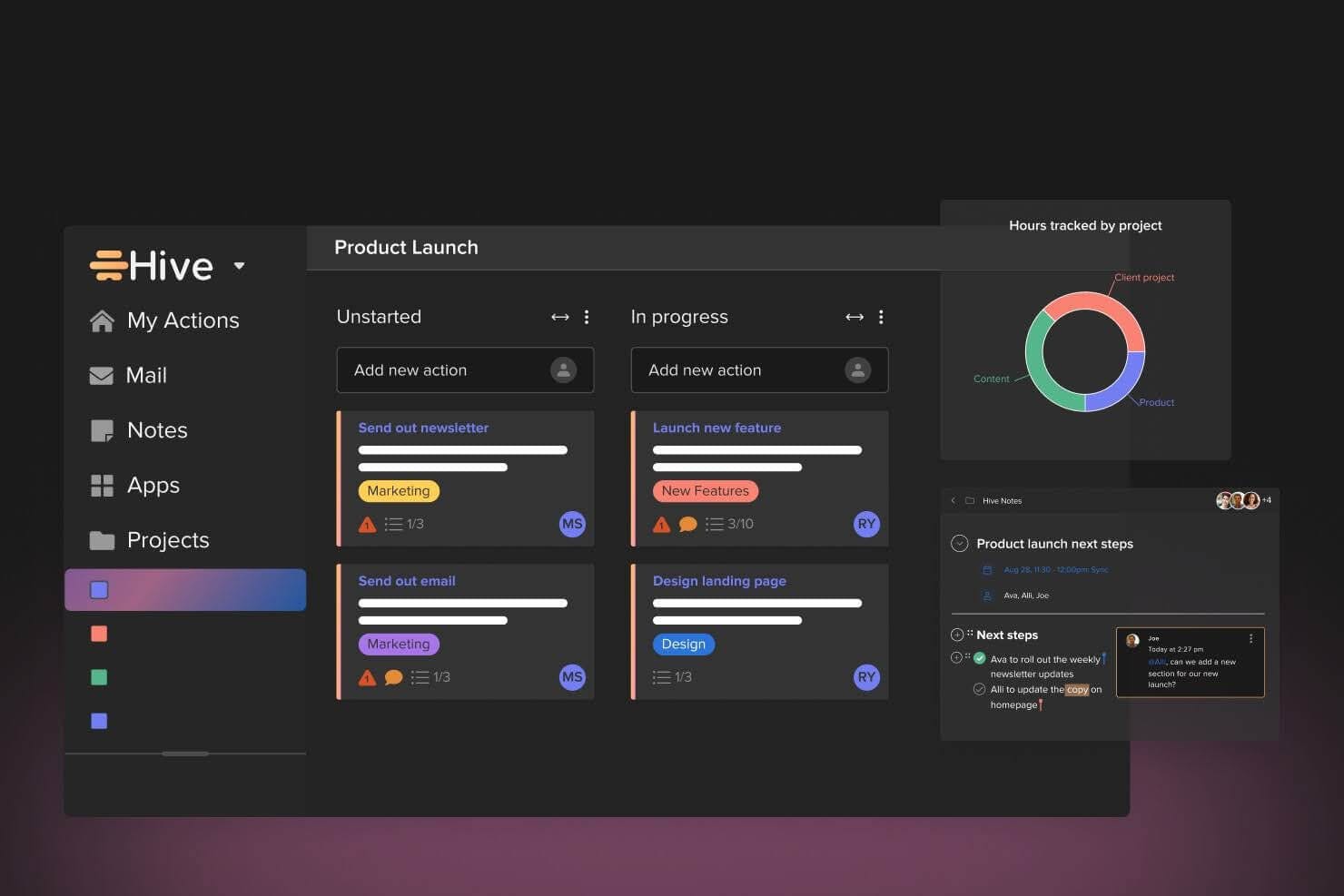
Image Source: g2.com
Hive is built with input from its users and prioritizes flexibility. This allows teams to visualize their projects in ways that work best for them, whether it’s through Gantt charts, Kanban boards, or calendar views. It's a perfect solution for teams that need both powerful features and customization options.
Hive features
Key features of Hive include:
- Project templates: Quick-start projects with customizable templates.
- Multiple views: Switch between Kanban, Gantt and calendar views for better project tracking.
- AI-powered automation: Automate recurring tasks and workflows using Hive’s no-code tools.
- Collaborative notes: Edit and share notes in real-time, keeping everyone aligned.
Best for
- Teams of all sizes that need a customizable and collaborative project management platform.
- Businesses seeking automation and workflow efficiency.
Pricing
- Free: $0 per user/month
- Starter: $5 per user/month
- Teams: $12 per user/month
- Enterprise: Custom pricing
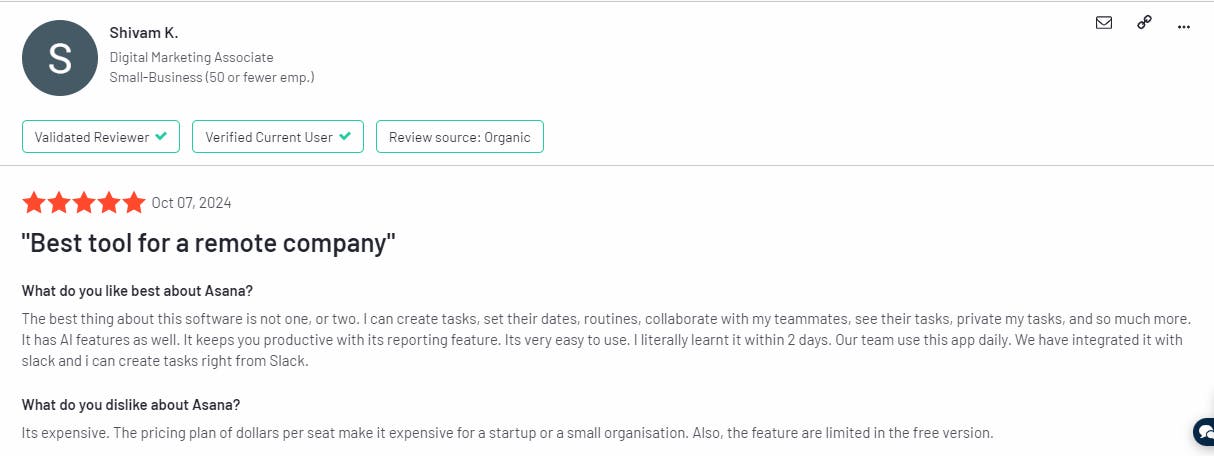
Asana
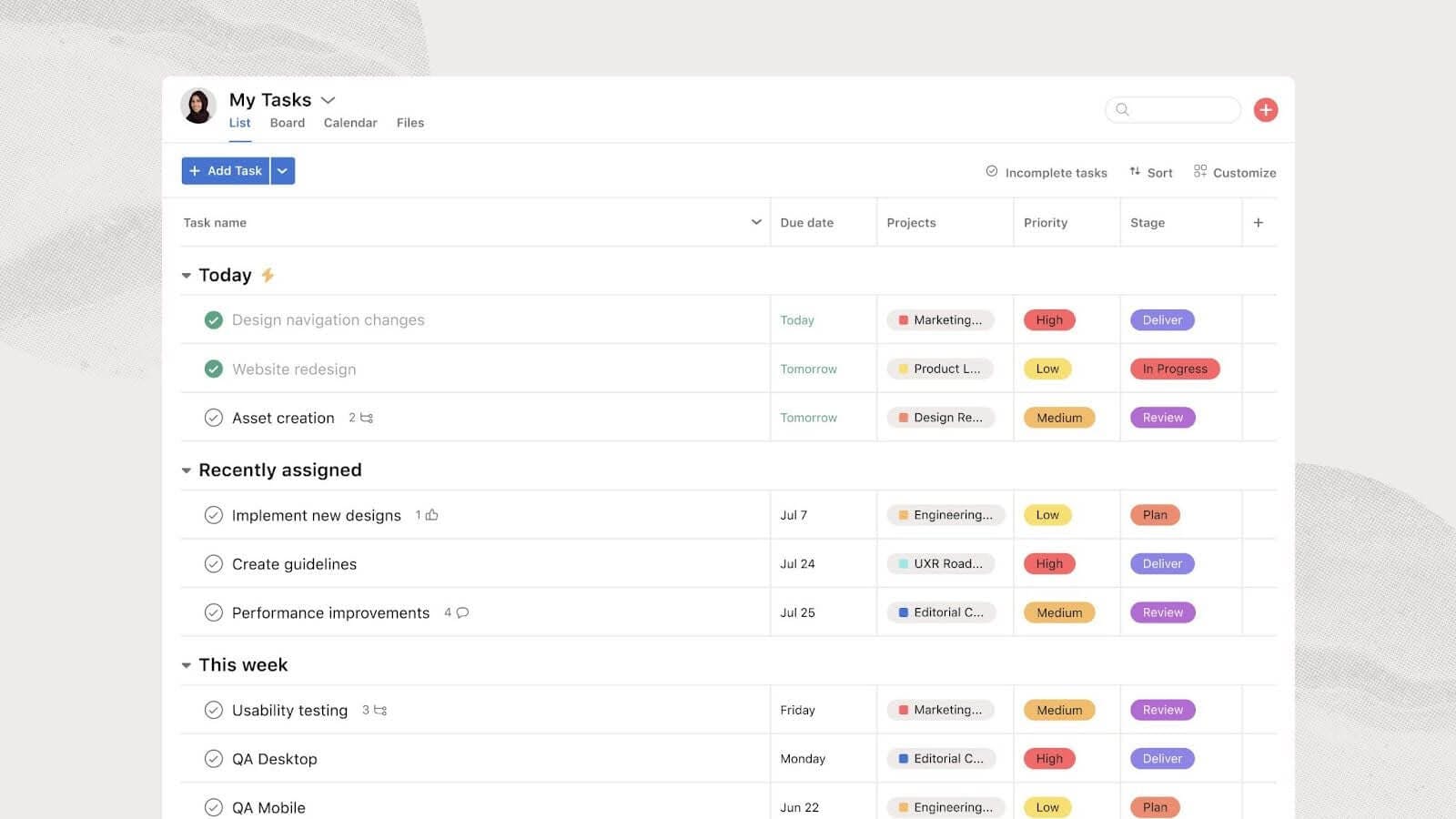
Image Source: g2.com
Asana is a work management platform designed to help teams of all sizes organize tasks, projects and workflows with ease.
With its intuitive interface and robust features, Asana enables teams to collaborate effectively while keeping everyone aligned with broader company goals. From startups to Fortune 100 companies, Asana offers the tools needed to streamline complex projects.
For users with ADHD or focus challenges, Asana may not always hit the mark due to its feature-heavy nature. You might want to check out apps specifically designed for focus management, like those mentioned in this list of the best ADHD apps, which can help individuals stay organized with less cognitive overload.
Asana features
Asana’s key features include:
- Project views: Manage projects and tasks with list, timeline, calendar, Gantt, or Kanban views.
- Automation: Automate routine tasks and workflows with Asana’s built-in automation tools.
- AI Integration: Leverage AI-powered features to streamline workflows and reduce busywork.
- Custom fields: Track specific details by adding custom fields to tasks.
Best for
- Large teams and enterprises that need to align work with strategic goals.
- Organizations seeking a versatile tool to manage cross-departmental collaboration.
Pricing
- Free: $0 per user/month
- Starter: $10.99 per user/month
- Advanced: $24.99 per user/month
- Enterprise: Custom pricing
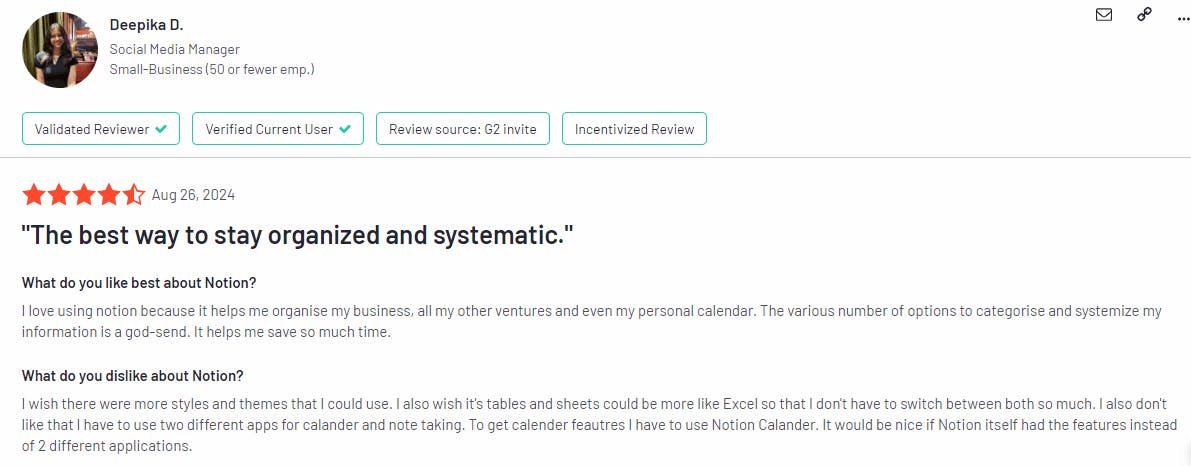
Notion
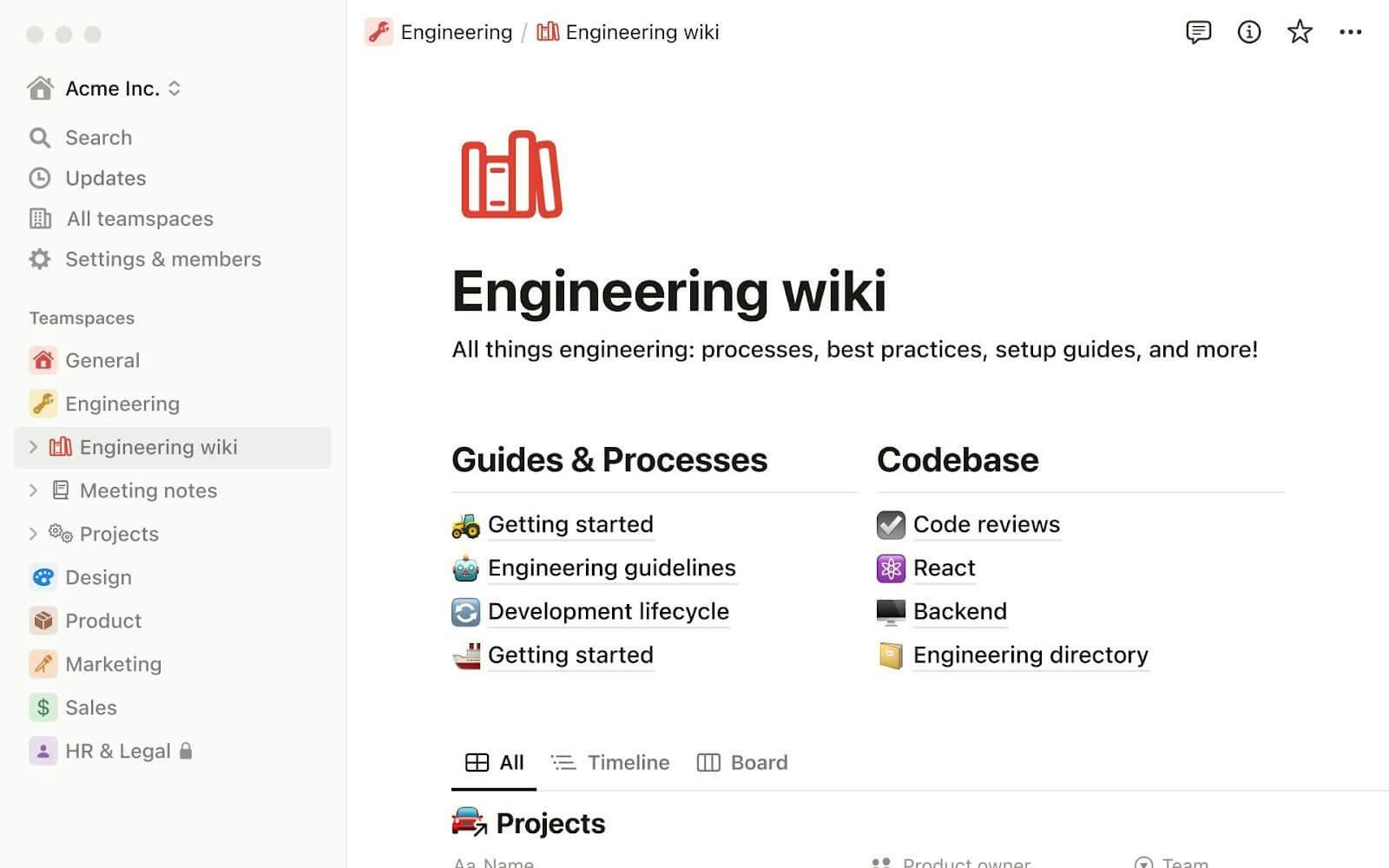
Image Source: g2.com
Notion is a flexible, all-in-one workspace designed for organizing notes, managing projects and collaborating with teams. It offers a dynamic set of tools that allow users to build custom workflows, track tasks and create comprehensive wikis—all in one place. Whether for personal use or enterprise-level teams, Notion adapts to your unique needs, making it ideal for various use cases.
Read this article if you are wondering whether Notion is better than Evernote for organizing your projects and notes.
Notion features
Notion’s top features include:
- Flexible project management: Organize work with databases, Kanban boards, timelines and calendars.
- AI-powered tools: Generate, edit and analyze documents with Notion AI.
- Collaborative documents: Create shared wikis and notes that are easily editable in real time.
- Custom integrations: Sync data from tools like GitHub, Slack and Google Calendar.
Best for
- Individuals and small teams that need a versatile tool for managing projects and documents.
- Businesses that require a customizable platform for cross-department collaboration.
Pricing
- Free: $0 per user/month
- Plus: $10 per user/month
- Business: $15 per user/month
Enterprise: Custom pricing
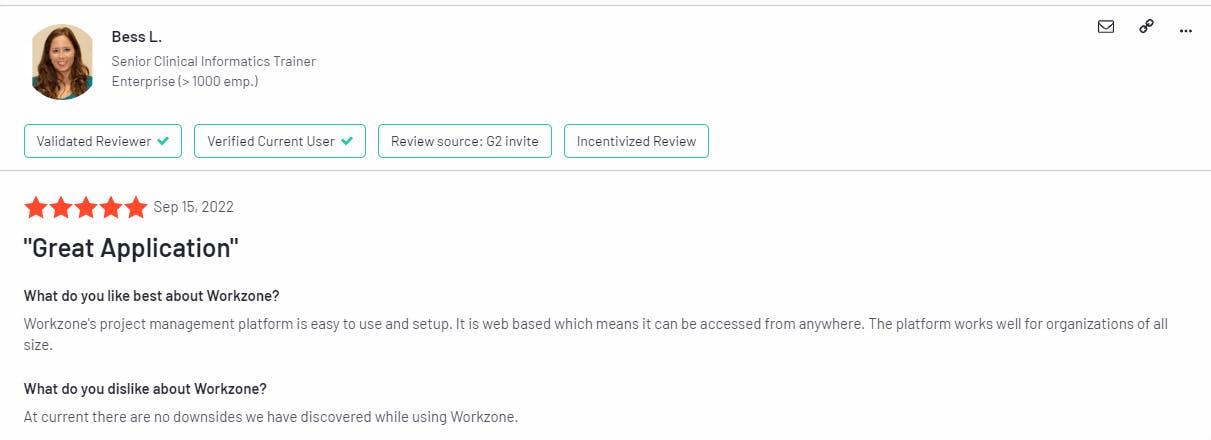
Workzone
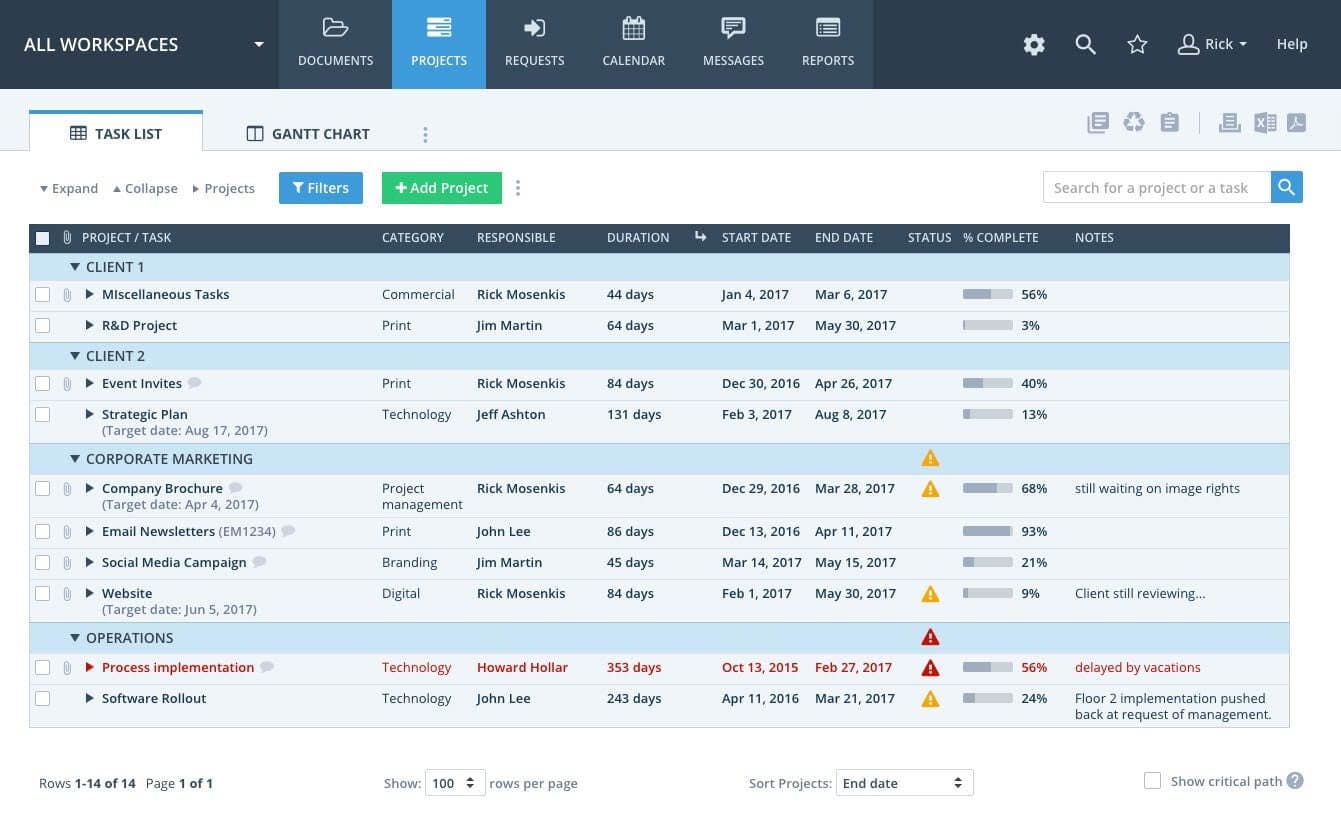
Image Source: g2.com
Workzone is a project management tool specifically designed for teams in critical industries such as healthcare, higher education and nonprofits.
It offers a balance between powerful features and ease of use, making it ideal for organizations that need to manage multiple projects efficiently. Workzone also offers powerful tools to help teams deliver critical projects on time and within budget.
Workzone features
Workzone’s key features include:
- Gantt charts and timelines: Track project timelines and visualize task dependencies.
- Custom workflows: Create and automate project workflows, including request intake and approvals.
- Advanced reporting: Generate real-time insights on project status, budget and resource allocation.
- File sharing & collaboration: Securely share, review and approve files within the platform.
Best for
- Large teams in critical industries that need comprehensive project tracking and collaboration.
- Organizations seeking a mix of powerful project management tools and exceptional customer support.
Pricing
- Team: $24 per user/month
- Professional: $34 per user/month
Enterprise: Custom pricing
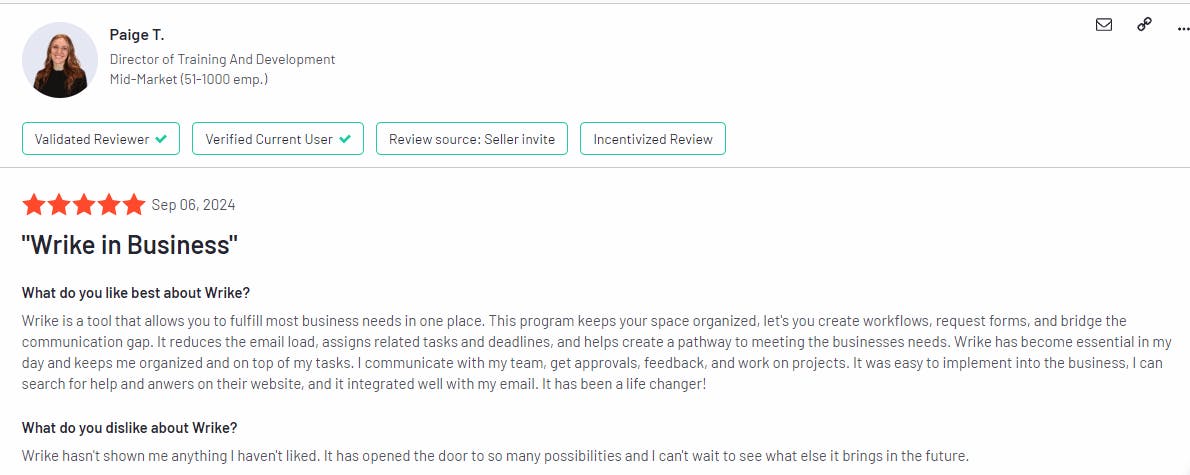
Wrike
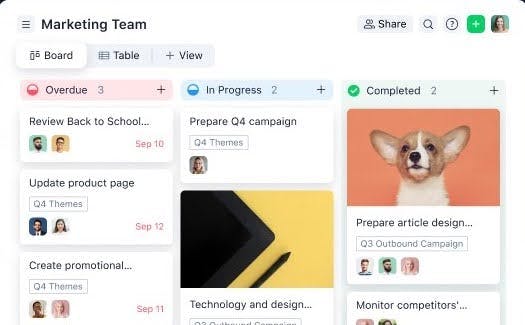
Image Source: g2.com
Wrike is a flexible work management tool that boosts productivity and makes collaboration easier. It offers customizable workflows and smart AI features to help teams work smarter, not harder. Wrike is built for teams of all sizes, from small groups to large enterprises.
With Wrike, you can easily manage tasks, projects and resources in one place. It adapts to your team’s needs, no matter the industry.
Wrike features
- AI-powered automation for task creation and workflow management
- Customizable dashboards, Gantt charts and calendar views
- Resource and capacity planning with workload management
- Built-in proofing and approval tools for smooth collaboration
- Integrations with over 400 applications, including Slack and Adobe Creative Cloud
Best for
Wrike is ideal for cross-functional teams in industries like marketing, project management, creative services and IT, as well as enterprises that need scalability and security.
Pricing
- Free: $0/user/month, limited task management
- Team: $10/user/month, small teams
- Business: $24.80/user/month, advanced features for larger teams
Enterprise & Pinnacle: Custom pricing
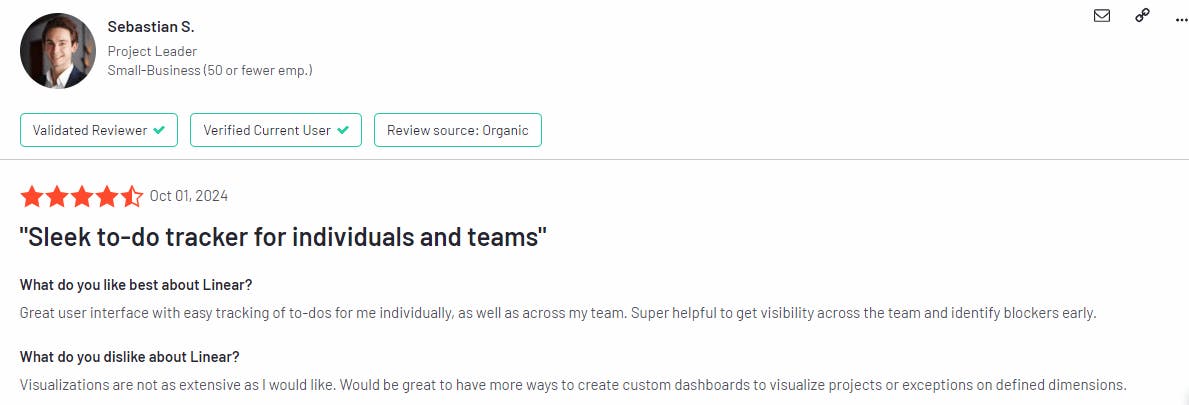
Linear
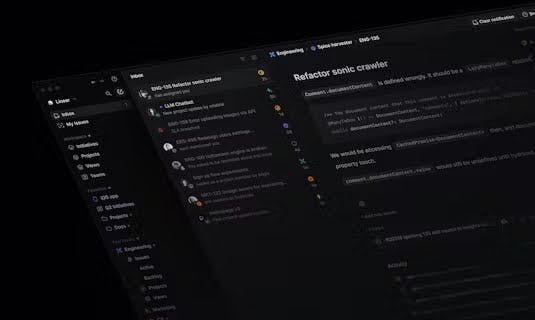
Image Source: producthunt.com
Linear is a modern tool designed to streamline software development and product planning. With fast issue tracking, project management features and real-time insights, it helps teams stay on top of tasks and deliver quality products efficiently.
Linear features
- Visual product roadmaps for long-term planning
- Issue tracking with sprint cycles, custom views and filters
- Collaborative tools for product specs, task management and integrations
Best for
Software development teams looking for a fast, efficient way to manage product building and task tracking.
Pricing
- Free: Unlimited members, 2 teams, 250 issues
- Basic: $8/user/month – 5 teams, unlimited issues
- Business: $12/user/month – unlimited projects, teams and private accounts
- Enterprise: Custom pricing with advanced features
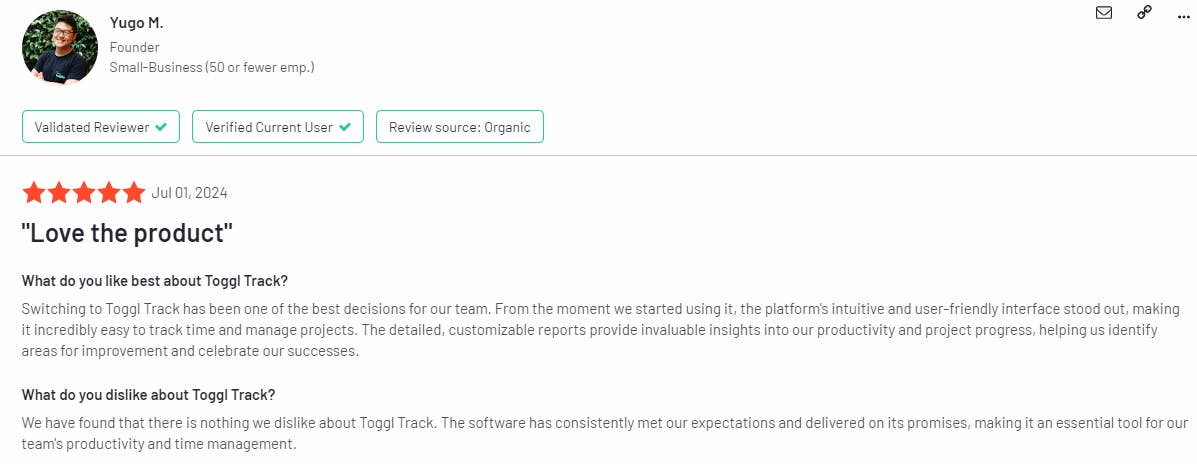
Toggl
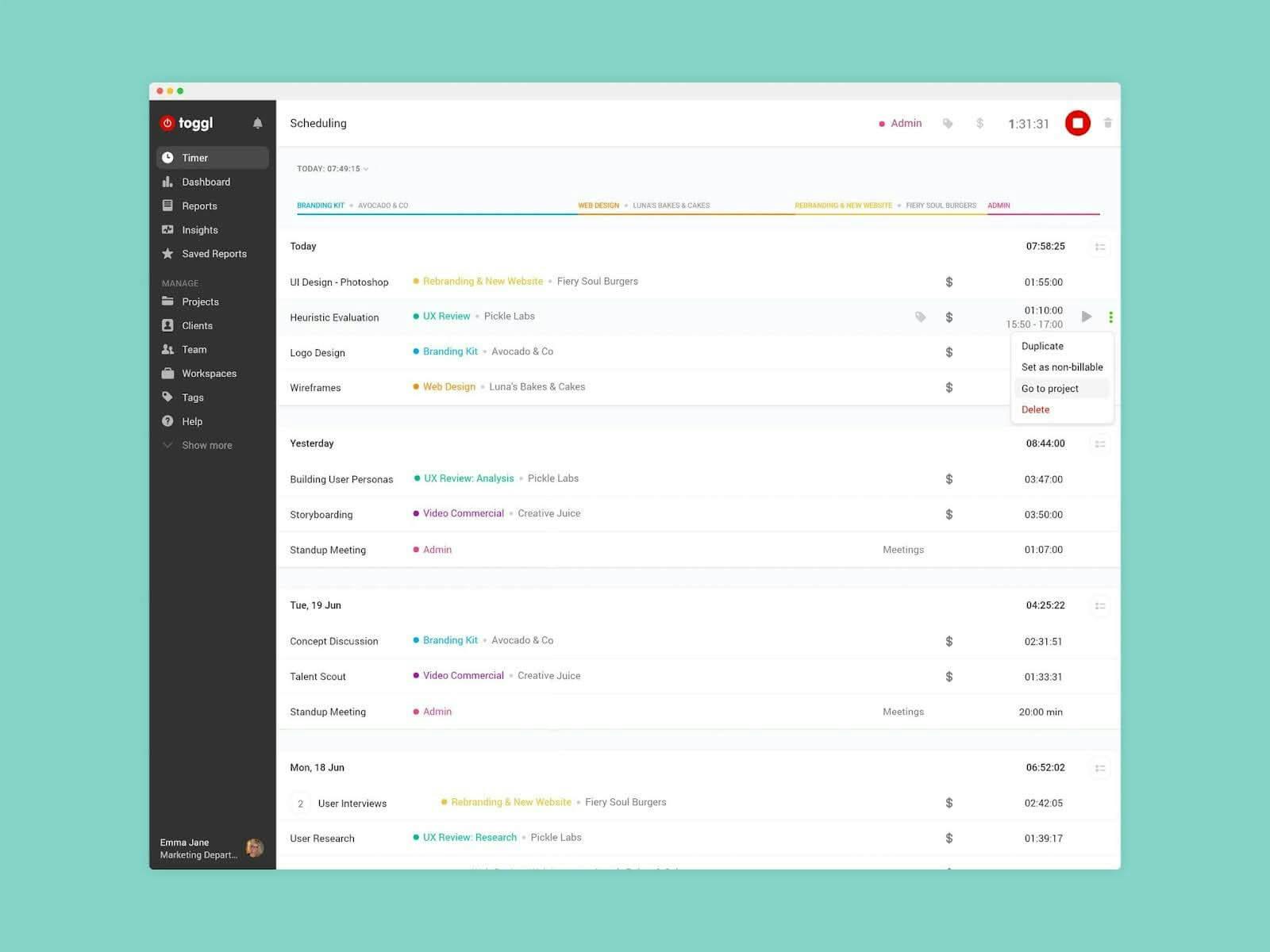
Image Source: g2.com
Toggl is a time-tracking tool built for efficiency and simplicity. With features like automated time tracking, powerful reporting and seamless integration with popular apps, it’s designed to help teams stay productive without overworking.
Toggl features
- One-click time tracking with detailed reporting
- 100+ integrations with tools like Trello, Asana and Slack
- Mobile, desktop and offline tracking
Best for
Freelancers, small teams and large organizations that need accurate time tracking and detailed project management insights.
Pricing
- Free: Up to 5 users, unlimited time tracking
- Starter: $9/user/month – billable rates, project alerts
- Premium: $18/user/month – timesheet approvals, project forecasts
- Enterprise: Custom pricing for advanced features and support
Todoist
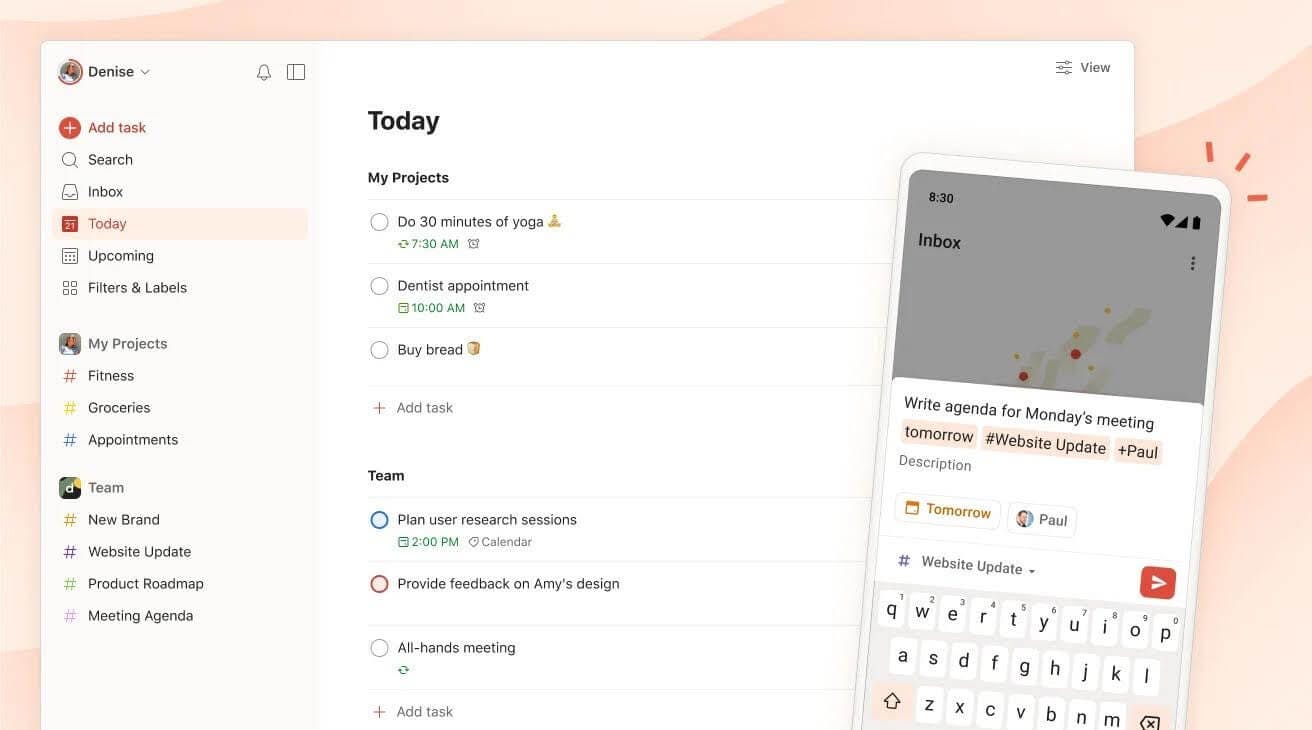
Image Source: g2.com
Todoist is a simple yet powerful task management tool that helps you organize your work and life. With easy task capturing, customizable workflows and cross-device sync, Todoist ensures you stay on top of your to-dos.
Todoist features
- Smart quick add, recurring tasks and reminders
- Flexible views: list, board and calendar layouts
- Collaboration with shared projects, comments and team roles
Best for
Individual project managers and teams who need a flexible, easy-to-use task manager to stay organized across work and life.
Pricing
- Free: Basic task management software with 5 projects and 3 filters
- Pro: $4/user/month – for individuals, with up to 300 projects and reminders
Business: $6/user/month – for teams, with 500 projects and advanced team features
Conclusion
We’ve explored some of the most popular task management tools out there, each designed to solve specific problems. From powerful features to flexible integrations, they promise to help you regain control.
But how do you choose the right one?
Perhaps you’ve tried a few and found them either too complex or too simple. Or maybe you’re stuck with multiple apps, each serving a single purpose, but none offering a full solution.
If this sounds familiar, NotePlan might just be what you need. It combines task management, note-taking and calendar features into one streamlined app. It’s designed to help you organize your workday without the clutter.
Try it free for 7 days and see if it’s the solution you’ve been searching for.
FAQs
Is ClickUp really that good?
ClickUp is considered one of the best project management tools available, especially for teams seeking a highly customizable workspace. It offers a wide range of features like task management, time tracking and goal setting — all in one platform.
However, some users find it overwhelming, especially for smaller teams or individuals looking for simplicity.
What is comparable to ClickUp?
Some of the most comparable options include NotePlan, Asana, Wrike, Monday.com and Trello. These project management platforms also focus on task management, collaboration and project tracking but differ in terms of user experience and feature depth. If you’re looking for a tool that balances flexibility with ease of use, each of these could be a viable alternative.
Who competes with ClickUp?
ClickUp faces competition from a wide range of project management tools depending on user needs. Tools like NotePlan, Asana, Trello, Wrike and Monday.com are strong competitors in the general project management space.
For specialized needs, tools like Jira (for development teams) and Notion (for note-taking and organizing) also compete with ClickUp’s robust feature set.
Can one app really replace your entire productivity stack?
NotePlan did. Try NotePlan free for 7 days to learn how