Footer

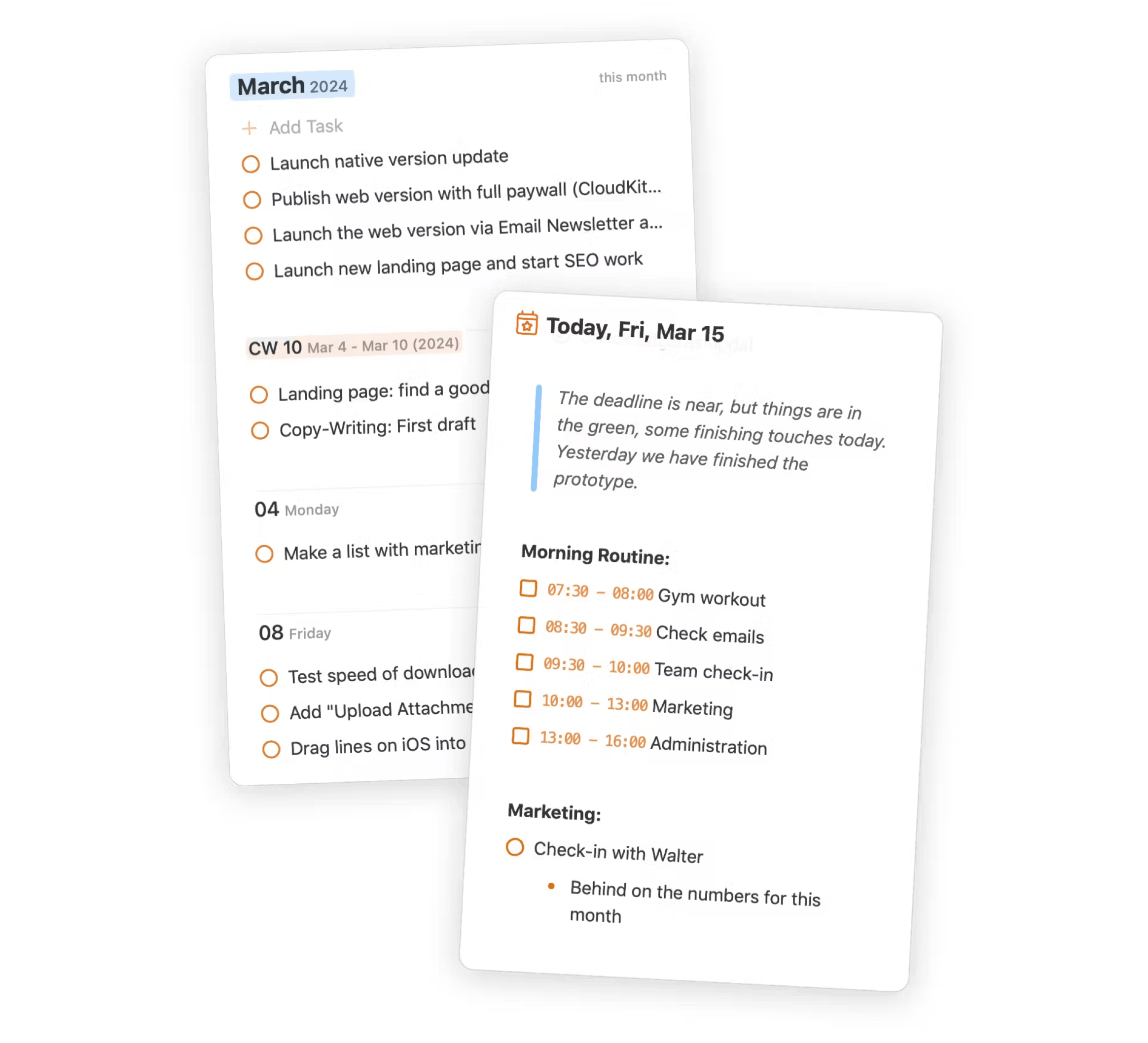
NotePlan lets you combine your tasks, your notes, and your calendar in a single place. All linked and synced seamlessly between your devices. Powered by Markdown and stored in plaintext, your data is easy to access, and available online and offline.

XDiscordReddit

Community

  • Discord
  • Feedback
  • Reddit
  • Plugins
  • NotePlan on Tool Finder
  • Custom Themes

NotePlan

  • Web Login
  • Help Center
  • Contact
  • Blog
  • Privacy Policy
  • Terms of Use
  • Changelog

Use Cases / Compare

  • Getting Things Done
  • P.A.R.A.
  • Zettelkasten
  • Bullet Journal
  • NotePlan vs Craft
  • NotePlan vs Agenda
  • NotePlan vs Things

© 2025 NotePlan LLC. All rights reserved.

NotePlanNotePlan Logo
PricingSpacesHelp Center
Try Free For 7 Days →

Focus More, Forget Less

All plans include full access to NotePlan across all your devices

4.7/5 on App Store

Most Popular

Annual

$8.33 / month

$99 paid annually, Cancel anytime

7-day trialSAVE 31%

Monthly

$12 / month

Cancel anytime

3-day trialMOST FLEXIBLE

By signing up, you agree with our terms and conditions

Mac, iPad, iPhone, and Web
Cancel anytime
24/7 Email & Discord Support
Secure payment (with Stripe)

Your payment method will be charged automatically on a recurring basis, unless you cancel (in the app's Settings > License or via email). There are no additional payments. Email us at [email protected] for help.

As seen on:

Tasks, Projects, Calendar and Knowledge Management

Plan and Organize Everything in One Place

NotePlan combines notes, tasks, and calendar into a single, flexible workspace for professionals who want clarity and control.

Daily Notes
Capture tasks, events, and ideas on automatically created daily pages — keep everything organized and easy to find.
Time Blocking
Schedule focused work sessions. Set durations, receive reminders, and align them with your calendar.
List & Kanban views
Organize projects visually. Switch between lists or Kanban boards, then group, filter, and sort for the perfect overview.
Bi-directional Linking
Connect related notes instantly. See every reference and mention so your ideas stay connected.

After trying hundreds of task management, note-taking, and calendar apps, I find NotePlan, in conjunction with my Full Focus Planner, to be the best and most flexible app for managing everything in my life. I highly recommend it.

Michael Hyatt
Michael Hyatt

NYT Bestselling Author | App Store Review

Frequently Asked Questions

Yes, you can cancel your subscription at any time. To do so, navigate to Settings > License > Manage Subscription within the NotePlan app. This will take you to the subscription management page where you can cancel or modify your subscription.

Yes, NotePlan allows offline access to your notes. You can view and edit your notes even without an internet connection. Any changes you make will sync once you're back online.

If using CloudKit sync or no sync, notes are saved in a local system folder under "Library" on Mac. With sync, they're also stored on Apple's servers.

Your notes remain in iCloud Drive or CloudKit and locally on your devices. We don't store your personal information. You can delete all data through the app's preferences or manually remove the folder from iCloud Drive.