Spaces
Shared daily, weekly and regular notes, and tasks for teams, families, and everyday life — all without mixing your private notes.
Spaces are included in individual plans (learn more).
Want one subscription and a single invoice for your entire team? Get a Team Subscription →
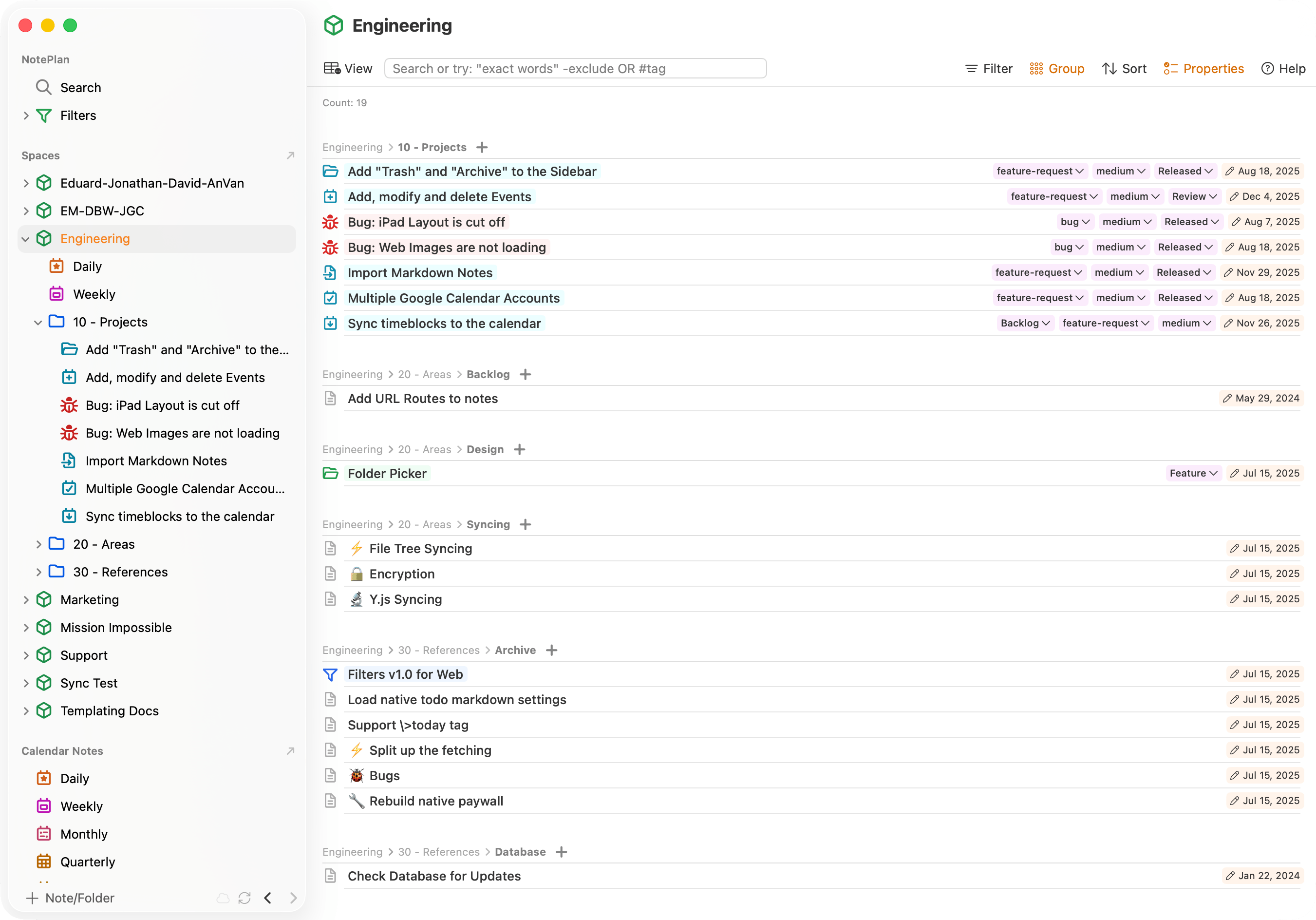
Organize work and life together in shared Spaces
Spaces help teams, families, partners, and friends stay aligned. Share notes, tasks, and plans — and keep everything organized in one place.
Teams
Plan projects, meeting notes, and documentation together. Shared Daily and Weekly notes help keep everyone aligned.
Families
Share grocery lists, tasks, schedules, and trip plans. Keep family information in one organized, easy-to-access place.
Freelancers & Clients
Share project briefs, deliverables, and ongoing updates. Use read-only web links for approvals or let clients collaborate directly.
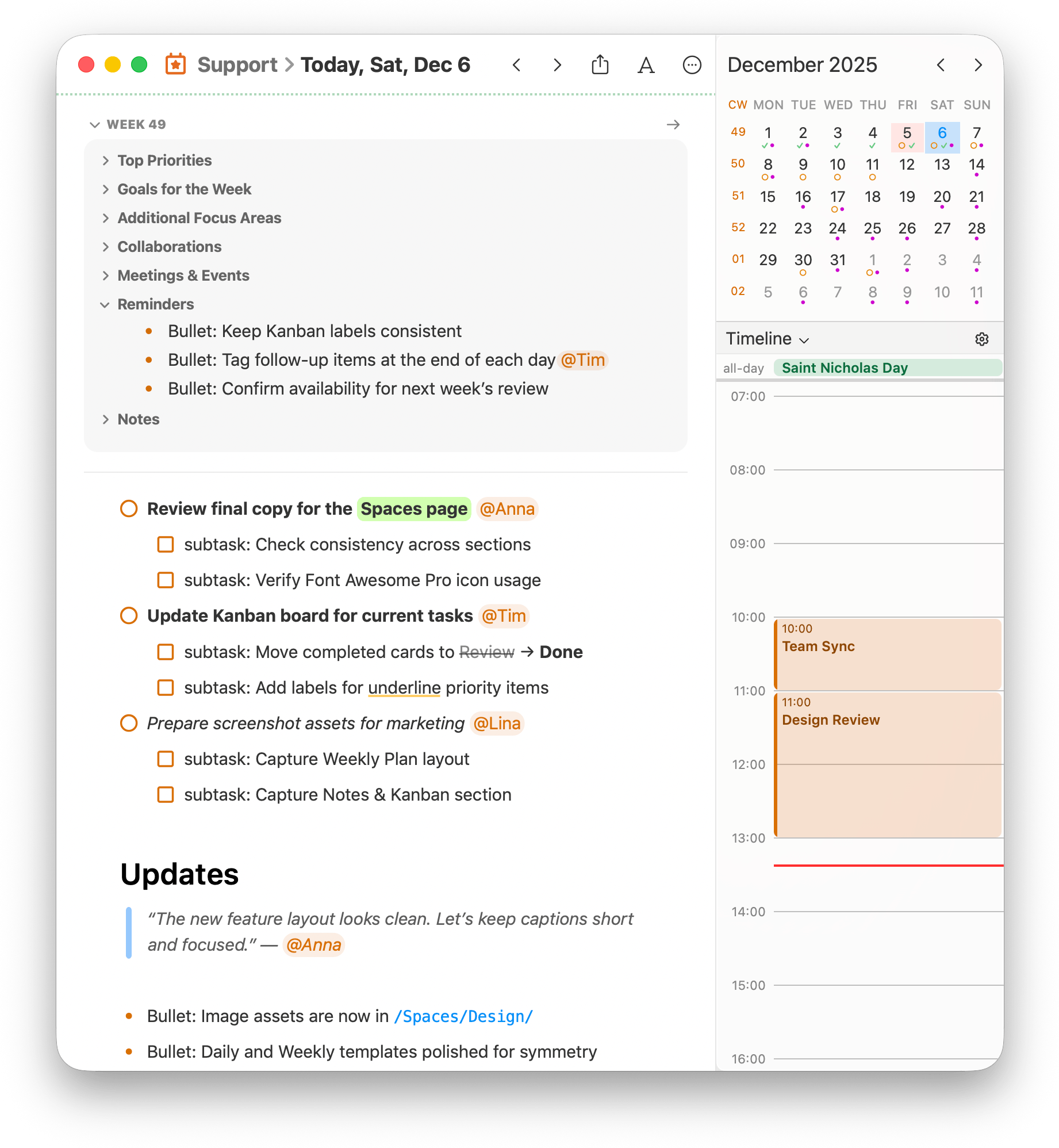
Shared Daily Notes
Plan your day together with shared Daily Notes
Shared Daily Notes help everyone stay aligned. Capture routines, decisions, tasks, and updates in one place — whether you’re a team planning standups, a family coordinating the day, or a freelancer sharing progress with clients.
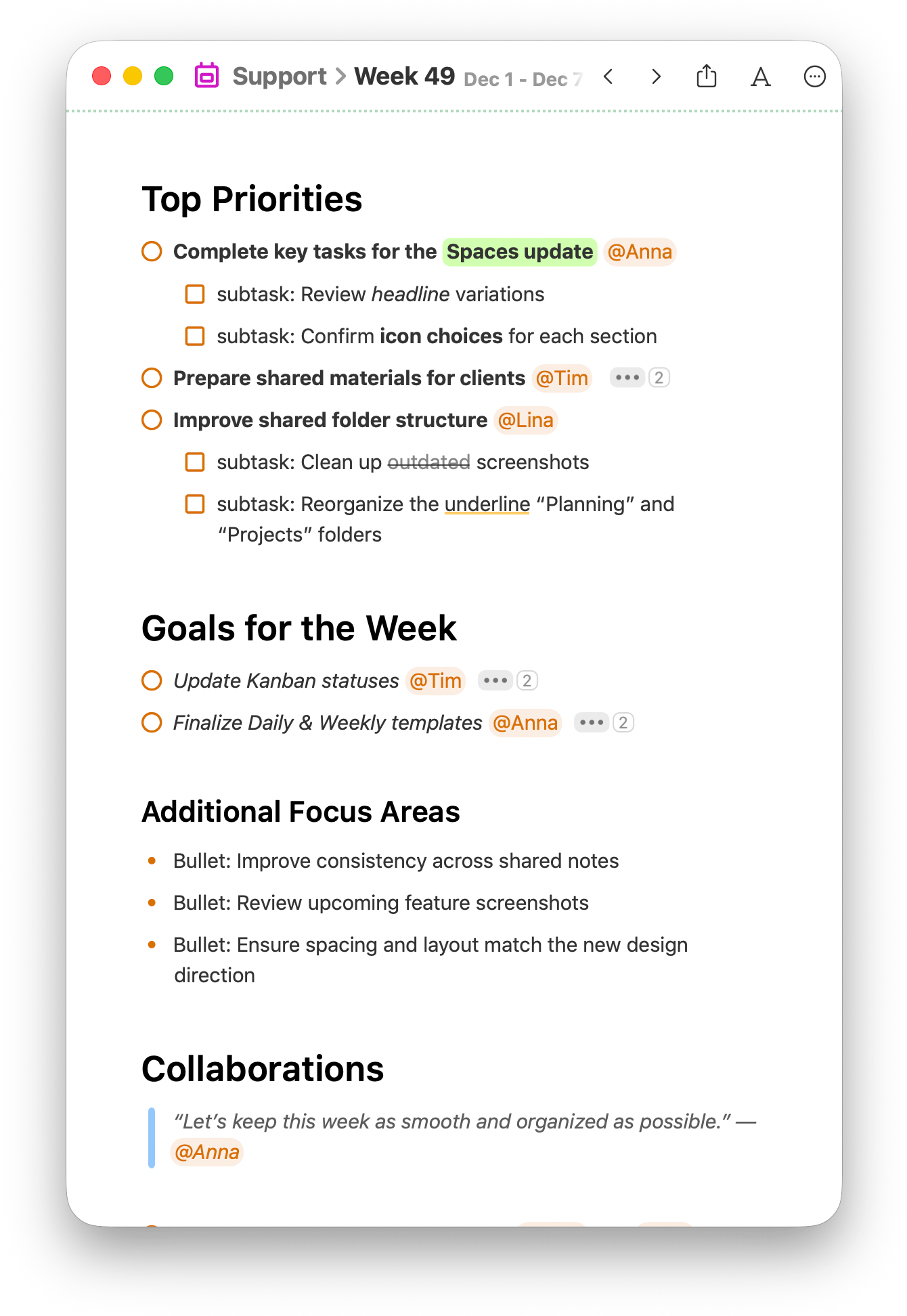
Shared Weekly Note
Stay aligned for the week with Shared Weekly Notes
Use Weekly Notes to plan upcoming tasks, priorities, and meetings together. Keep teams, families, and clients aligned with a clear overview of what’s ahead.
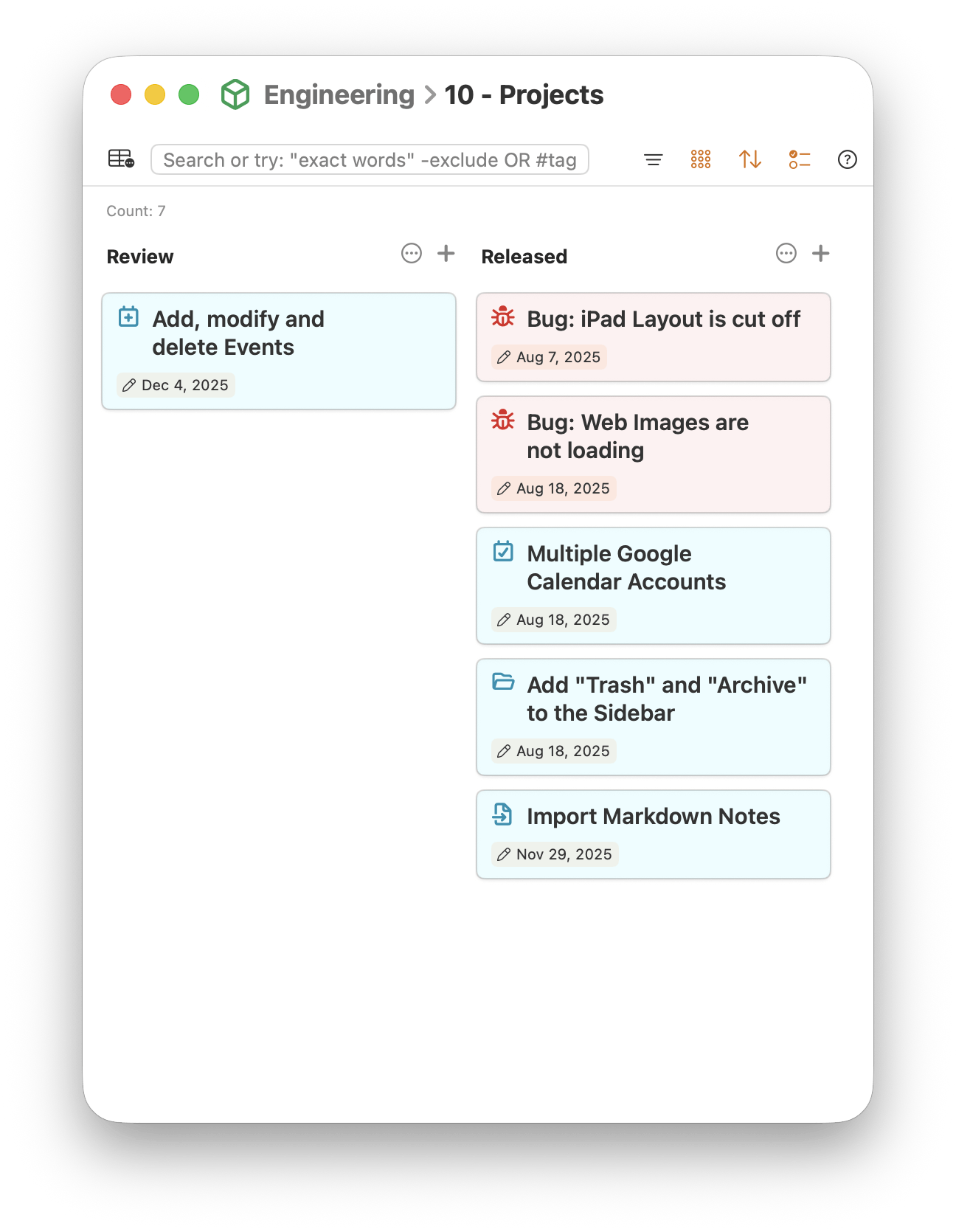
Shared Notes, Folders & Kanban
Organize shared work with notes, folders, and Kanban boards
Spaces give your group a structured workspace to keep everything organized. Use shared notes for planning and documentation, organize them into folders, and visualize tasks with Kanban boards — perfect for projects, home planning, or client workflows.
Sharing / Public Read-Only Links
Share email-protected read-only web links
Publish a secure, read-only web link to a Space note. Viewers sign in using email + one-time code, making it perfect for clients, students, or extended family who need quick access without creating an account.
One subscription for your team (optional)
Spaces are included in every Individual subscription.
Get a Team Subscription if you want to pay for your whole team under a single plan and receive one company invoice.
$19.99 / month
One shared subscription for up to 5 or 25 team members. Ideal for companies or families that prefer centralized billing and accounting. (Spaces already work with Individual plans.)
- Collaborate in the browser on any platform
- Plan, and achieve your goals together
- Create a teamspace and start, no setup needed
- Integrated with Google calendar, Apple iCal and Outlook
- Daily logging of your team's work
- Set goals in weekly notes
- Assign tasks with @mentions
- See an overview of tasks assigned to a member