NewIntroducing Memo AI — Turn voice notes into structured insights→
Best Calendar App iOS: 8 Simple iOS Calendar Apps To Boost Productivity
Searching for the best calendar app iOS? We’ve got you covered. Let’s take a look at the top 8 apps to boost productivity and organization.
If you are looking for the best calendar app for iOS to keep your schedule under control, you’ve got plenty of options.
From managing your workday to juggling personal appointments or even trying to build better habits, the right calendar app can save time, reduce stress, and help you stay ahead of your goals.
We’ve selected the top iOS calendar apps - including all-in-one productivity planners, minimalist options, and smart AI-powered tools - to give you exactly what you need.
Best Calendar Apps iOS: An Overview
Here is a quick overview of the best calendar apps for iOS with key features, pricing, and who they are best suited for:
| App Name | Best For | Pricing |
|---|---|---|
Markdown notes, task manager, calendar sync | Free trial, then $8.33/month ($99 billed annually) | |
Apple Calendar | iCloud sync, Siri, widgets | Free |
AI scheduling, widgets, calendar sets | Free basic plan, Premium from $6.66/month | |
Google Calendar | Event sharing, reminders, smart scheduling | Free |
Calendars by Readdle | Natural input, color coding, offline access | Free with optional premium ($19.99/year) |
Timepage | Weather, heatmaps, fluid UI | $14.99/year |
BusyCal | Travel time, custom views, offline support | $9.99 |
Outlook Calendar | Email & calendar in one, meeting invites | Free with Microsoft account |
NotePlan - Overall Best Calendar App iOS + Planner
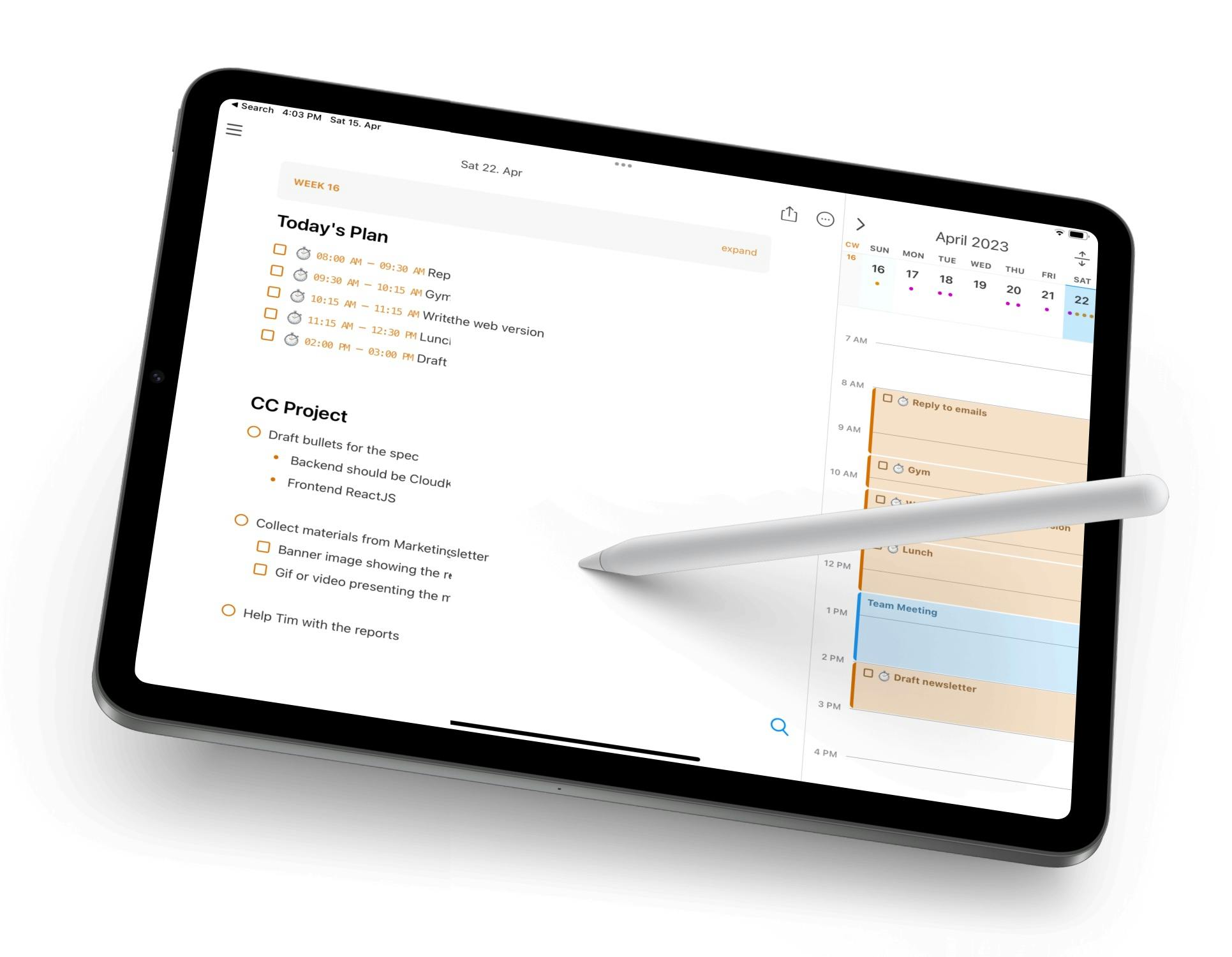
NotePlan is perfect for anyone who wants to blend scheduling, task management, and note-taking into one clean interface. It supports markdown notes, recurring tasks, and integrates seamlessly with Apple Calendar and Reminder.
Unlike traditional calendar apps, NotePlan helps you plan your day with both structure and flexibility - offering a daily note view alongside a calendar and task timeline.
If you’re a productivity enthusiast or a fan of tools like bullet journal, you’ll feel right at home.
Key features:
- Two-way sync with Apple Calendar and Reminders
- Syncs across iPhone, iPad, and Mac
- Powerful task filtering and backlinks
- Daily notes with markdown support
- Timeline view for easy scheduling
Pricing: Free trial, then $8.33/month ($99 billed annually)
Apple Calendar - Best Native Calendar App for iOS Users
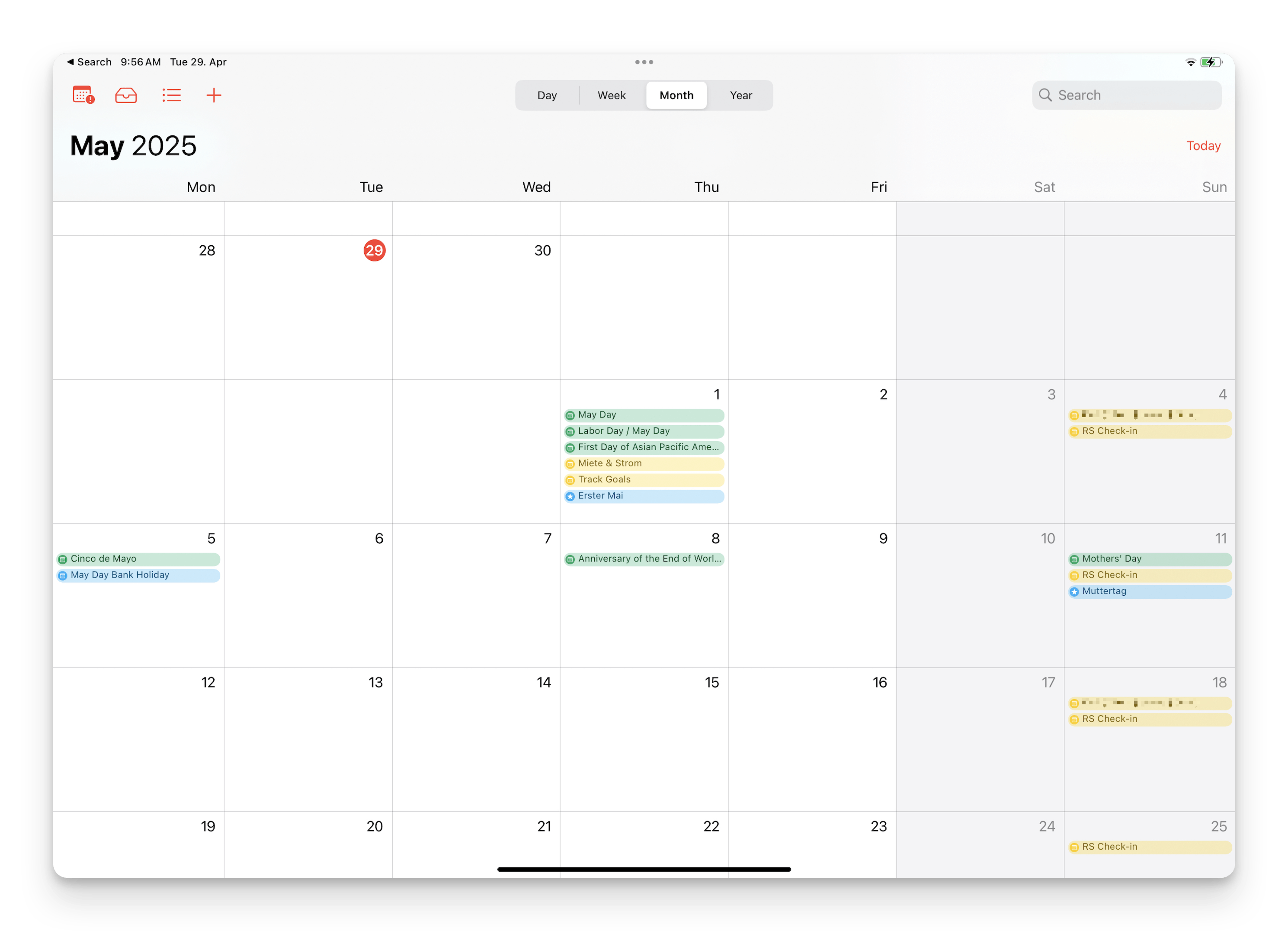
Apple Calendar is fast, efficient, and already built into every iPhone. It’s the best option for users who want something simple and fully integrated with iOS. You can easily add events via Siri, sync across all Apple devices via iCloud, and view your schedule in multiple formats.
While it doesn’t have advanced customization, its seamless performance and reliability make it a solid choice for most people.
Key features:
- Supports iCloud, Google, Outlook, and Exchange calendars
- Deep integration with iOS and macOS
- Widgets and notification support
- Siri-powered voice scheduling
Pricing: Free
Fantastical - Best iOS Calendar App for Natural Language Scheduling
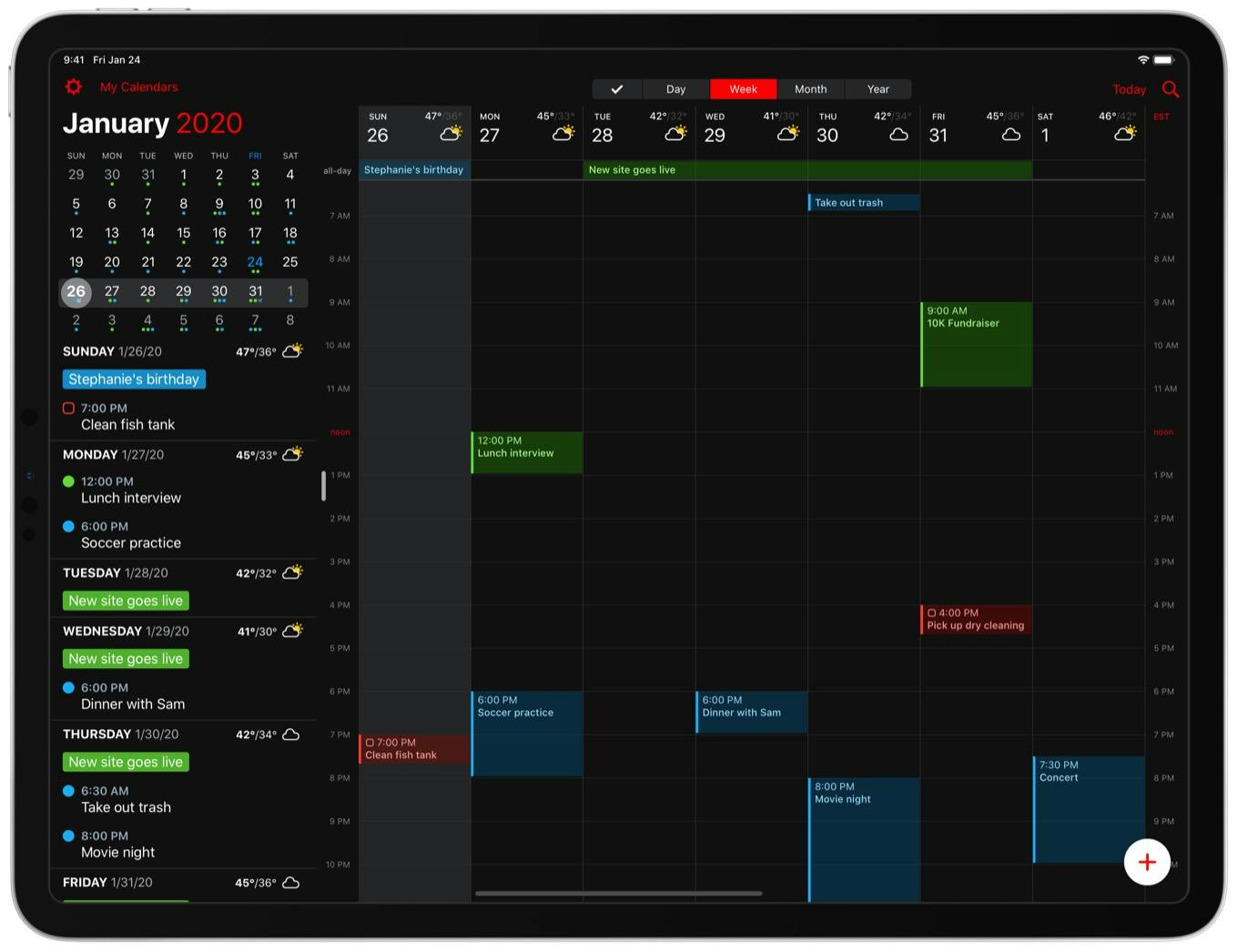
Fantastical stands out with its natural language input, allowing you to type something like “Drinks with Lucy on Friday at 5pm”, and have it auto-schedule perfectly.
Beyond its intuitive interface, Fantastical offers powerful features like calendar sets (great for separating work and personal events), built-in weather forecasts, video conferencing integrations, and cross-platform syncing. It’s one of the most polished and feature-rich calendar apps available for iOS.
Key features:
- Collaboration tools and conference call links
- Weather forecasts and time zone support
- Calendar sets for work/life separation
- Natural language event creation
Pricing: Free basic plan, premium from $6.66/month
Google Calendar - Best Calendar App for Cross-Platform Syncing
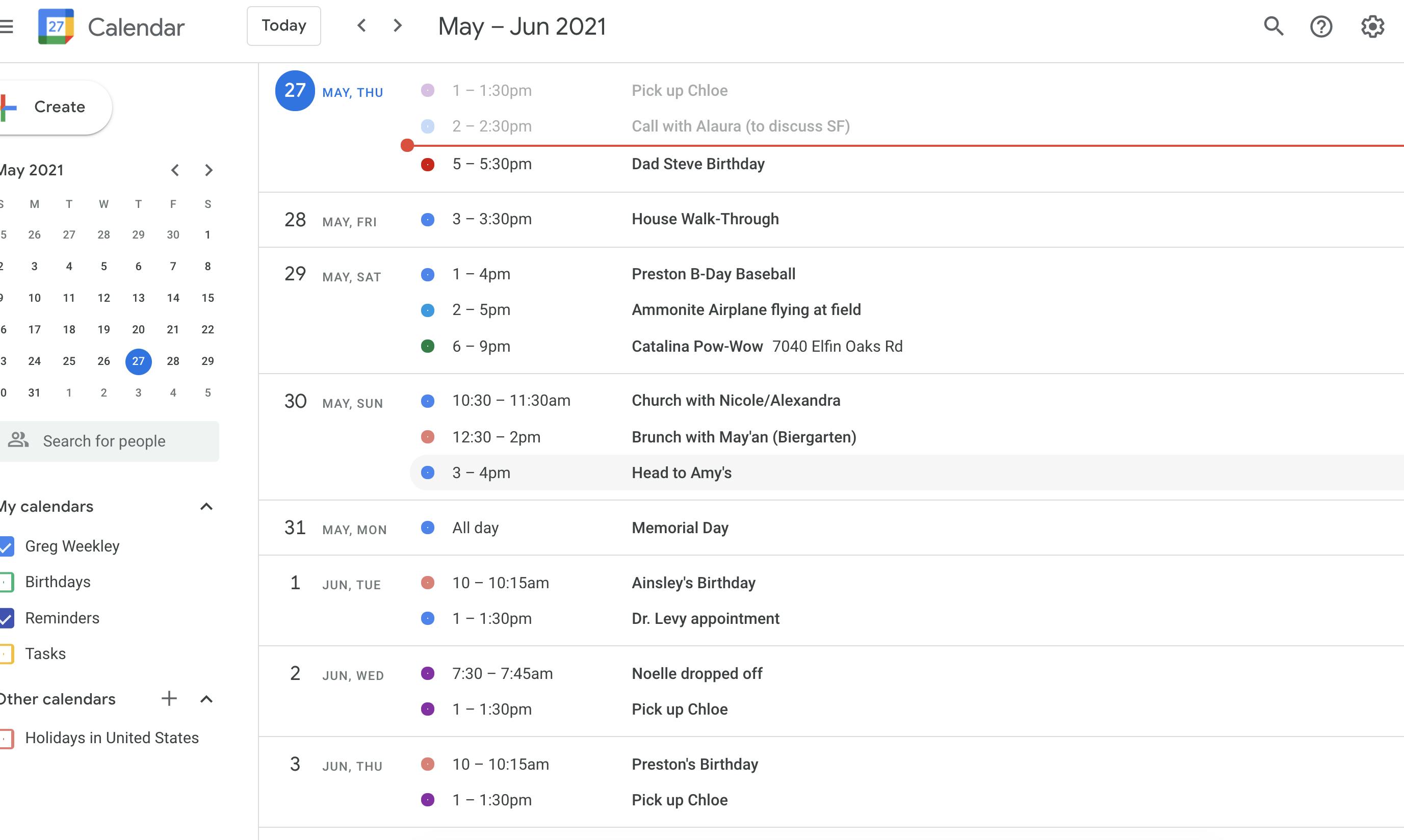
If you’re already using Gmail or Google Workspace, Google Calendar is a smart and familiar option. It syncs flawlessly across devices and offers smart suggestions for events, titles, locations, and contacts. You can set up shared calendars with your family or team, create recurring events with ease, and integrate with productivity tools like Google Meet.
Its simplicity, reliability, and collaborative features make it a top choice for remote workers and teams.
Key features:
- Smart suggestions for titles, locations, and people
- Integrates with Google Meet and Zoom
- Color-coded calendars for visual clarity
- Shared calendars and event invites
Pricing: Free
Calendars by Readdle - Best Calendar App for Customization
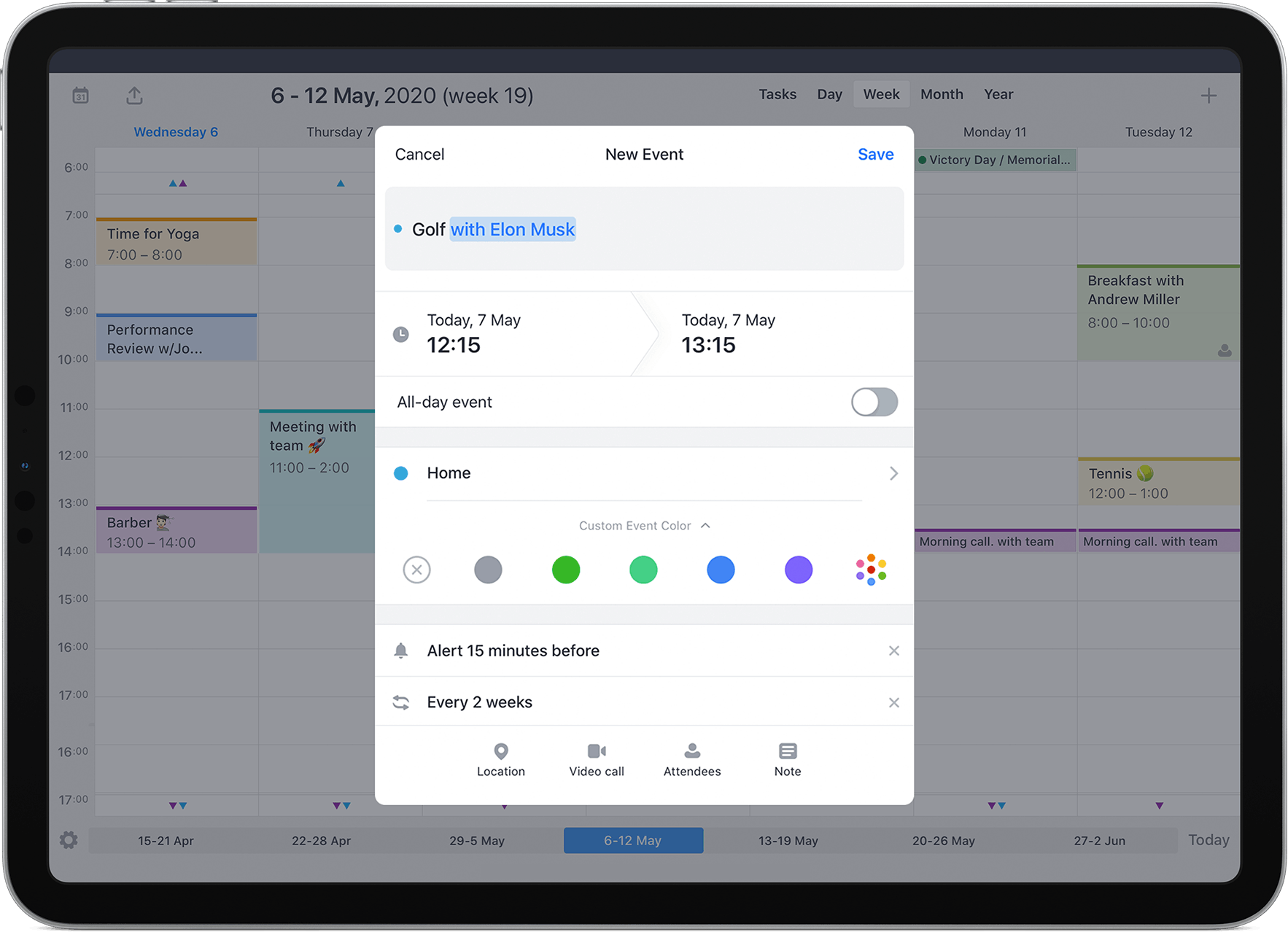
Calendars by Readdle is a great app that combines a calendar, task manager, and event planner into one clean interface. Built specifically with iOS and iPadOS in mind, it’s incredibly flexible - great for students with hectic schedules.
The real standouts are its drag-and-drop planning and various customization features, giving plenty of room for personalization and fun planning.
Key features:
- Built-in task manager with smart folders and priorities
- Syncs with Google Calendar, iCloud, and Outlook
- Colour-coded events and calendar filters
- Drag-and-drop task and event creation
- Natural language input
Pricing: Free with in-app purchases, full access from $19.99/year
Timepage - Best Calendar App for Design and Aesthetics
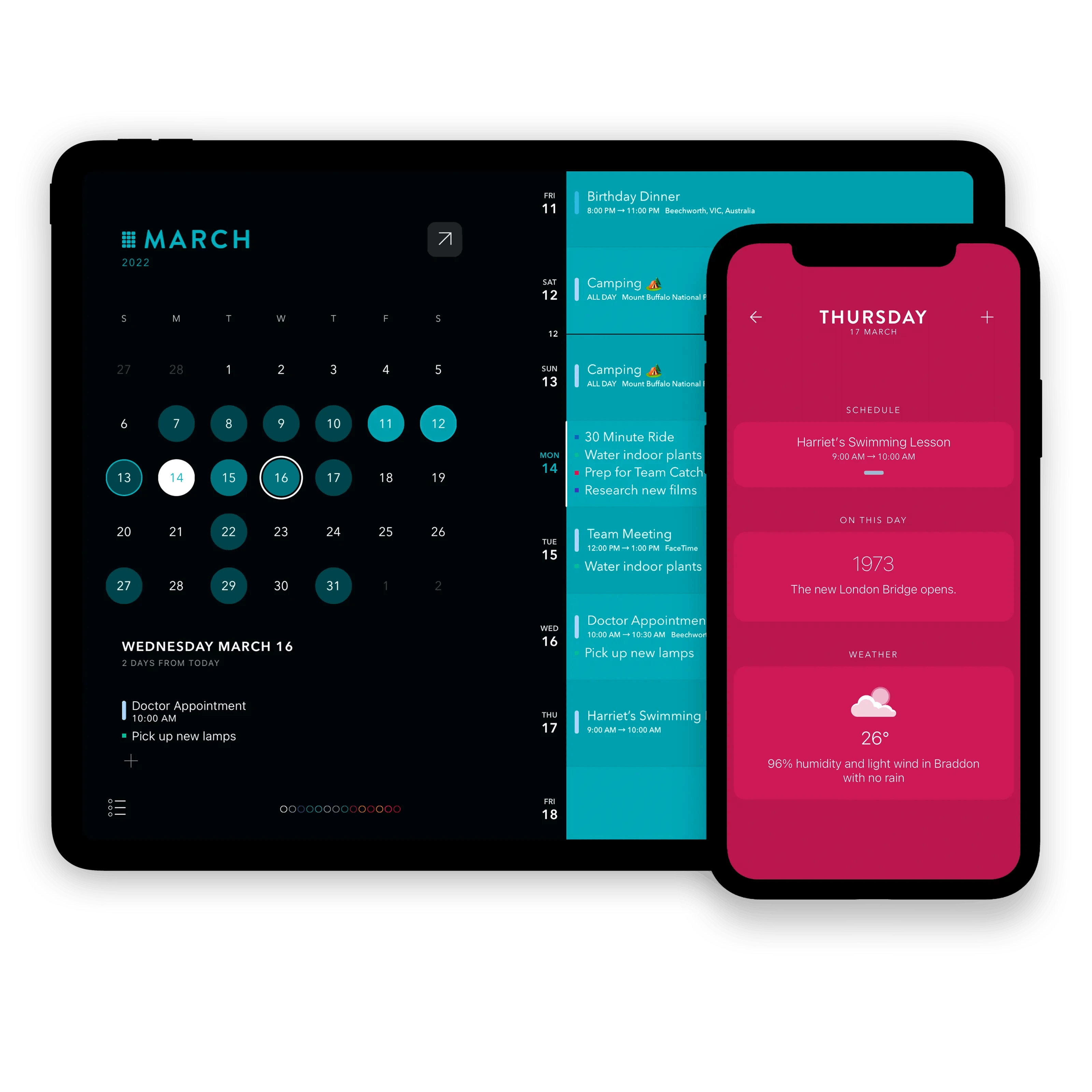
Timepage by Moleskine isn’t just a calendar - it’s an experience. With gorgeous animations, timeline-style layout, and smooth transitions, it makes managing your time feel enjoyable.
Features like smart heatmaps, weather forecasts, countdowns, and haptics enhance the overall experience. If visual appeal and intuitive gestures matter to you, Timepage is one of the most thoughtfully designed calendar apps on the App Store.
Key features:
- Supports iCloud, Google, and more
- Daily heatmaps and countdowns
- Gorgeous minimalist interface
- Weather integration
Pricing: $14.99/year
BusyCal - Best Calendar App for for Customization and Offline Use
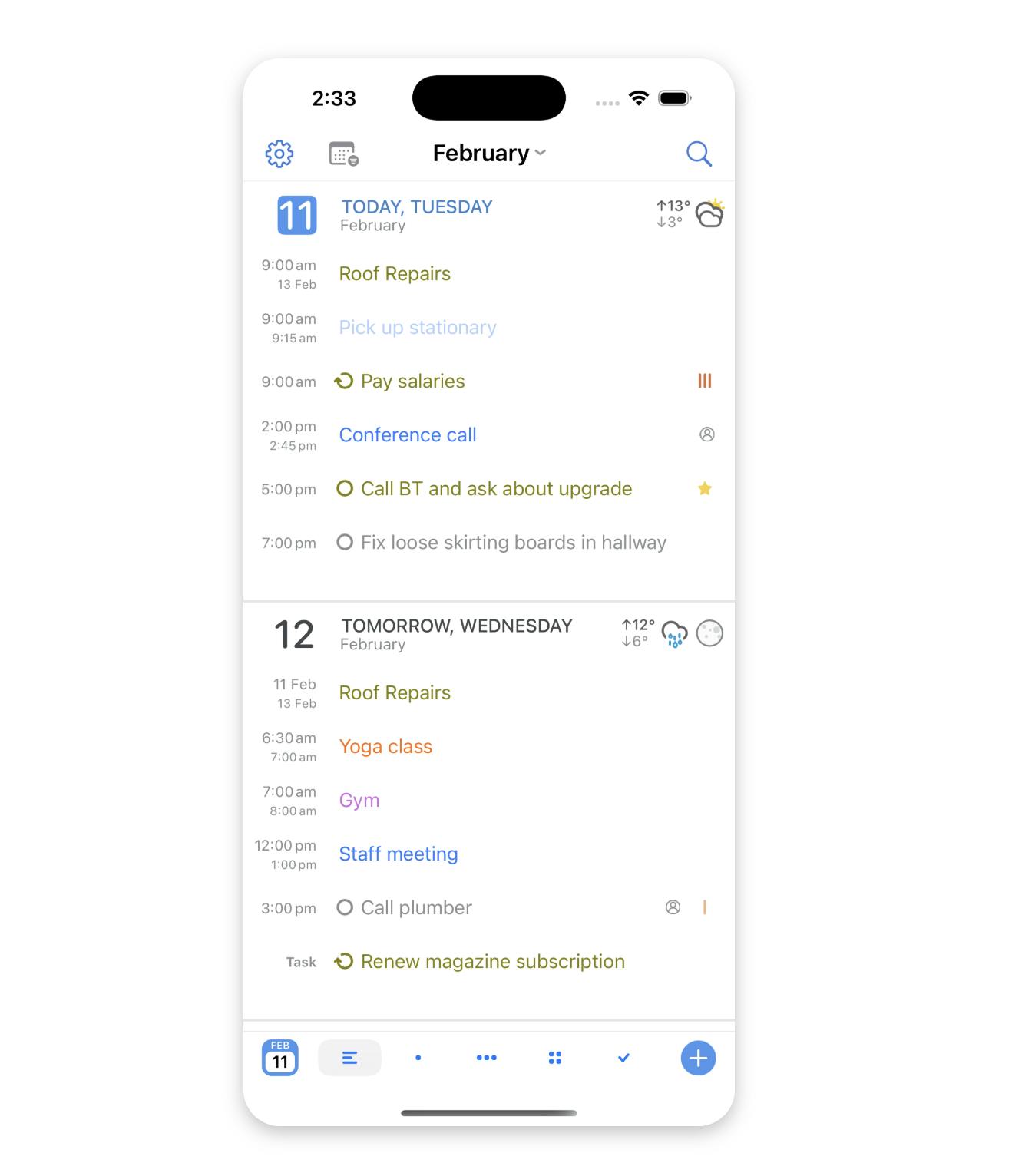
BusyCal is a feature-packed calendar app for iOS that caters to users who want customization and granular control. You can create custom views, add travel time, filter events, and manage tasks directly within the app.
It’s especially useful if you travel often or work in areas with limited connectivity, thanks to its full offline support. It also plays well with iCloud, Google, and Exchange Calendars.
Key features:
- Task and event integration
- Custom calendar views
- Smart filters and tags
- Offline capabilities
Pricing: $9.99
Microsoft Outlook - Best Calendar App iOS for Calendar & Email Combo
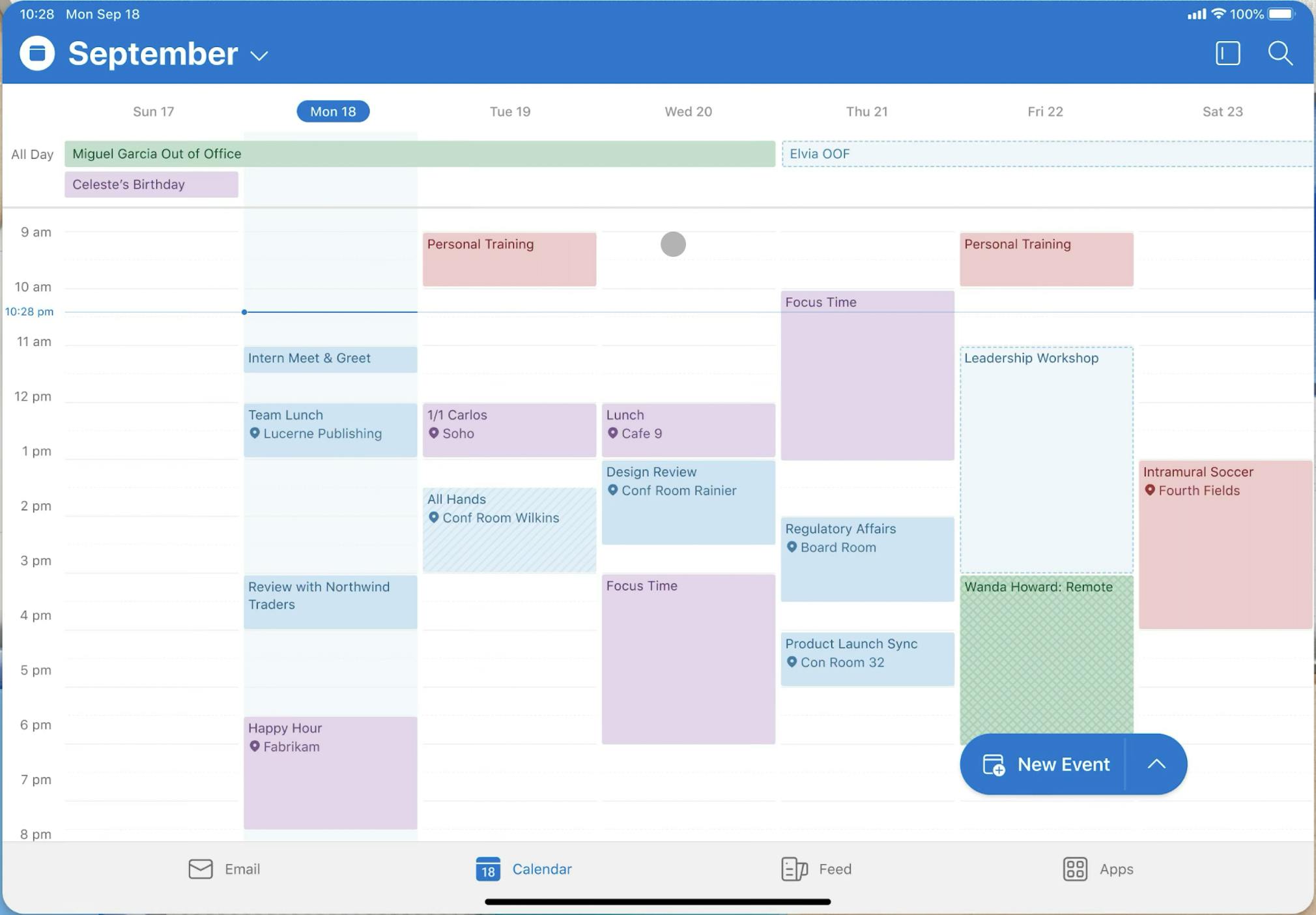
Microsoft Outlook combines your calendar, email, and contacts in one powerful app. It’s especially beneficial for users working in a Microsoft 365 environment, as it allows you to easily schedule meetings, join Teams or Zoom calls, and manage event invites without switching apps.
Its Focused Inbox and smart scheduling tools make it a great productivity booster.
Key features:
- Event invites and scheduling from email
- Microsoft Teams and Zoom integrations
- Personal and work calendar separation
- Calendar and inbox in one place
Pricing: Free with Microsoft account
Final Thoughts
Choosing the right calendar app for iOS can be a challenge; on the one hand, the wide variety is great for choice, on the other, it can become overwhelming. Moreover, picking the right app based on your needs is important when it comes to productivity and organization - it can save you hundreds of hours over the long term.
If you need an all-in-one planner with tasks and notes, try NotePlan. If it’s visuals you’re after, go for Timepage. Love automation? Use Reclaim AI. Most of these apps offer free trials or versions - so try a few, and find the one that works the best for you.
Can one app really replace your entire productivity stack?
NotePlan did. Try NotePlan free for 7 days to learn how