NewIntroducing Memo AI — Turn voice notes into structured insights→
Online Calendar: 8 Simple Apps That Make Organization Easy
Looking for the best online calendar? This article goes through eight of the best calendars that can make organization a breeze.

Keeping your schedule organized shouldn’t be a full-time job. With the right online calendar, you can plan events, manage tasks, and stay on top of everything - without constant mental juggling.
From minimalist planners to full-featured productivity tools, here are nine of the best calendar apps that make organizing your life way easier.
Quick Comparison of The Best Online Calendars
| App Name | Features | Best For |
|---|---|---|
Calendar, tasks, and notes in one view | Calendar + Notes + Tasks | |
Google Calendar | Works with Gmail, Docs, Tasks, and more | Seamless Google integration |
Fantastical | Natural language event creation | Natural language input |
Outlook Calendar | Schedule meetings, share availability | Work + email integration |
Apple Calendar | Works with Siri and Apple Reminders | Built-in for Apple devices |
Timepage | Daily briefings and smart event info | Stylish design + animations |
Zoho Calendar | Email invites and calendar sharing | Business team scheduling |
Calendar.com | AI-powered time tracking and suggestions | AI scheduling + productivity |
NotePlan - Best Online Calendar Overall
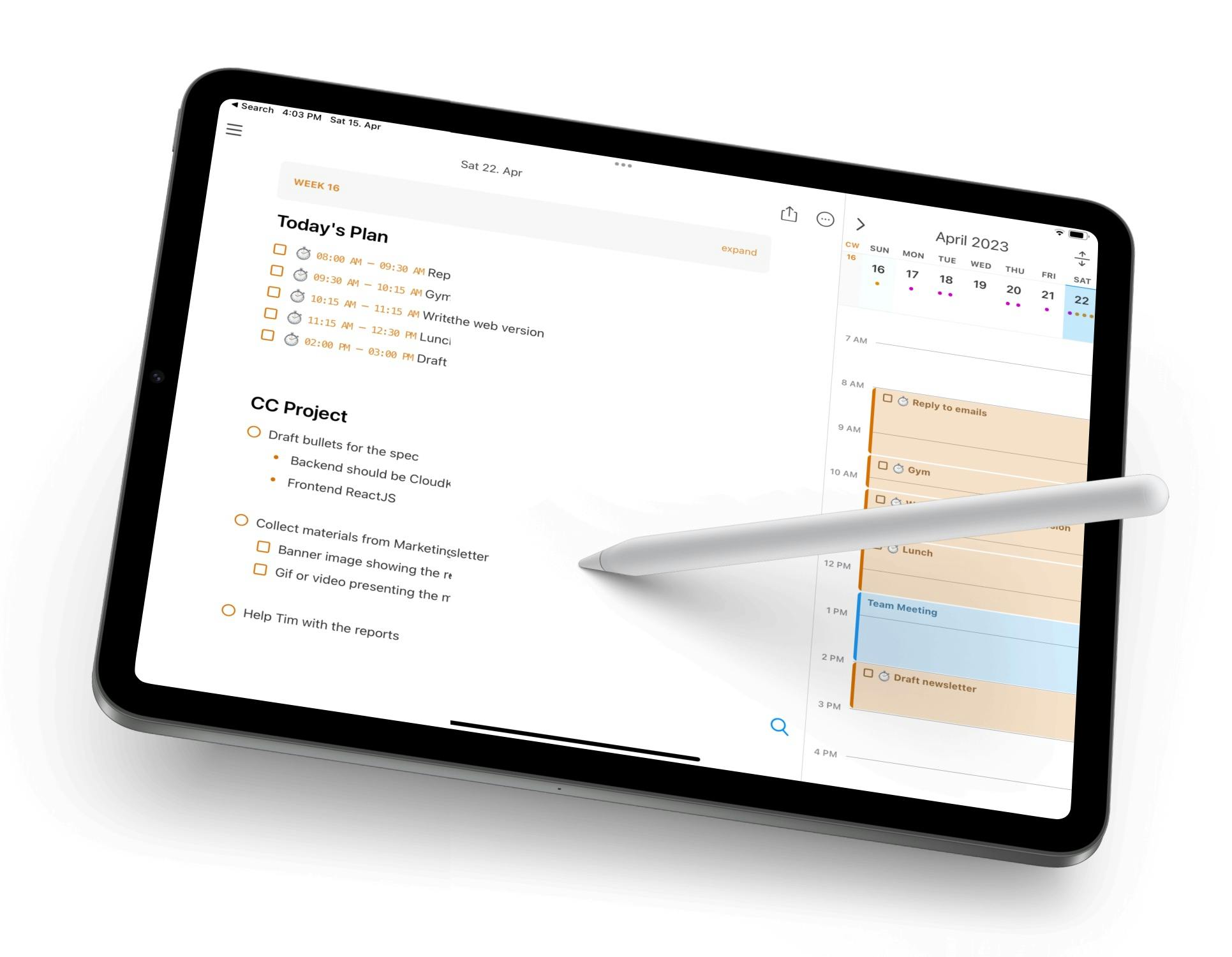
NotePlan is perfect if you want an online calendar planner that works with your notes and to-dos. Each day in your calendar links directly to a note where you can log tasks, journal entries, or meeting details. Tasks sync across your calendar, inbox, bullet journal, and project notes - all in markdown.
The result? A single view for planning your schedule, tracking habits, and reflecting on progress. No app-hopping needed.
Key Features:
- Calendar, tasks, and notes in one view
- Daily, weekly, and monthly calendars
- Supports markdown and backlinks
- iCloud sync across devices
- Built-in habit tracker
Pricing: Free trial, then $8.33/month ($99 billed annually)
What Users on Reddit Say About NotePlan
Comment
by u/EduardMet from discussion
in noteplanapp
NotePlan on iPad Overview on YouTube
Google Calendar - Best Online Calendar for Google Integration
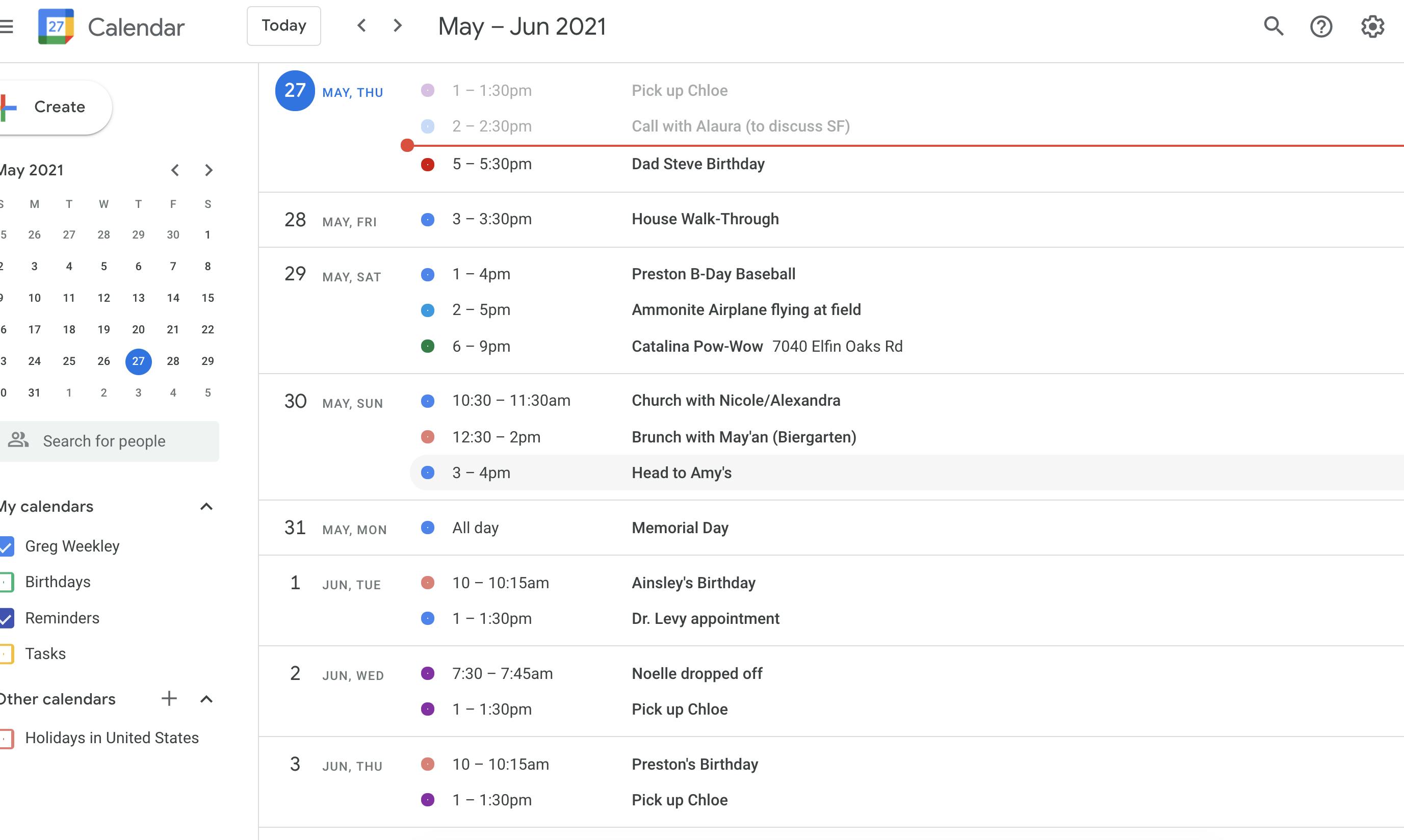
Google Calendar is a go-to online calendar app for a reason. It’s fast, reliable, and works with just about everything. You can create multiple calendars, share with teammates, add Google Meet links, and get reminders across all of your devices.
It’s a perfect choice for students or families who already use Google tools and don’t need anything too complex.
Key Features:
- Easy event creation with Google Meet integration
- Color-coded calendars for work/life balance
- Works with Gmail, Docs, Tasks, and more
- Reminders and recurring events
- Shareable and collaborative
Pricing: Free
Fantastical - Best Online Calendar for Natural Language Input
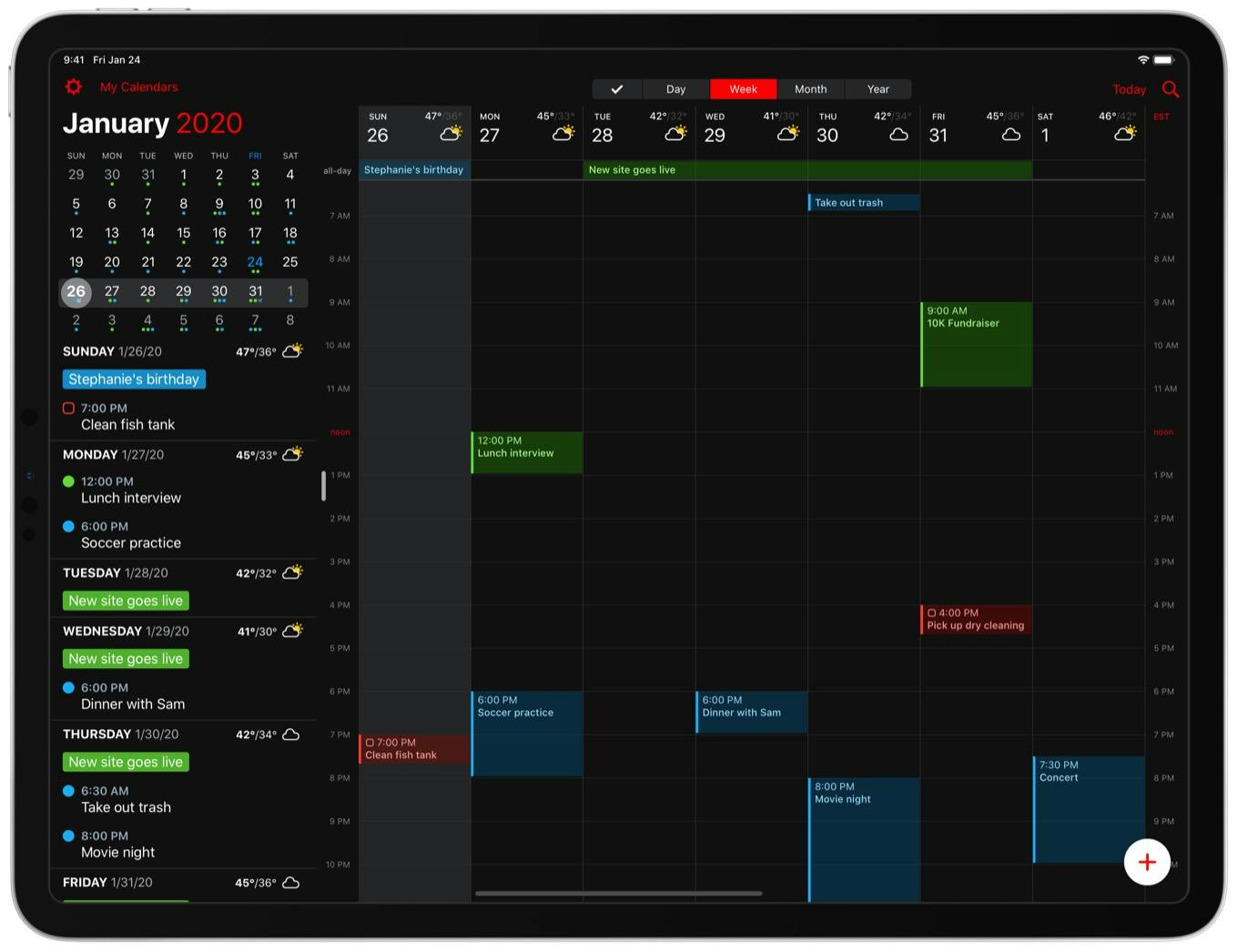
Fantastical makes adding events seamless. Just type something like “Lunch with Anna at 1pm Thursday” and it’ll create the event instantly. It also supports tasks, conference calls, weather forecasts, and multiple calendar sets.
If you want a smarter, sleeker calendar that understands what you type, Fantastical is going to be your best friend.
Key Features:
- Works across iPhone, iPad, Mac, Apple Watch
- Calendar sets and time zone support
- Natural language event creation
- Task integration and reminders
- Clean interface with dark mode
Pricing: Free basic plan, premium from $6.66/month
Outlook Calendar - Best Online Calendar for Email Integration
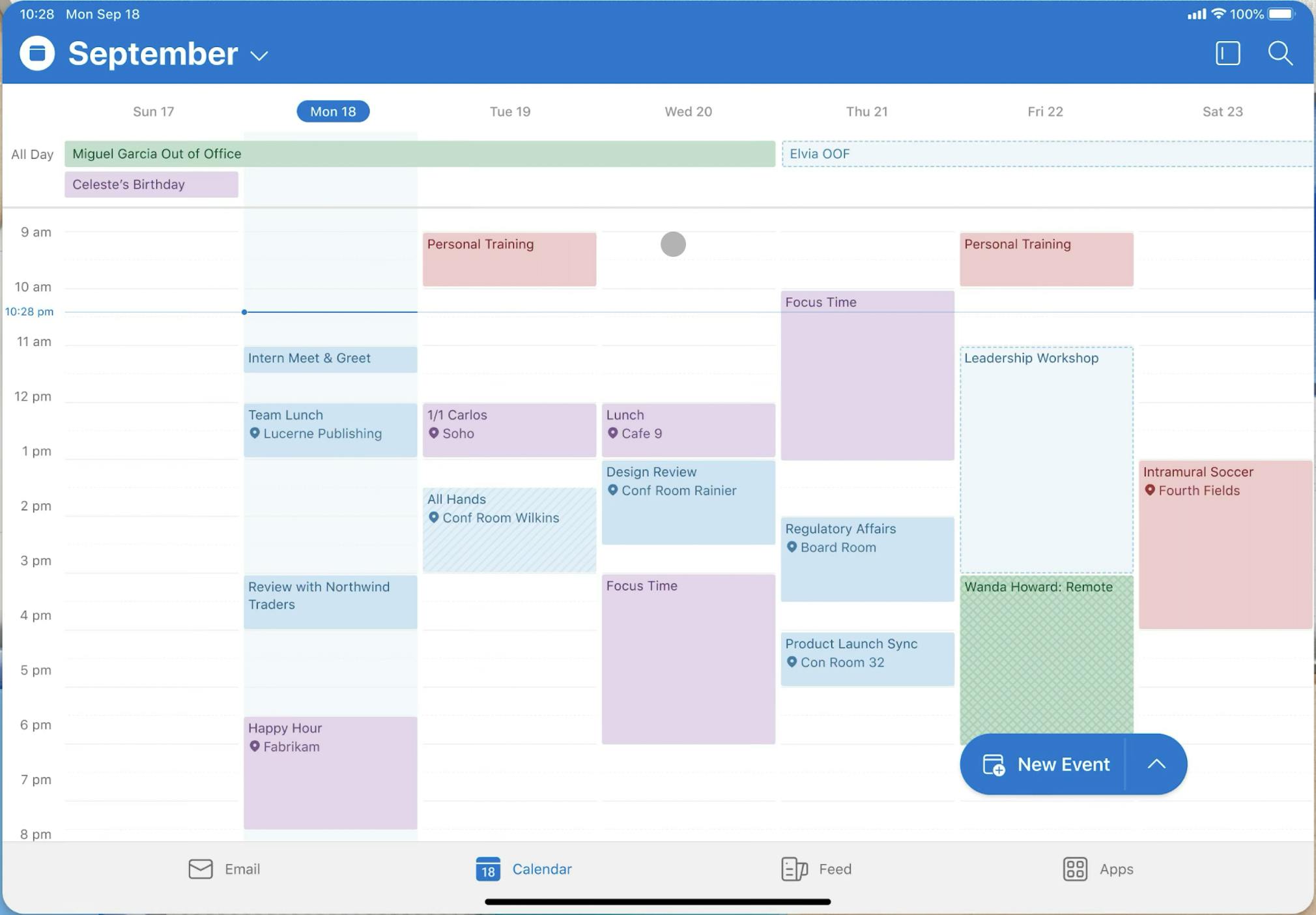
Outlook Calendar is a solid option for professionals who rely on Microsoft tools. It connects seamlessly with your inbox, tasks, and Teams meetings. It’s especially good if you already live in Outlook for work.
It doesn’t have the flashiest UI or any special features - but it’s reliable and built for business.
Key Features:
- Supports shared calendars and invites
- View tasks and calendar side-by-side
- Schedule meetings, share availability
- Direct integration with Outlook email
- Cross-platform syncing
Pricing: Free with Microsoft account
Apple Calendar - Best Free Online Calendar
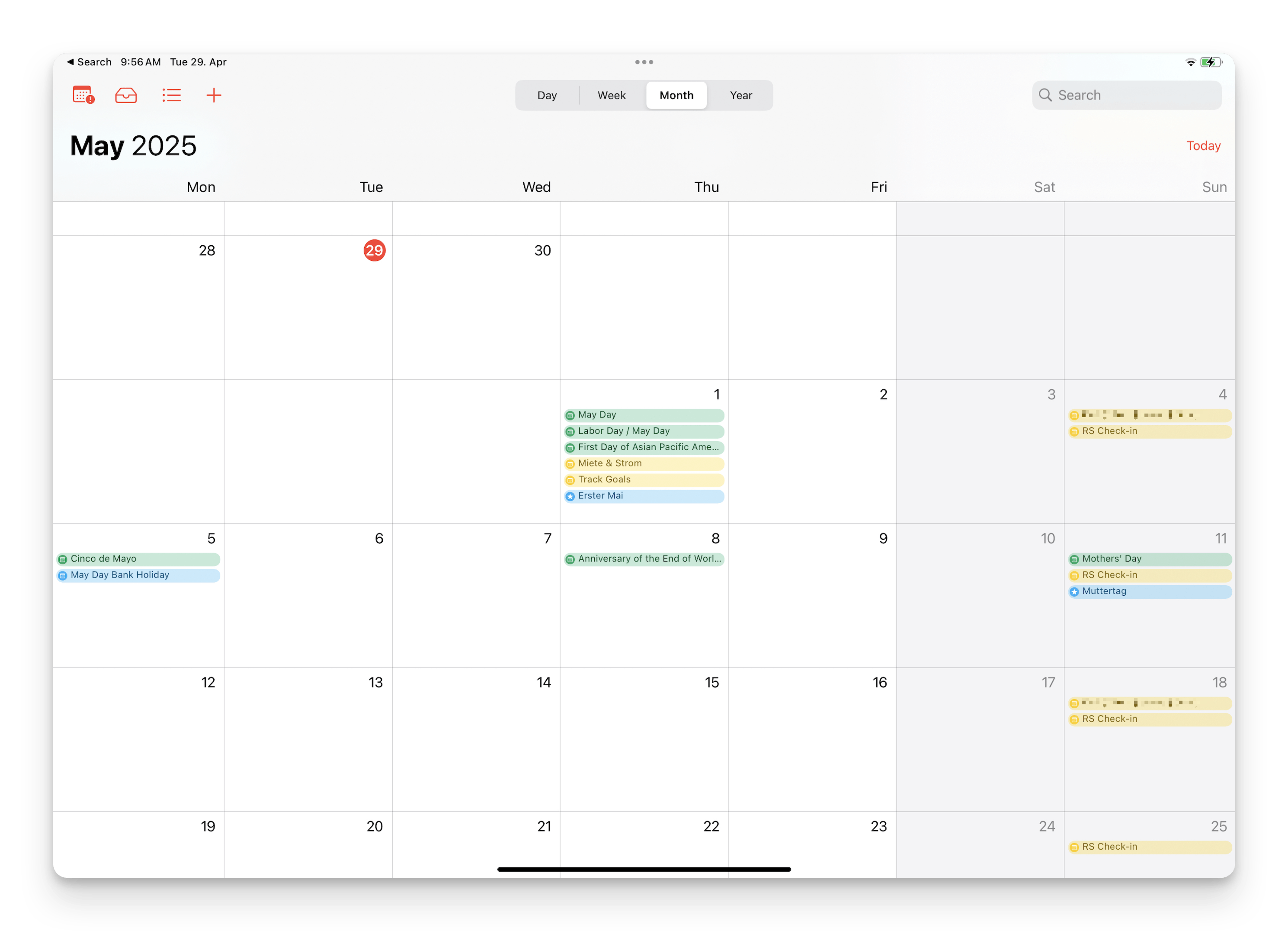
Apple Calendar is built into every Apple device and does the basics very well. It’s clean, lightweight, and deeply integrated into iOS and macOS. It handles shared calendars, events, time zones, and reminders without any fuss.
It’s not fancy, but if you love Apple devices and use them often, it’s convenient and dependable.
Key Features:
- Syncs automatically across Apple devices
- Works with Siri and Apple Reminders
- Color-coding and travel time alerts
- Supports shared calendars
- Clean, minimal interface
Pricing: Free
Timepage - Best Online Calendar for Stylish Designs
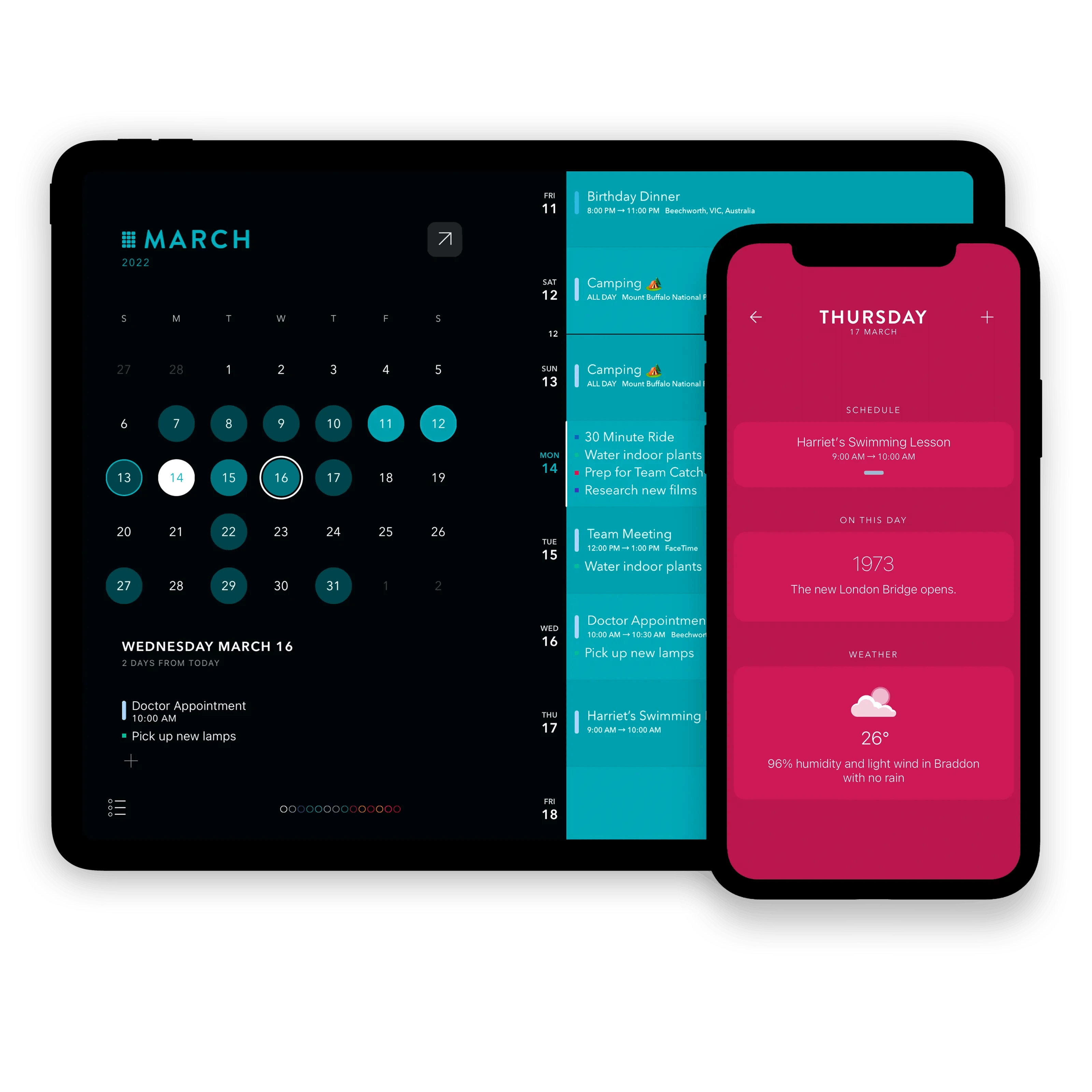
Timpage is a calendar with personality. Built by Moleskine, it combines fluid animations, bold typography, and elegant layouts to make planning feel enjoyable. You get daily briefing, travel time, weather, and tasks in a stunning visual format.
If you want your online calendar maker to look as good as it works, Timepage nails it in almost every way.
Key Features:
- Syncs with iCloud, Google, and more
- Daily briefings and smart event info
- Beautiful, animated interface
- Weather forecasts and maps
- Task management built-in
Pricing: $14.99/year
Zoho Calendar - Best Online Calendar for Team Scheduling
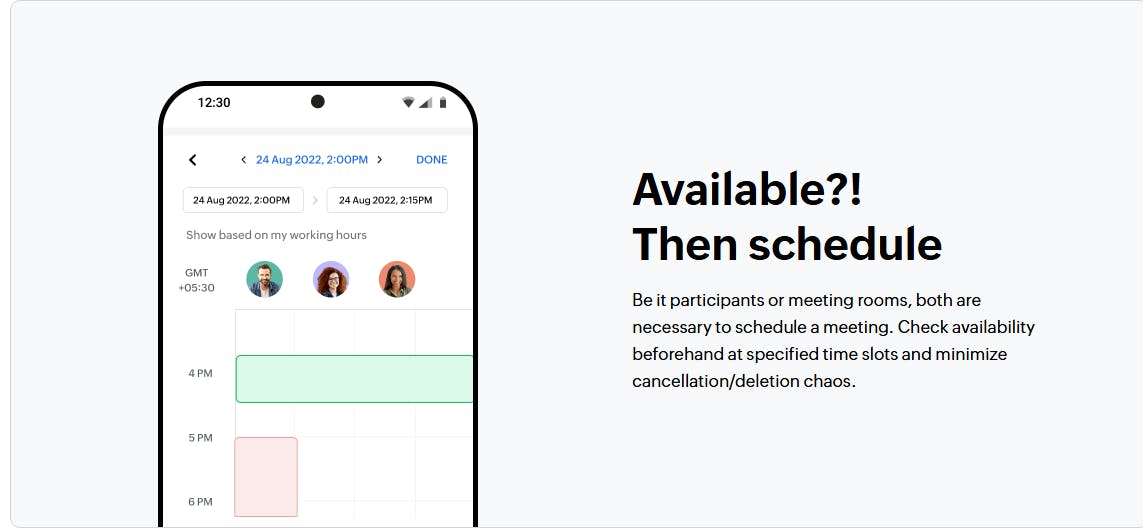
Zoho Calendar is made for teams. It’s a fully-featured online calendar that supports group scheduling, room booking, shared calendars, and event workflows. It also plays well with Google Calendar and Outlook.
It’s a great solution for small to mid-sized teams that need structure to keep everything together.
Key Features:
- Works with Zoho Suite, Google, and Outlook
- Group calendars and room booking
- Email invites and calendar sharing
- Reminders and recurring events
- Multi-time zone support
Pricing: Free
Calendar.com - Best Online Calendar for AI Scheduling and Productivity

Calendar.com is more than a calendar - it’s a smart productivity assistant. It uses analytics and AI to help you schedule smarter, manage your time, and even auto-book meetings based on your availability.
It’s built for students, freelancers, and anyone who struggles to manage lots of meetings and events.
Key Features:
- AI-powered time tracking and suggestions
- Calendar analytics and heatmaps
- Works with Google and Outlook
- Auto-scheduling for meetings
- Team scheduling features
Pricing: Free, with different premium plans starting at $8/month (billed annually)
Conclusion
A great online calendar helps you spend less time organizing - and more time doing. All of these online calendars can work wonders; it just depends on your preferences. Pick the one that fits the best with your workflow.
Whether it’s NotePlan with its plentiful features or Calendar.com with its AI scheduling, there is a calendar app out there for everyone.
Frequently Asked Questions (FAQs)
What is a Better Calendar Than Google Calendar?
Some of the most popular Google Calendar alternatives include NotePlan, Fantastical, and Zoho Calendar.
What Calendar App do Most People Use?
Most people who want a free calendar with basic features go with Google Calendar, but those who want a simplified interface and more features go for alternatives like NotePlan.
What are the Disadvantages of a Digital Calendar?
The main disadvantage of digital calendars is that some people find that it doesn’t give the same satisfaction as writing things down on paper. However, this is countered by having your calendar with you wherever you go, as well as being easier to maintain.
Can one app really replace your entire productivity stack?
NotePlan did. Try NotePlan free for 7 days to learn how