NewIntroducing Memo AI — Turn voice notes into structured insights→
Best Productivity Apps: The 7 Best Apps of 2025
Looking for the best productivity apps? We list the 7 best productivity apps that will make your life easier and allow you to be more productive.

Just wanting to be more productive doesn't work. You’ve likely discovered this yourself - the more productive you try to be, oftentimes, the less you do. Luckily, there is a solution: productivity apps.
Productivity apps keep you accountable and take some of the load off your shoulders by automating or making certain tasks easier, allowing you to focus on the tasks that matter. Here are the seven best productivity apps of 2025.
Quick Comparison of The Best Productivity Apps
| App Name | Features | Best For |
|---|---|---|
AI assistant for summarizing, tagging, and reformatting | Daily planning + notes | |
Todoist | Smart scheduling and natural language input | Task management |
Notion | AI tools for summarizing, rewriting, and brainstorming | All-in-one workspace |
Sunsama | Weekly review and goal-setting features | Daily planning with focus |
TickTick | Pomodoro timer and white noise for focus | Lists + Pomodoro Timer |
Motion | Auto-rescheduling and priority setting | AI calendar + task manager |
Trello | Power-Ups for calendar, voting, and more | Project management |
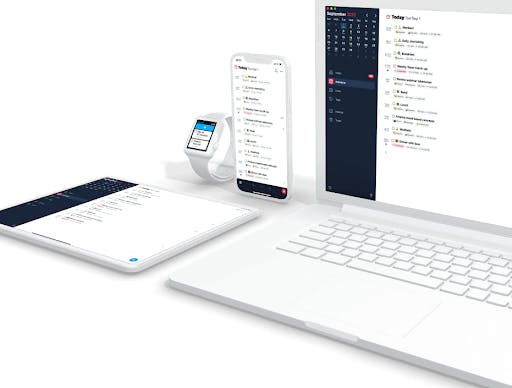
NotePlan - Best overall Productivity App
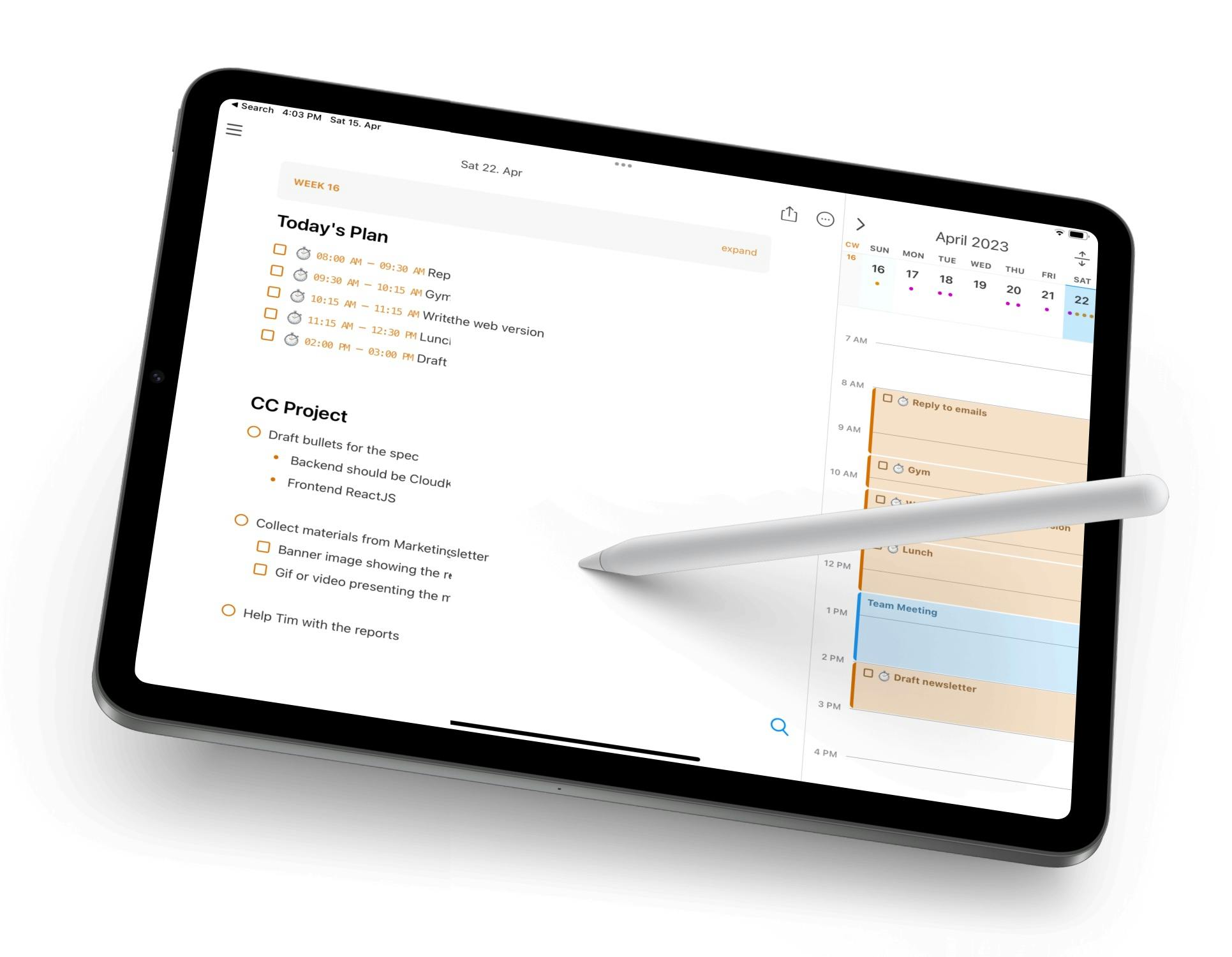
Noteplan blends a ton of different features together; task management, calendar, daily notes - you name it. It’s ideal for people who like to think on paper and plan their day with intention.
You can write journal entries, make to-do lists, and schedule time blocks - all in the same note. It’s lightweight, fast, and works beautifully offline. It was built with Apple users in mind, meaning it also syncs across all your devices via iCloud.
Key Features:
- Markdown-powered notes with checklists and backlinks
- AI assistant for summarizing, tagging, and reformatting
- Natural language input for scheduling
- Calendar + task manager in one
- Local storage with iCloud sync
Pricing: Free trial, then $8.33/month ($99 billed annually)
What Users on Reddit Say About NotePlan
Comment
by u/EduardMet from discussion
in noteplanapp
NotePlan on iPad Overview on YouTube
Todoist - Best Productivity App for Simple Task Management
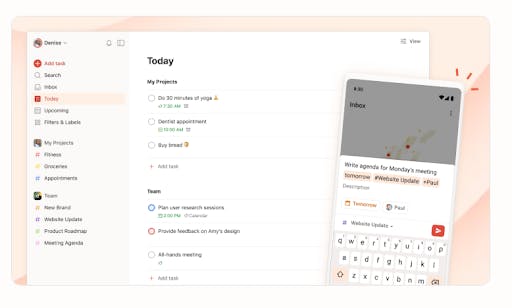
Todoist is one of the more well-known productivity apps, and this is for good reason. It’s easy to use, cross-platform, and packed with features that help you stay on top of daily and long-term tasks. You can add due dates, set recurring tasks, prioritize items, and even share projects with others.
Their new AI assistant can suggest task breakdowns or smart rescheduling. Whether you’re managing a personal to-do bullet list or collaborating with a team, Todoist keeps you moving.
Key Features:
- Smart scheduling and natural language input
- Sections, labels, and filters for organization
- AI task suggestions and project insights
- Templates for common workflows
- Offline support on all devices
Pricing: Free basic plan, premium versions at $4 or $6 / month (billed annually)
Notion - Best Productivity App for an All-in-One Workplace
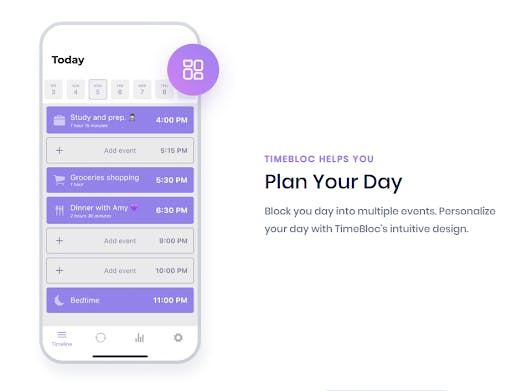
Notion is the Swiss Army knife of productivity. You can build a task manager, content calendar, knowledge wiki, and meeting notes all in one place. With AI features like auto-summarizing and writing assistance, it’s easier than ever to organize and produce work.
It’s especially powerful for startups, creators, and remote teams who want to centralize their work in a single app. Not to mention being one of the best productivity apps for students.
Key Features:
- AI tools for summarizing, rewriting, and brainstorming
- Pages, databases, kanban boards, and calendars
- Collaboration with comments and permissions
- Shareable templates and workspaces
- Offline access for mobile and desktop
Pricing: Free with different premium plans, starting at $11.50
Sunsama - Best Productivity App for Intentional Day Planning
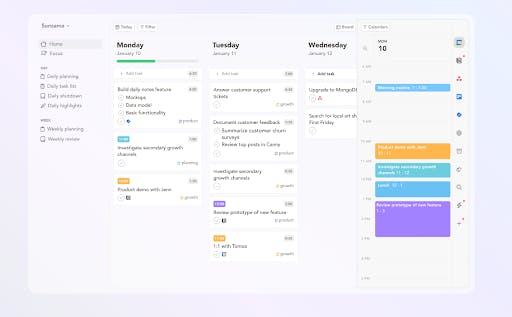
Sunsama isn’t just about getting more done - it’s about doing the right things. Every morning, it asks what you want to accomplish and helps you time-block it into your day.
You can pull tasks from Trello, Gmail, Notion, or Asana, then drag and drop them into your schedule. It’s perfect for people who want a more mindful, relaxed workflow.
Key Features:
- Weekly review and goal-setting features
- Pulls tasks from multiple platforms
- Guided daily planning workflow
- Calendar + task integration
- Focus mode with timers
Pricing: $16/month (billed annually)
TickTick - Best Productivity App for Task Lists
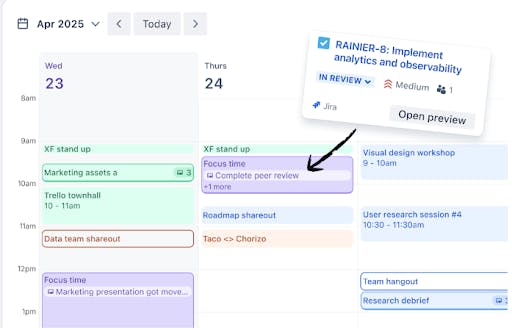
TickTick keeps things fast, focused, and flexible. You can create lists, set recurring reminders, and use built-in pomodoro timers to stay on task. It’s a great choice for people who want a lightweight but powerful app for getting things done.
The calendar and habit tracking feature also make it useful for daily routine management.
Key Features:
- Pomodoro timer and white noise for focus
- Habit tracking and productivity stats
- Calendar view with drag-and-drop
- Smart lists and priority levels
- Works great offline
Pricing: Free, with optional premium upgrade at $35.99/year
Motion - Best Productivity App for AI-Powered Scheduling
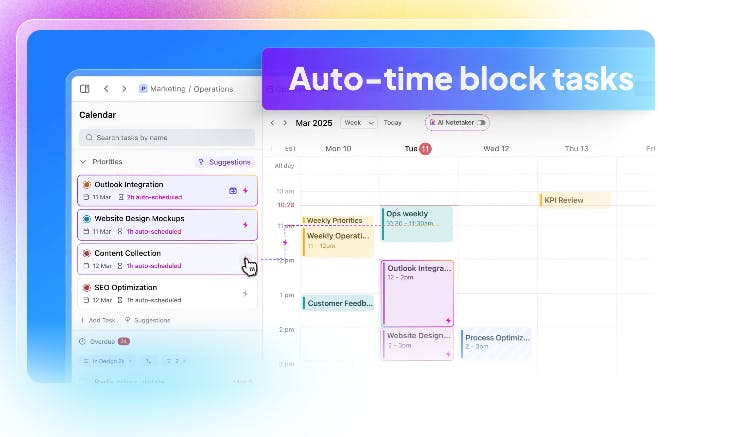
Motion is built for people who want to automate their day. It merges calendar and task list, then uses AI to automatically schedule your work based on deadlines and focus time. If meetings shift or tasks are overdue, it reschedules things in real-time.
It’s a productivity powerhouse for busy students or freelancers managing lots of priorities. That’s why it’s often considered to be one of the best productivity apps for work.
Key Features:
- AI calendar that schedules tasks and meetings
- Integrated meeting booking and availability
- Auto-rescheduling and priority setting
- Smart focus blocks and buffer times
- Daily planning emails and analytics
Pricing: Various premium plans, starting at $19/month (billed annually)
Trello - Best Productivity App for Visual Project Management
Trello uses boards and cards to help you organize work visually. It’s intuitive and perfect for managing everything from editorial calendars to product roadmaps. You can even automate repetitive tasks with Butler (Trello’s built-in automation tool) and even assign tasks to team members.
It’s been around for years - and it's still one of the easiest and most effective tools to use.
Key Features:
- Power-Ups for calendar, voting, and more
- Drag-and-drop boards, lists, and cards
- Team sharing and task assignments
- Works offline on mobile and desktop
- Butler automation for workflows
Pricing: Free with different premium options, starting at $5/month (billed annually)
Final Thoughts
Don’t just choose any old productivity app and call it a day - pick the one that fits your style the most. Apps like NotePlan are a great all-in-one solution, while alternatives like Trello offer niche benefits or perks that may be better suited to some individuals.
Once you pick an app, stick with it for a while. Once you get into the swing of things, you won't be able to imagine life without it.
Frequently Asked Questions (FAQs)
How do you Increase Productivity?
You can increase productivity by minimizing distractions, prioritizing tasks that are important, and focusing on one task at a time.
What is the Best Productivity Tool?
The best productivity tools include NotePlan, Arc Browser, and Superhuman.
What is a Productivity App?
A productivity app is an app that allows you to be more productive, either by optimizing your scheduling or making certain tasks easier.
Can one app really replace your entire productivity stack?
NotePlan did. Try NotePlan free for 7 days to learn how