Focus on what matters with connected Tasks, Notes & Calendar.
Transform your ideas into actionable steps with seamless task creation and calendar scheduling directly within your notes.
Take Control of Your Schedule
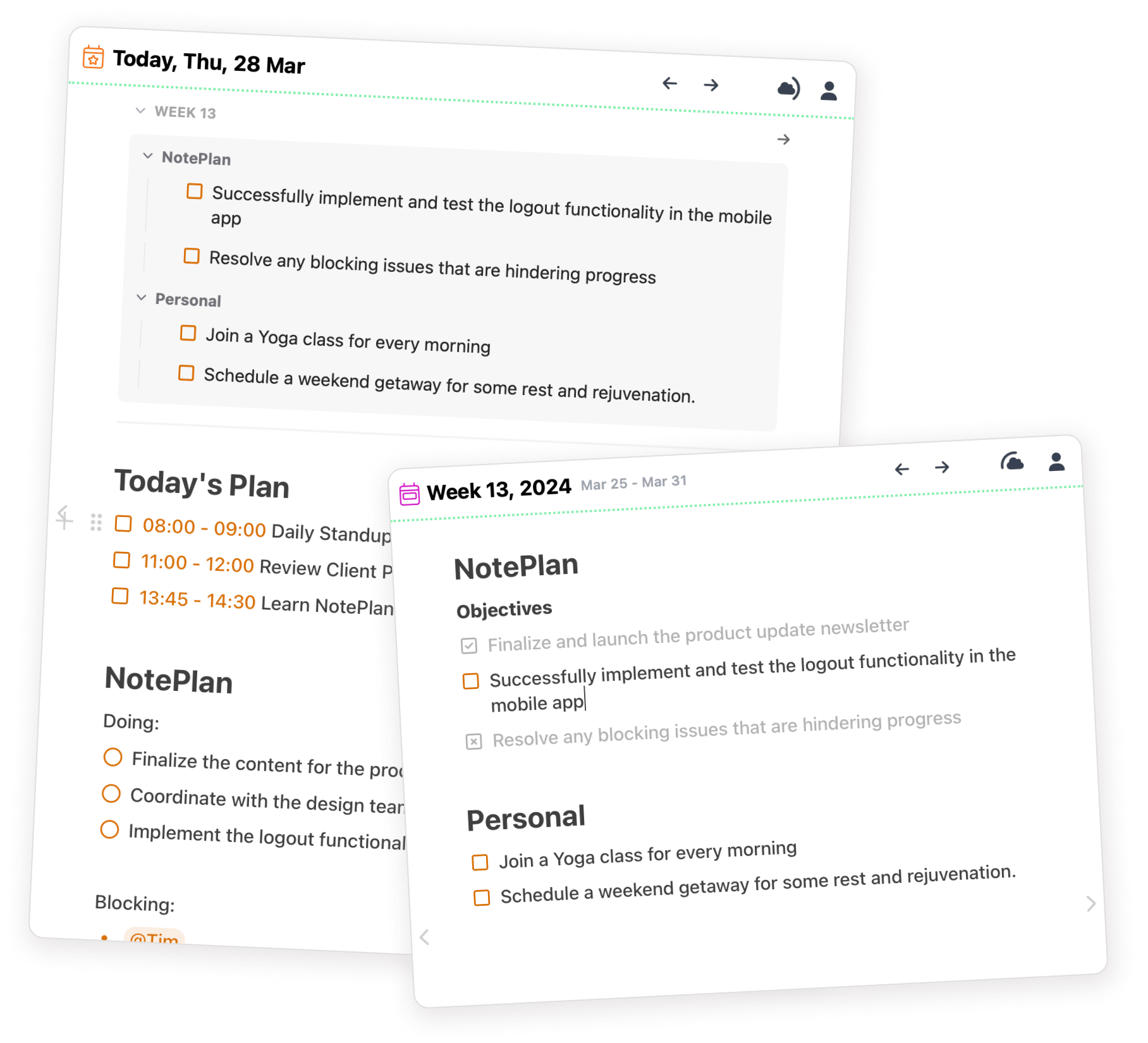
With NotePlan, effortlessly organize your day and projects. Turn notes into tasks and stay on top of your goals, all in one place.
Keep your day organized with Daily Notes, and use Weekly Notes to plan and reflect on your week for a focused approach.
Plan your day with precision
Drag tasks to your timeline, schedule directly in notes, and integrate your calendar - all in one place.
TimeBlocking
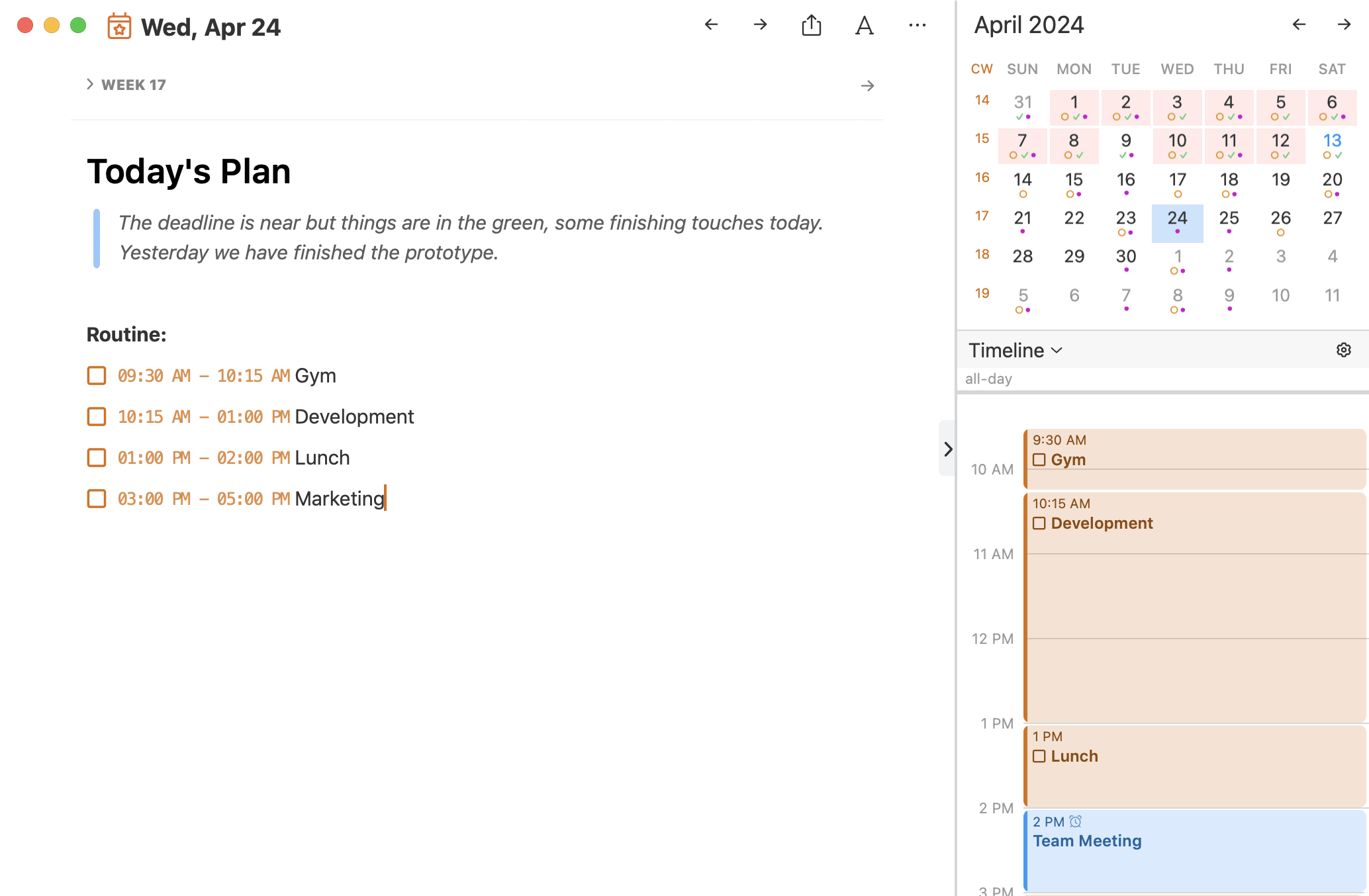
Drag tasks to your timeline for clear focus using Timeblocking
Feeling overwhelmed? Schedule focus time with Timeblocking! Drag tasks to the timeline or add times directly (e.g., "10am - Write report"). Visualize your day and stay on track!
Scheduling
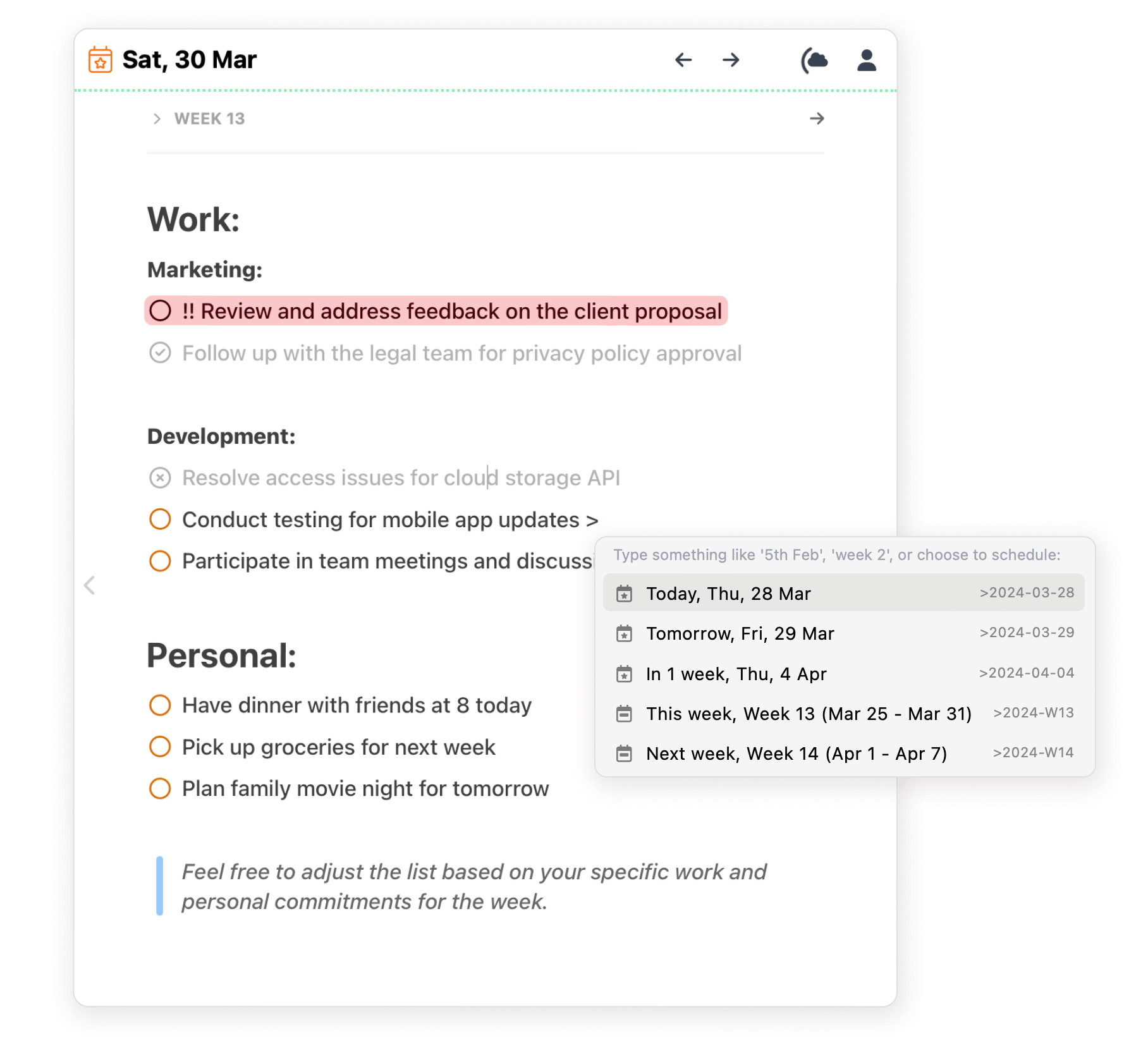
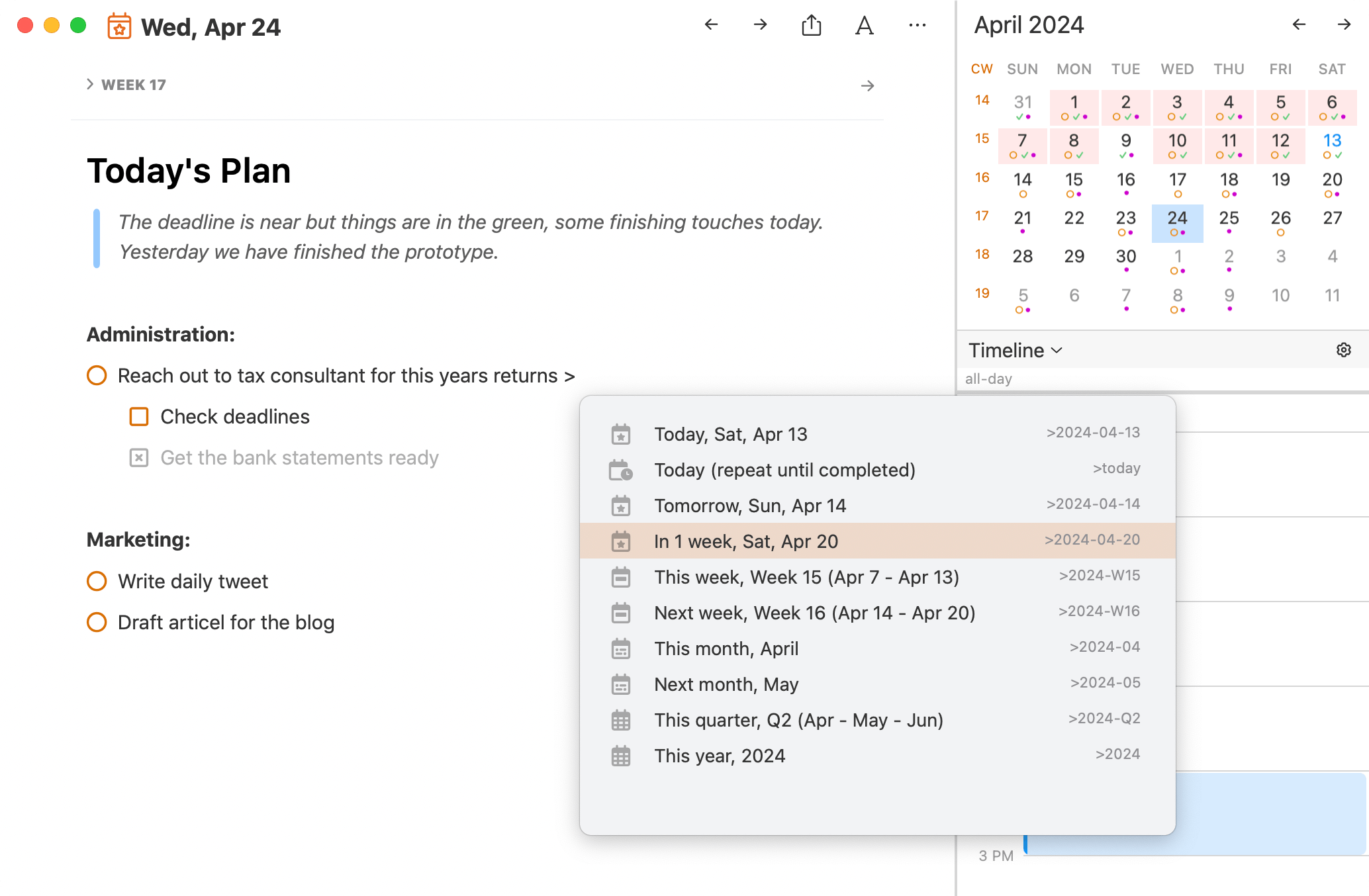
Schedule tasks directly in Project Notes with just a date
Ditch the juggling act! Schedule tasks directly in your project notes. Just add a date (>date) and watch it appear on your Daily Note for that day.
Calendar Integration
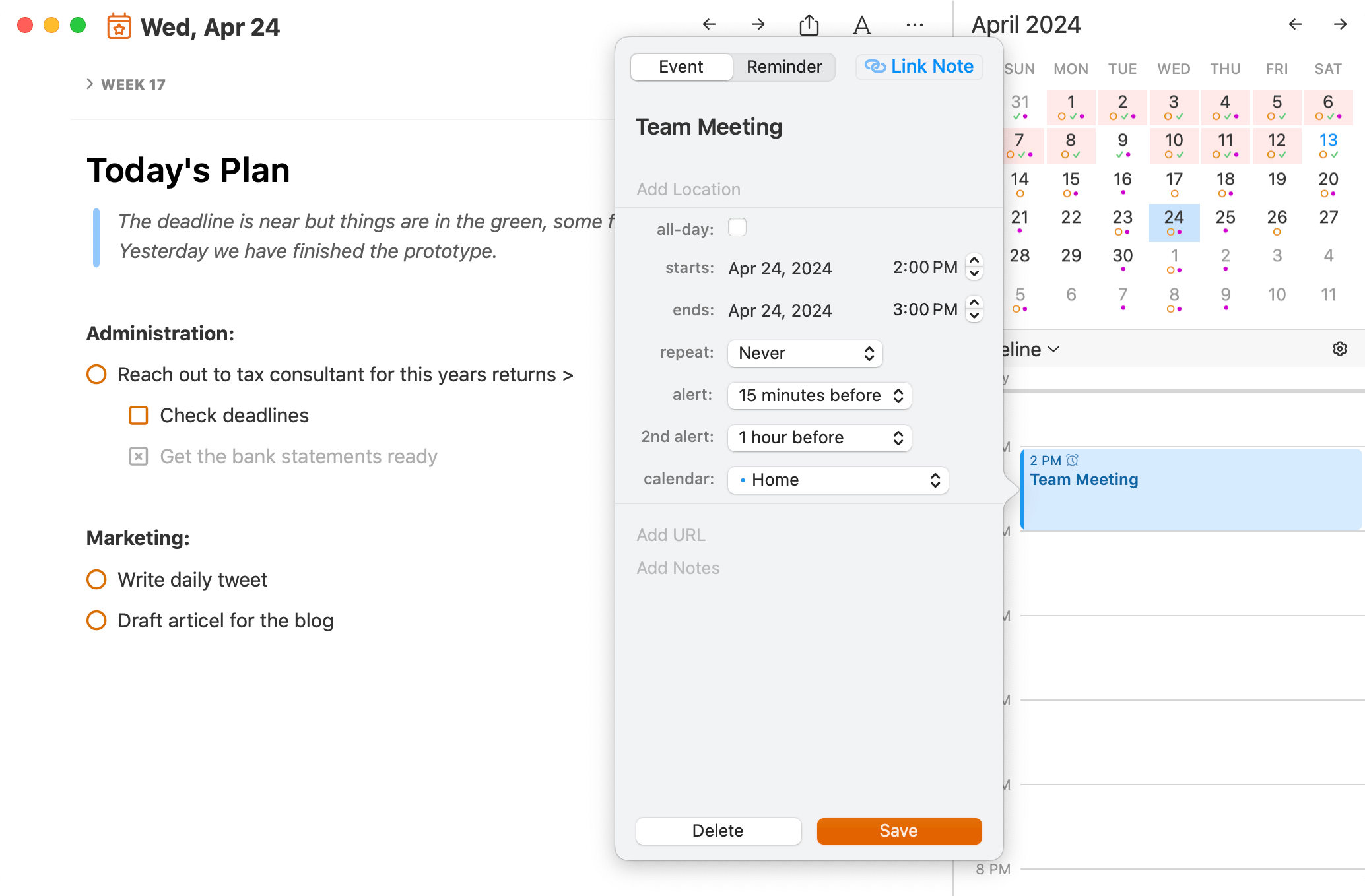
Manage events in NotePlan, synced with your calendar
See and manage all your events in one place! Connect NotePlan to your Google Calendar to view and create events alongside your daily notes.
TimeBlocking
Drag tasks to your timeline for clear focus using Timeblocking
Feeling overwhelmed? Schedule focus time with Timeblocking! Drag tasks to the timeline or add times directly (e.g., "10am - Write report"). Visualize your day and stay on track!
Scheduling
Schedule tasks directly in Project Notes with just a date
Ditch the juggling act! Schedule tasks directly in your project notes. Just add a date (>date) and watch it appear on your Daily Note for that day.
Calendar Integration
Manage events in NotePlan, synced with your calendar
See and manage all your events in one place! Connect NotePlan to your Google Calendar to view and create events alongside your daily notes.
Simplify Your Workflow
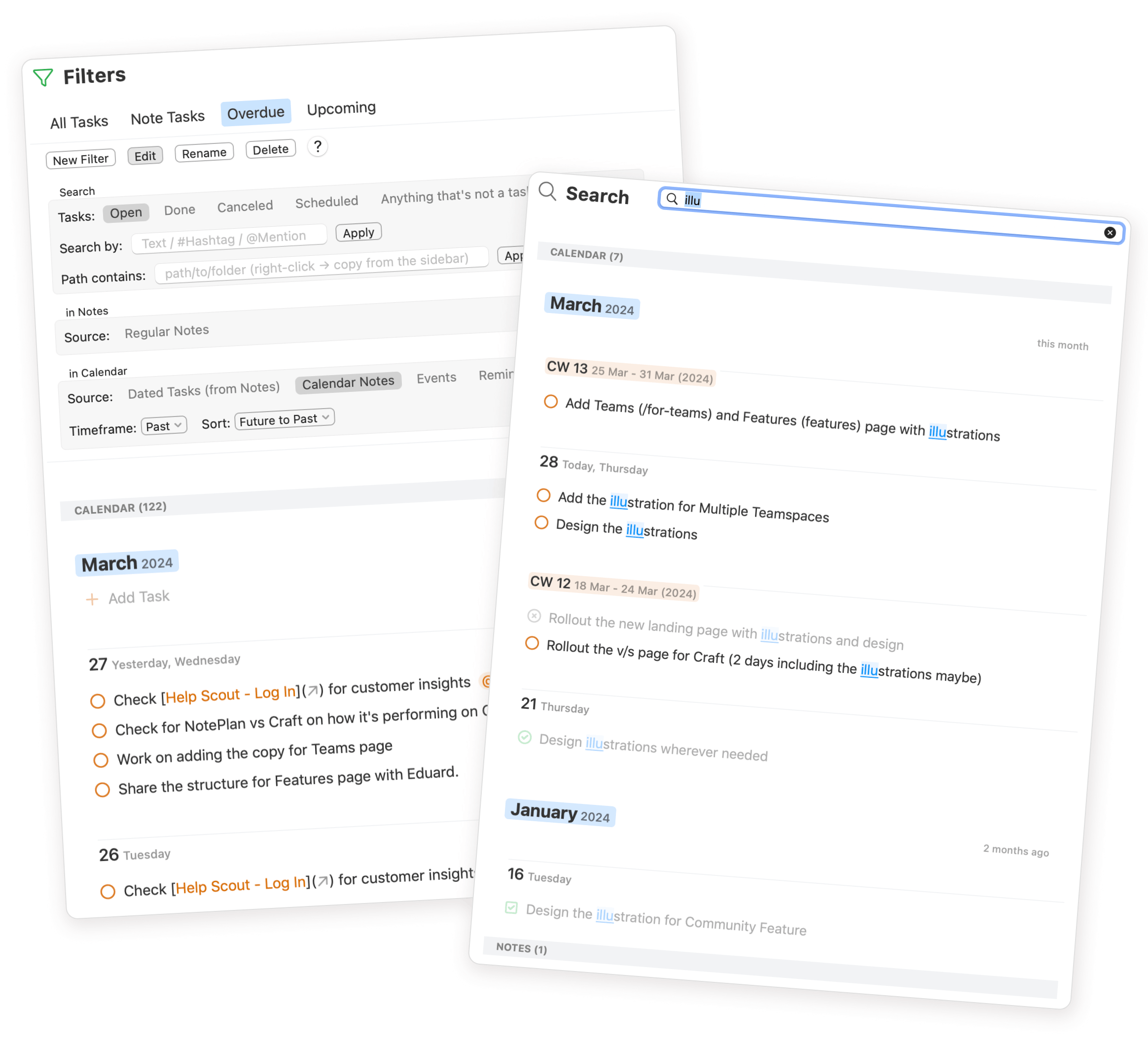
Organize & connect your thoughts in NotePlan. Powerful search & filters keep you on track.
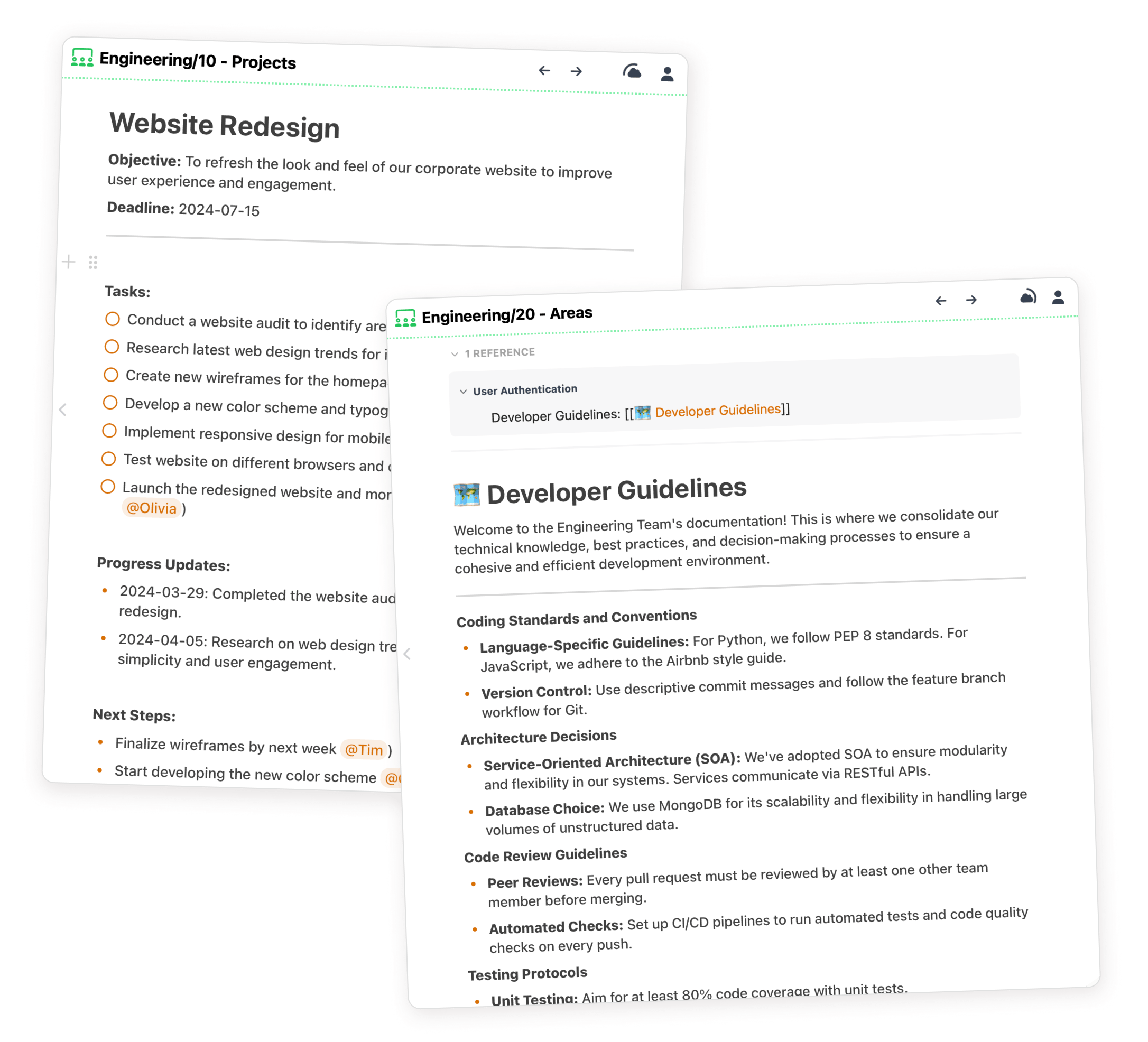
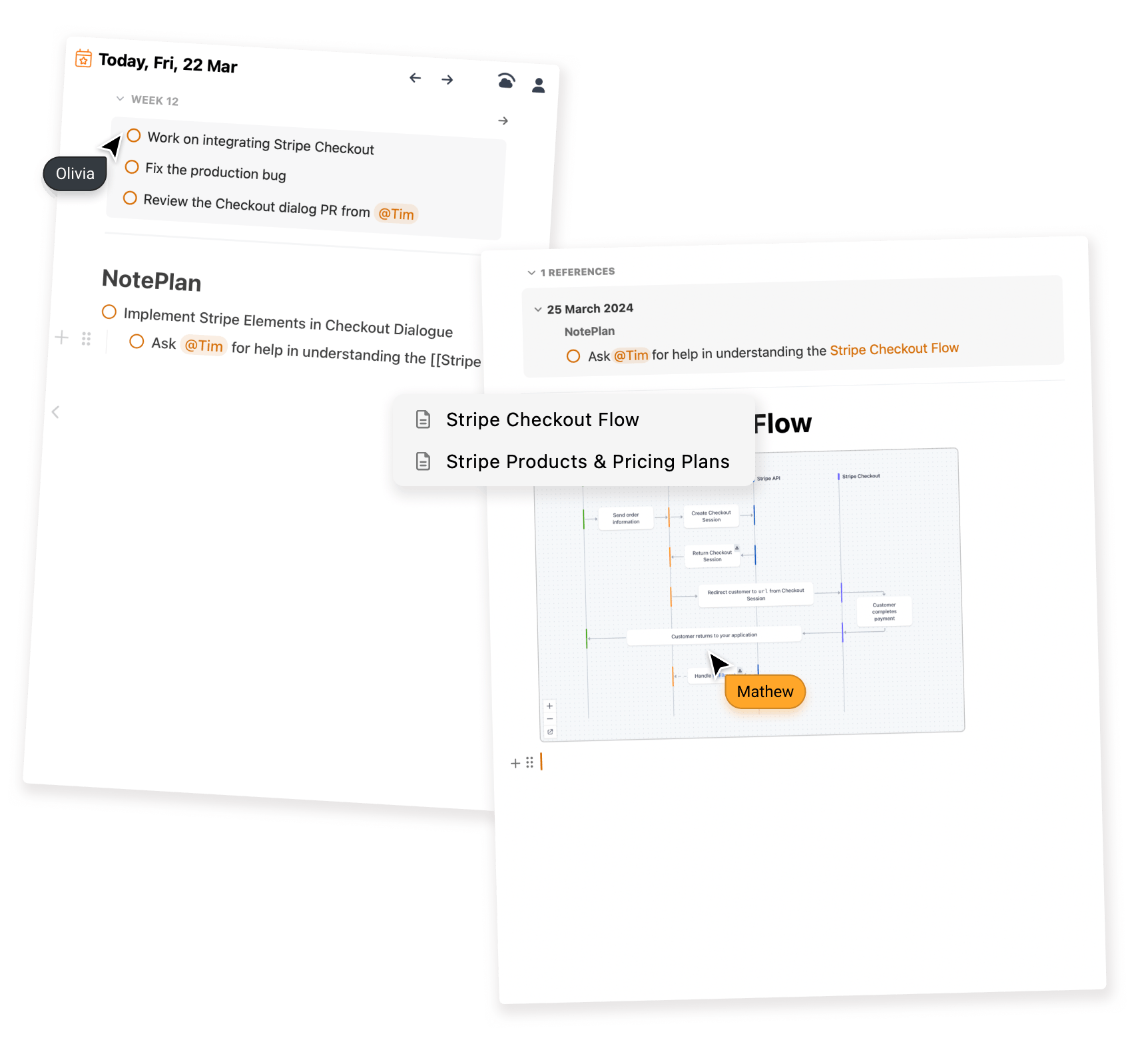
NotePlan lets you create deeper connections between ideas with backlinks.

Capture ideas your way with AI
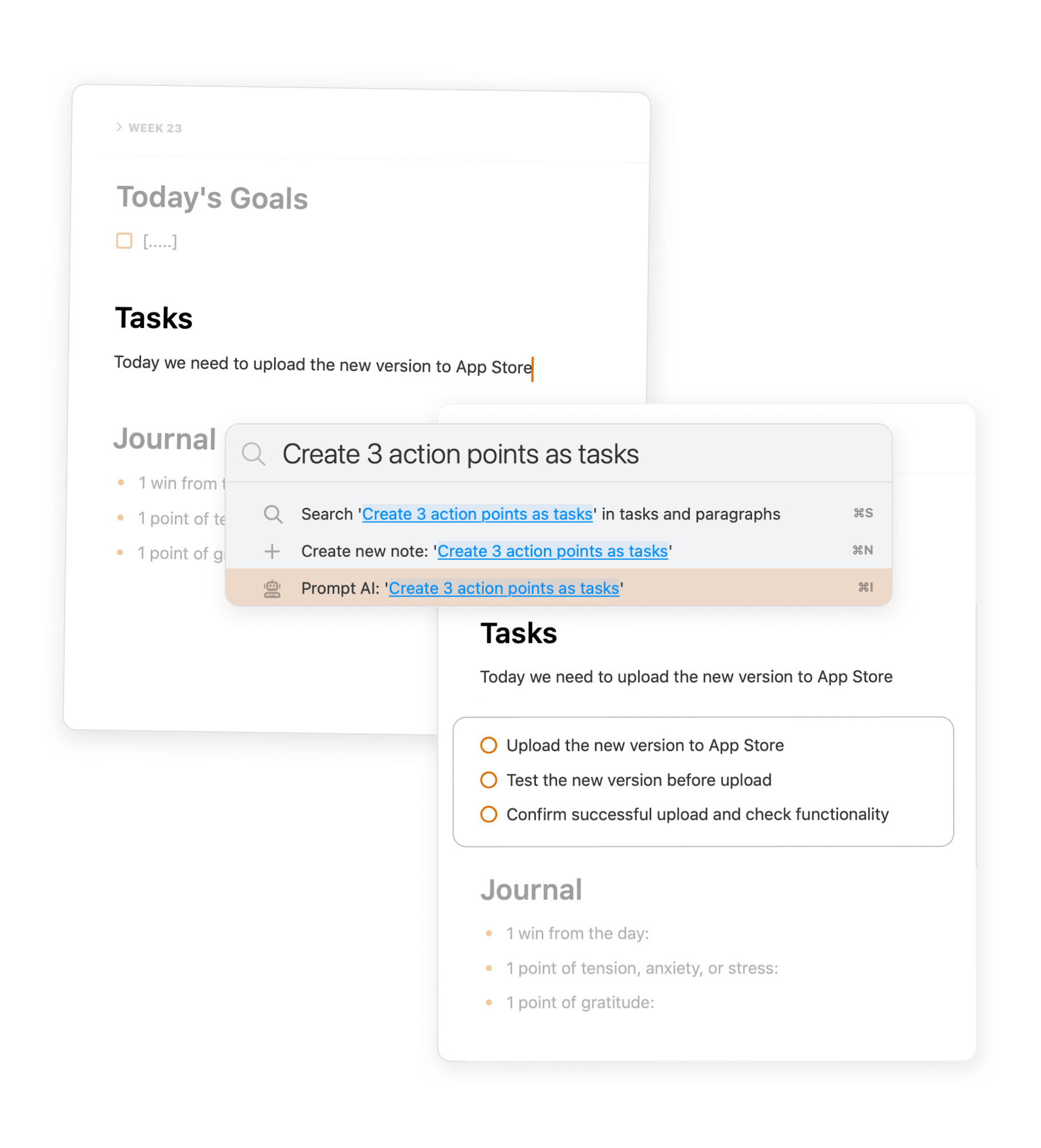
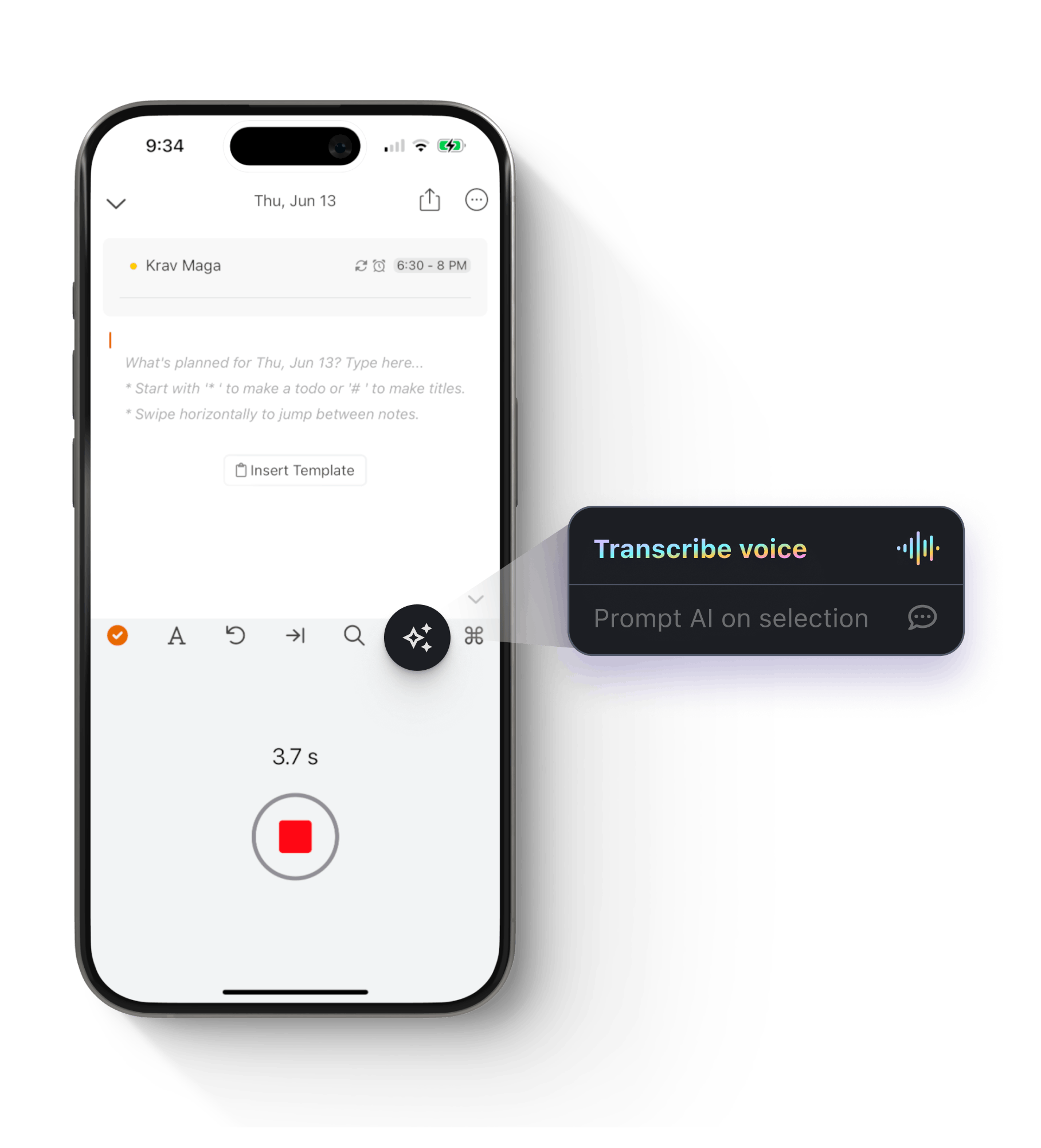
Draw, dictate, and transcribe effortlessly with AI-powered features for seamless note-taking and organization.
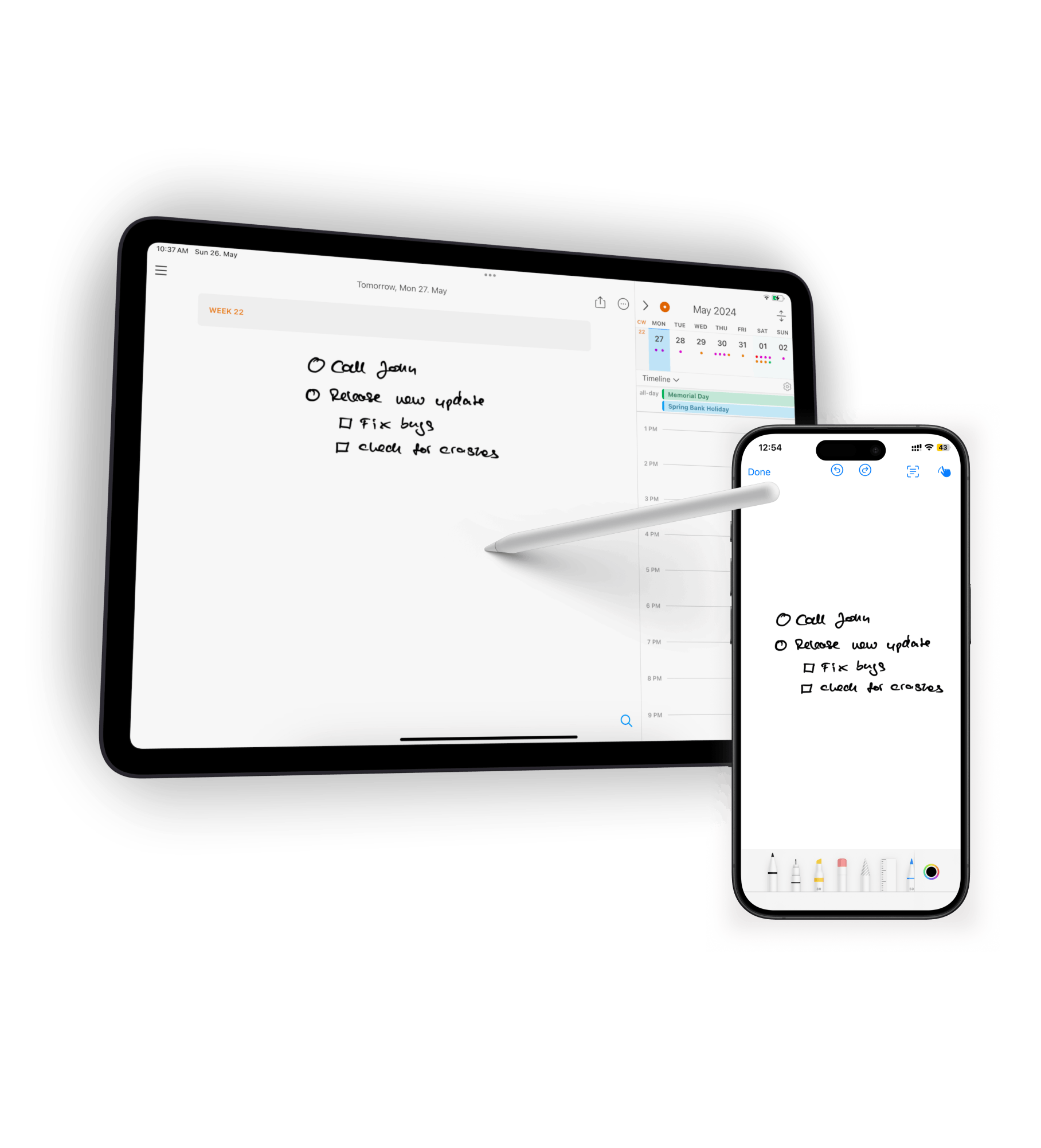
Draw & handwrite notes on iPhone or iPad. NotePlan's AI converts your handwriting into text.
Customize everything
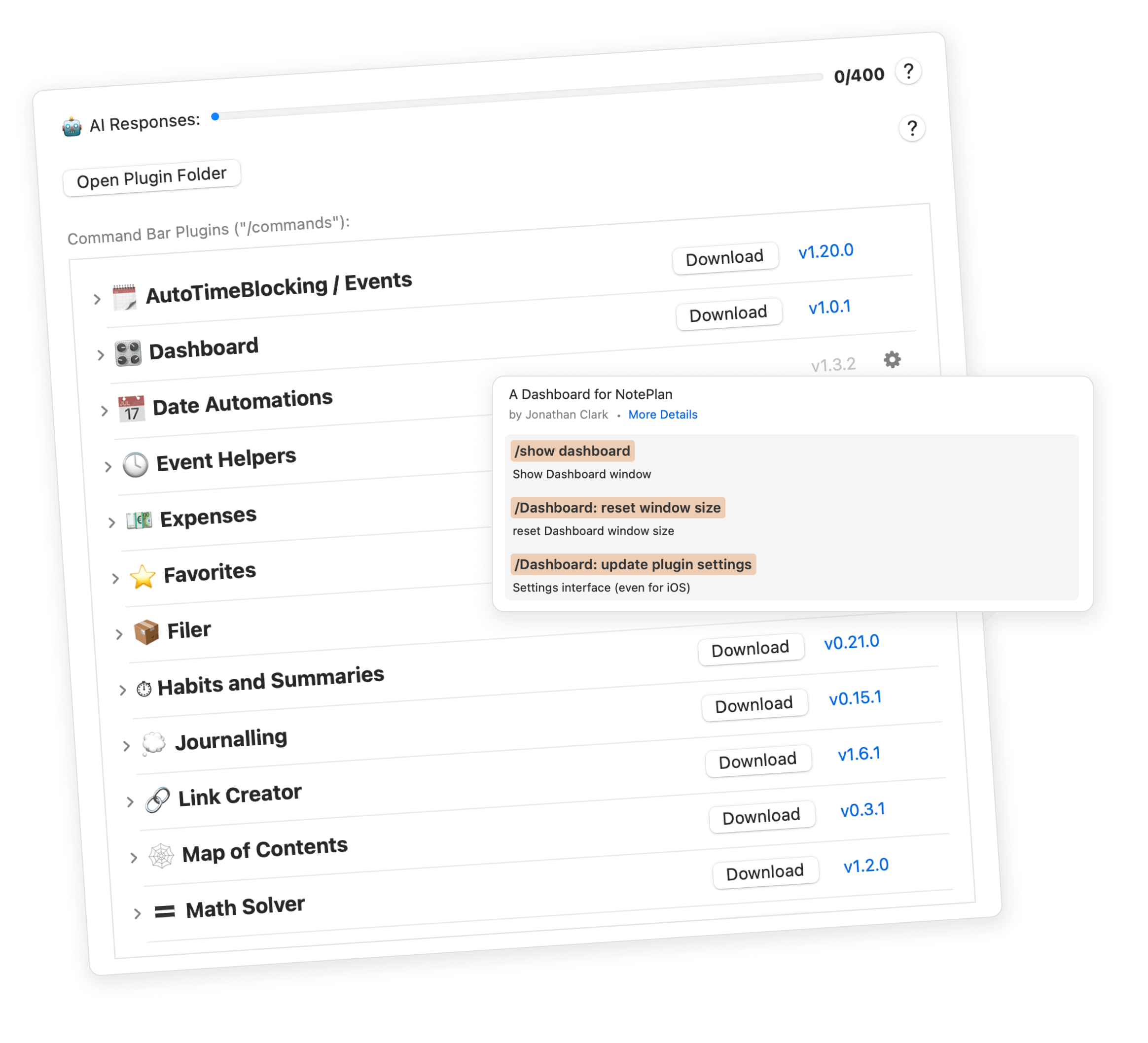
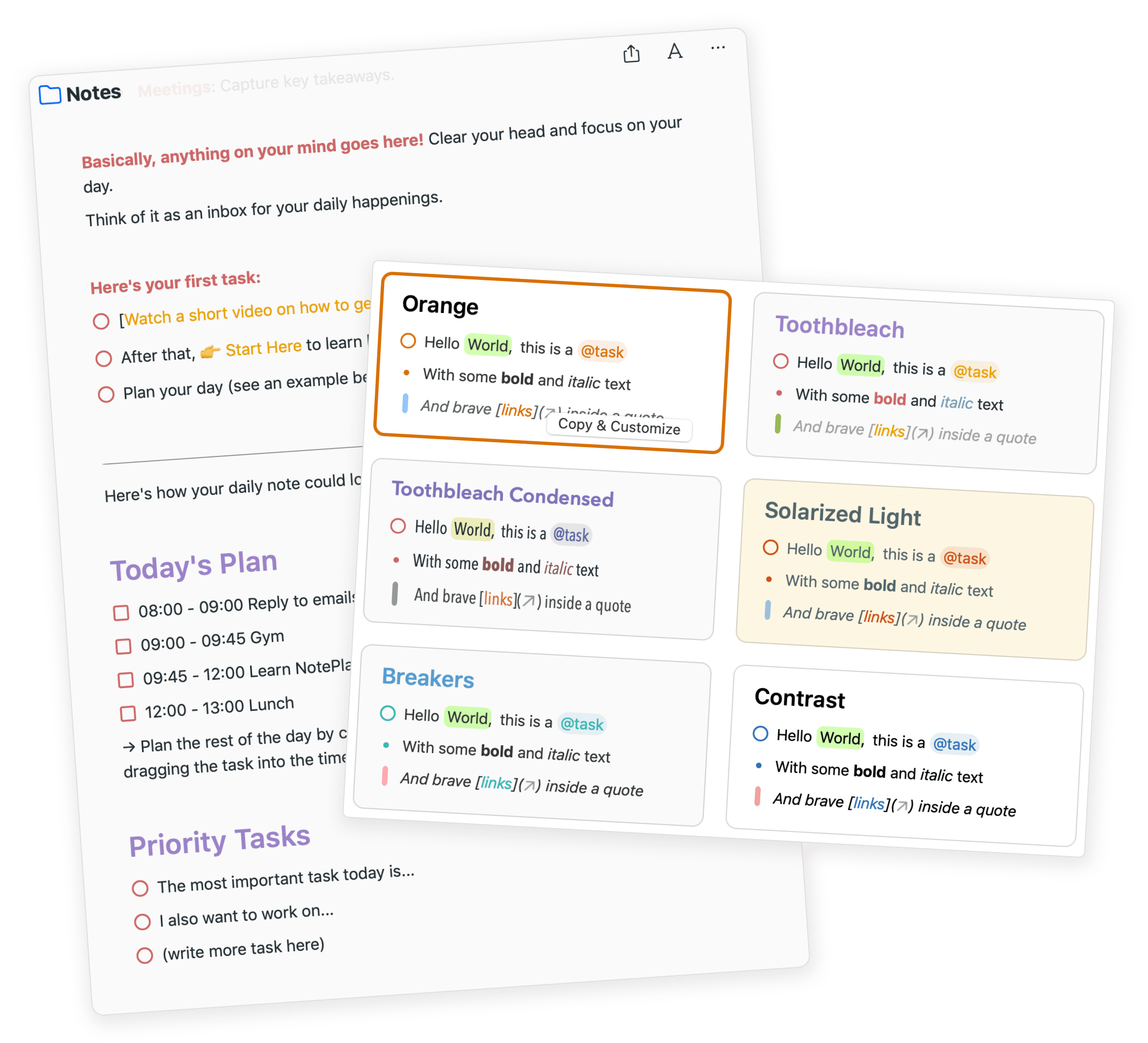
Automate tasks, track stats, and personalize everything - fonts, colors, formatting, even code.
Automate tasks, track stats, and more with plugins for notes and organization.
Here's what people are saying
"I use NotePlan daily to balance 2 business, community activities and family life. Being able to keep everything in one place, make tasks, set reminders/deadlines AND do journalling is helping me succeed & grow. FREAKIN LOVE THIS APP!"

"After a few weeks of using NotePlan, I got to the point where I manage everything from my personal and professional life inside the app. The perfect combination of markdown text, calendar, tasks, and notes."