NewIntroducing Memo AI — Turn voice notes into structured insights→
For this update, we took some time to make lots of under-the-hood improvements. For one, the sync needed some fixes to become more robust, because browsers tend to save memory and turn off tabs if you haven't used them in a while. But we also added two very visible ones features: See all your Google Calendars and all periodic notes are showing up now (monthly, quarterly and yearly).
Google Calendars
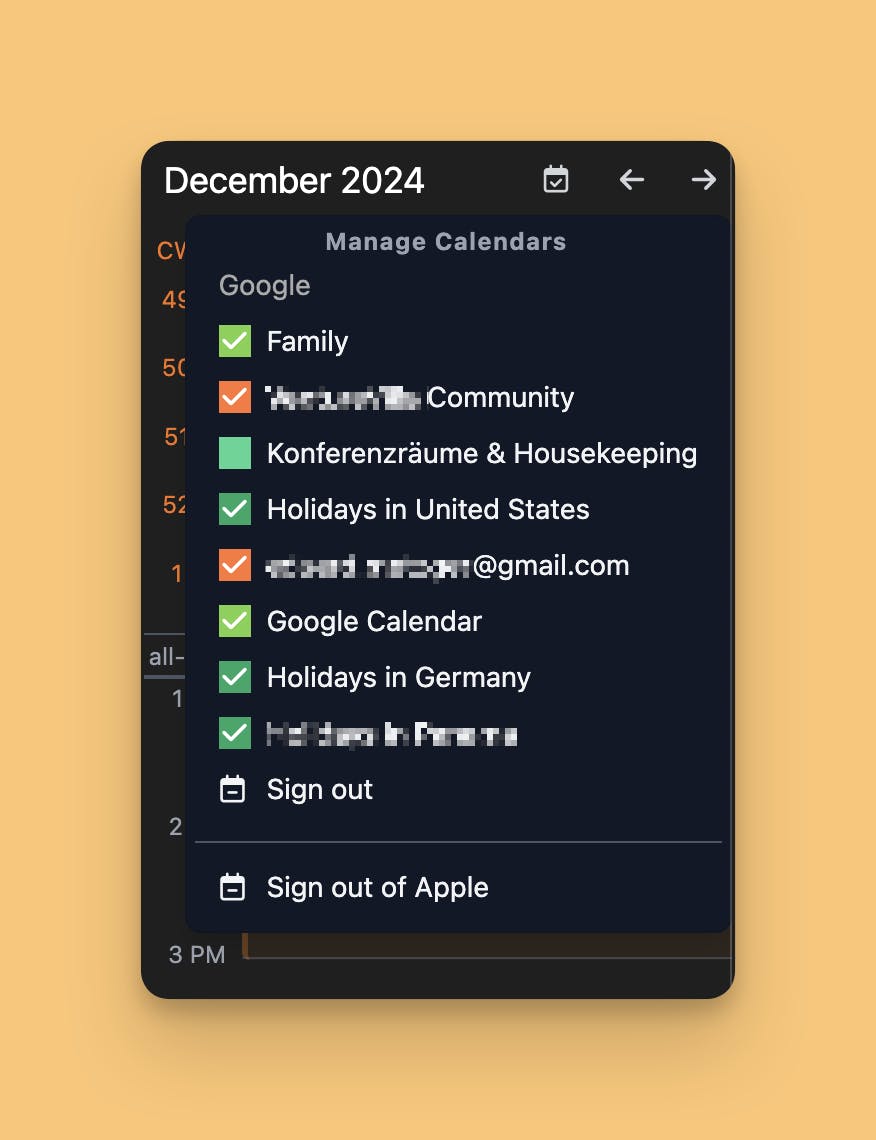
In this update, we have improved the Google Calendar integration, so that it shows all your calendars, not just the main one. So if you are invited to team and family calendars or have subscribed to holiday calendars or similar, these will also show up now!
Additionally, you can show/hide calendars if it gets too much. Find the settings in the same menu top right of the monthly calendar:
Periodic Notes
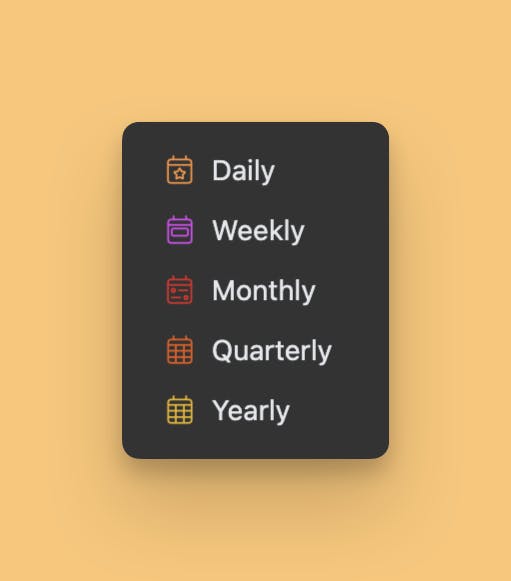
You always had access to the most important periodic notes: Weekly Notes. But now we have complemented it with monthly, quarterly and yearly, so you can finally do your long-term planning also on the web.
Can one app really replace your entire productivity stack?
NotePlan did. Try NotePlan free for 7 days to learn how