NewIntroducing Memo AI — Turn voice notes into structured insights→
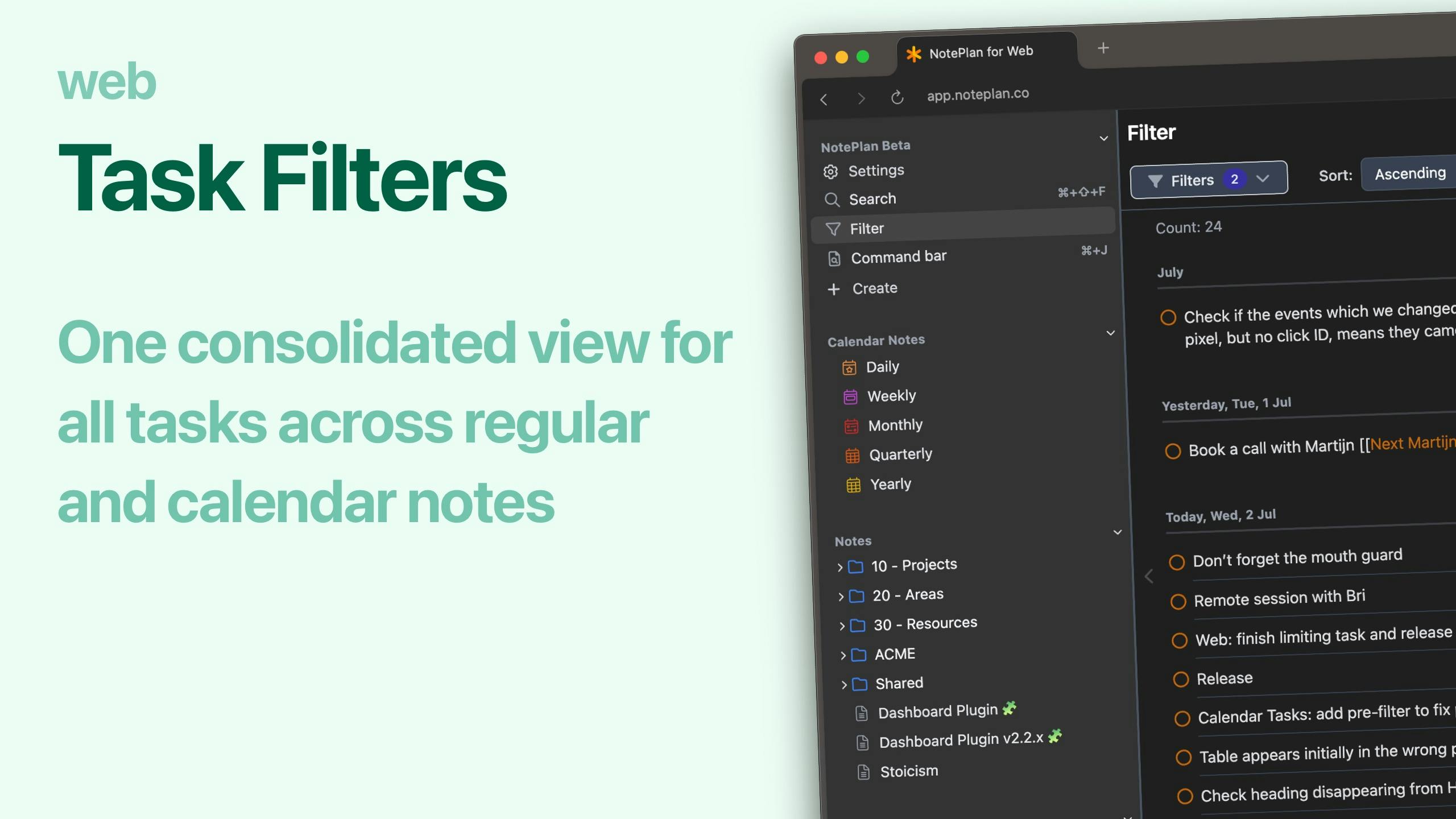
This update adds Task Filters, making it easy to see all your tasks in one list—across both regular and calendar notes.
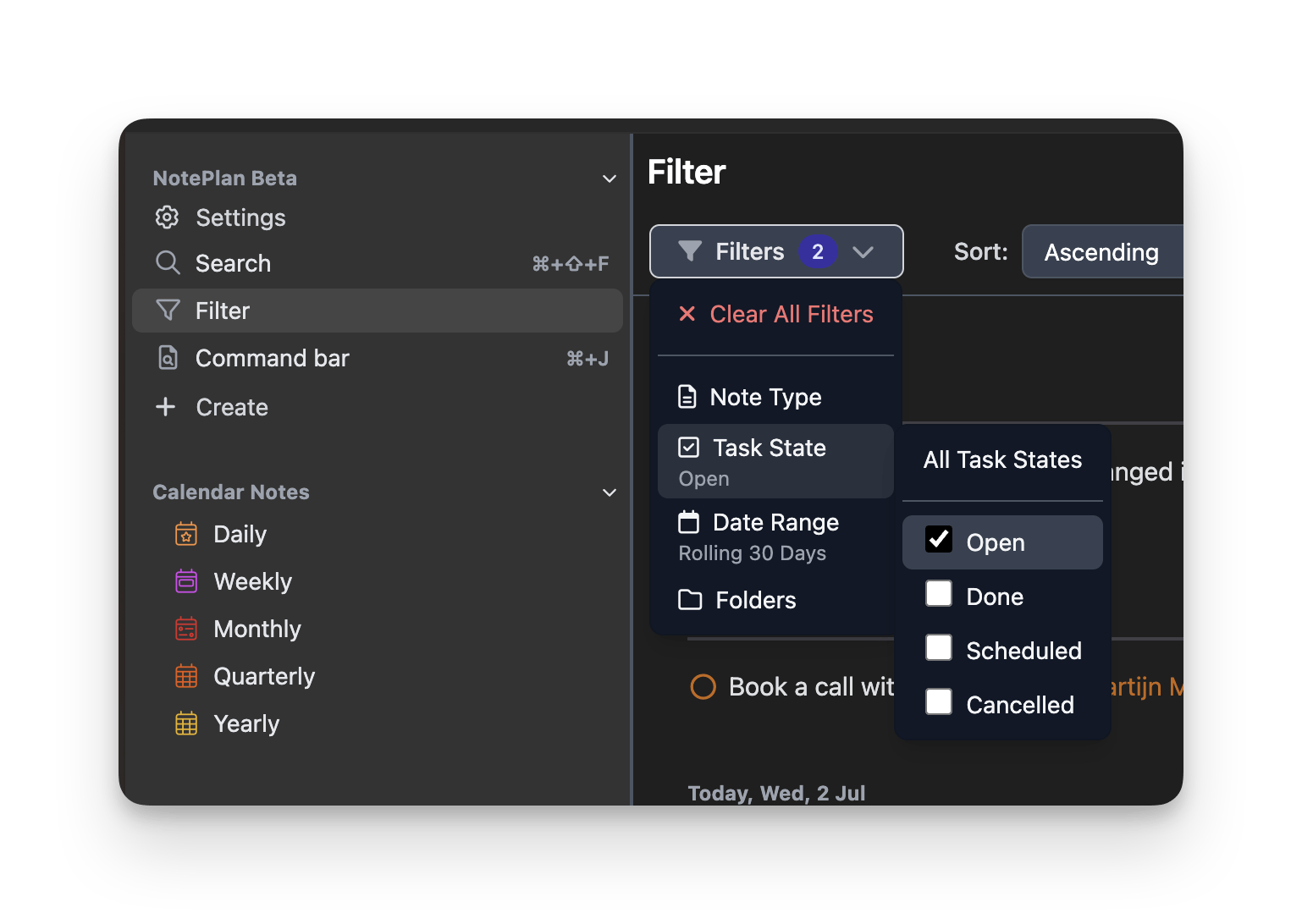
You can filter tasks by:
- Note type: Show tasks from regular notes, calendar notes, or both
- Date range: Pick from options like this week, this month, this quarter, this year, future, past, or the last 30 days
- Task state: Filter by Open, Done, Scheduled, Canceled, or any state
- Folder: If you’re searching regular notes, choose which folder to include
Use Task Filters to:
- Get a quick overview of all your project tasks
- See what’s coming up soon
- Review what you’ve completed
- Find overdue tasks (open tasks from the past)
Can one app really replace your entire productivity stack?
NotePlan did. Try NotePlan free for 7 days to learn how